Blog
From the workbench
Which printer to buy and what to make in its first week, board-specific enclosure guides, how to iterate on a 3D model with AI, remixing downloads and parts you own, 3D modelling from a phone, slicing for your printer without installing a slicer, what AI CAD does to the clock, and getting a part printed and delivered when you have no printer, or twenty copies to make.PCB enclosures for Arduino, ESP32, Raspberry Pi and custom boards
Board-by-board guides to a case that fits: dimensions, hole patterns, port cutouts and the prompt that generates it.8 September 2026 · 2 min read
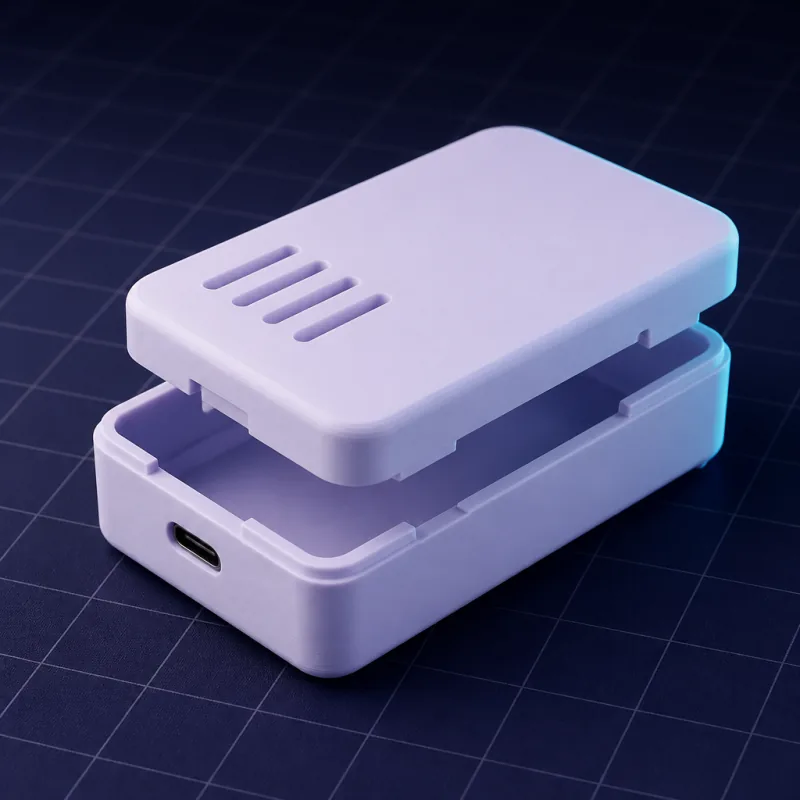
DIN rail enclosure, 3D printed: a case for a PCB, relay or Shelly that clips onto a 35 mm rail
The clip geometry that snaps onto a 35 mm DIN rail, module widths in 17.5 mm steps, terminal access, and a prompt for a rail-mounted ESP32 or relay housing.8 September 2026 · 2 min read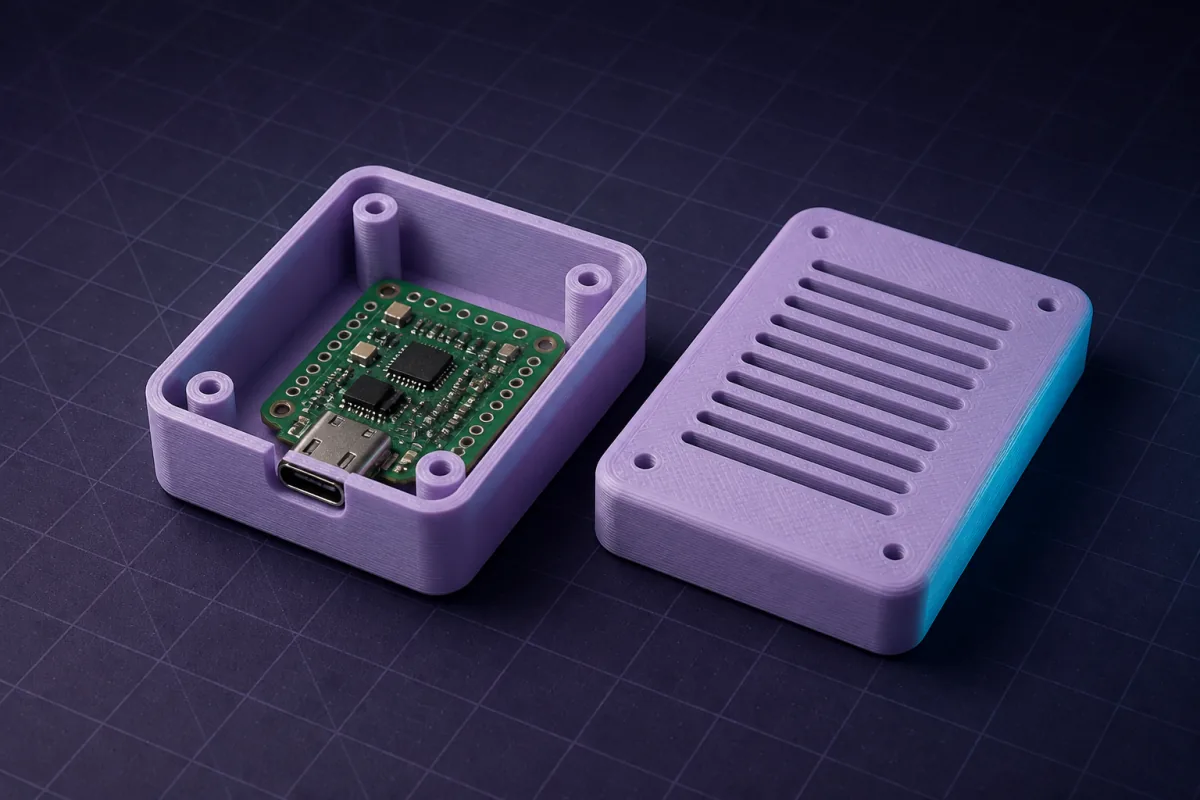
Weatherproof 3D printed enclosure for an outdoor sensor: gasket, gland, vents and a prompt
Design an outdoor sensor box that keeps rain out and lets air in: O-ring groove, PG7 gland, louvres, screwed lid, PETG. With a prompt for an ESP32 weather node.8 September 2026 · 2 min readEnclosures for tiny boards: Seeed XIAO, Adafruit QT Py, ESP32 SuperMini and Feather, 3D printed
Boards under 25 mm wide need 1.5 mm walls, antenna keep-outs and room for a USB-C plug. Dimensions for XIAO, QT Py, SuperMini and Feather, plus wearable prompts.8 September 2026 · 3 min readSTM32 Blue Pill and Teensy enclosures: 3D printed cases for boards with no mounting holes
The Blue Pill (53 x 22.5 mm) and Teensy 4.0 (35.5 x 17.8 mm) have no holes and live on headers. How to hold them with rails or pin channels, and prompts for both.8 September 2026 · 2 min readRaspberry Pi Pico case, 3D printed: 51 x 21 mm, holes at 47 x 11.4 mm, BOOTSEL access
The Pico, Pico W, Pico 2 and Pico 2 W share one footprint. Dimensions, hole pattern, how to keep BOOTSEL reachable, and a prompt for a case under 10 mm tall.8 September 2026 · 2 min readRaspberry Pi Zero 2 W case, 3D printed: 65 x 30 mm, the 58 x 23 mm holes and a slim snap case
Exact Zero 2 W dimensions, the mini HDMI and micro USB positions, camera ribbon exits, and a prompt for a snap-fit case only 14 mm tall.8 September 2026 · 3 min readRaspberry Pi 4 and Pi 5 case, 3D printed: the 58 x 49 mm hole pattern, every port, and a prompt
Both boards are 85 x 56 mm with M2.5 holes on 58 x 49 mm, but the ports moved. Port positions for the Pi 4 and Pi 5, cooling options, and a snap-fit case prompt.8 September 2026 · 2 min readESP8266 case, 3D printed: NodeMCU V2 and V3 and Wemos D1 mini enclosures
NodeMCU boards come in two widths and the D1 mini stacks shields. Dimensions for each, how to size a case for a shield stack, and a prompt for a vented sensor box.8 September 2026 · 3 min readESP32 enclosure, 3D printed: DevKit C, DOIT V1, S3 and C3 dimensions and a prompt that fits
ESP32 dev boards come in a dozen footprints and most have no mounting holes. How to measure yours, hold it with rails, clear the antenna, and generate the case.8 September 2026 · 2 min readArduino Nano case: a 3D printed enclosure for the Nano, Nano Every and Nano ESP32
The Nano family shares a 45 x 18 mm footprint with 1.8 mm corner holes. What changes between versions (USB type, height) and a prompt for a tiny snap case.8 September 2026 · 3 min read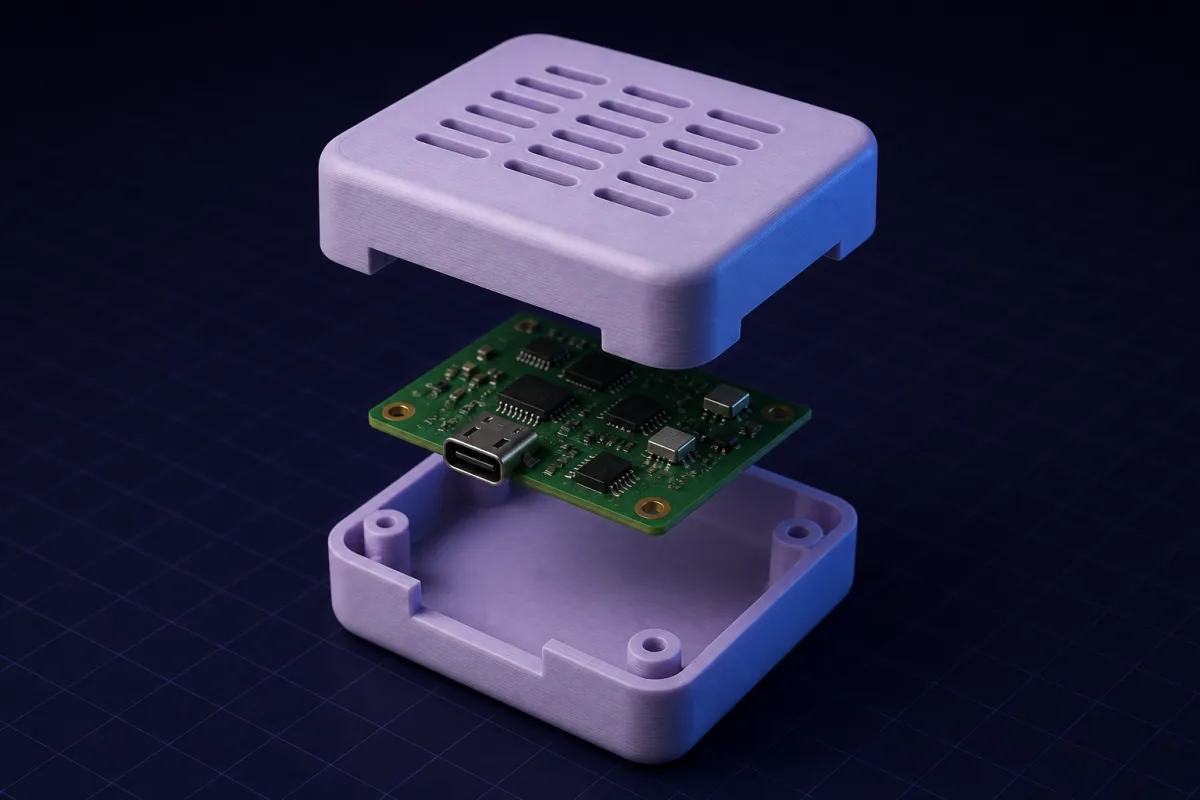
3D printed Arduino Uno enclosure: dimensions, hole pattern and a prompt that fits
The exact Uno R3 and R4 footprint (68.6 x 53.4 mm, four irregular holes), where the USB and barrel jack sit, and a ready prompt for a snap-fit case with a shield slot.8 September 2026 · 4 min readPCB enclosure generator: get a 3D printed case for any board in minutes
Turn a PCB's dimensions, hole pattern and ports into a snap-fit or screwed enclosure you can print tonight. Works for Arduino, ESP32, Raspberry Pi and custom boards.Editing and iterating on 3D models with AI
How to make an AI change one thing in a model without breaking the rest, and why a chat beats a toolbar for the tenth revision.8 September 2026 · 3 min read
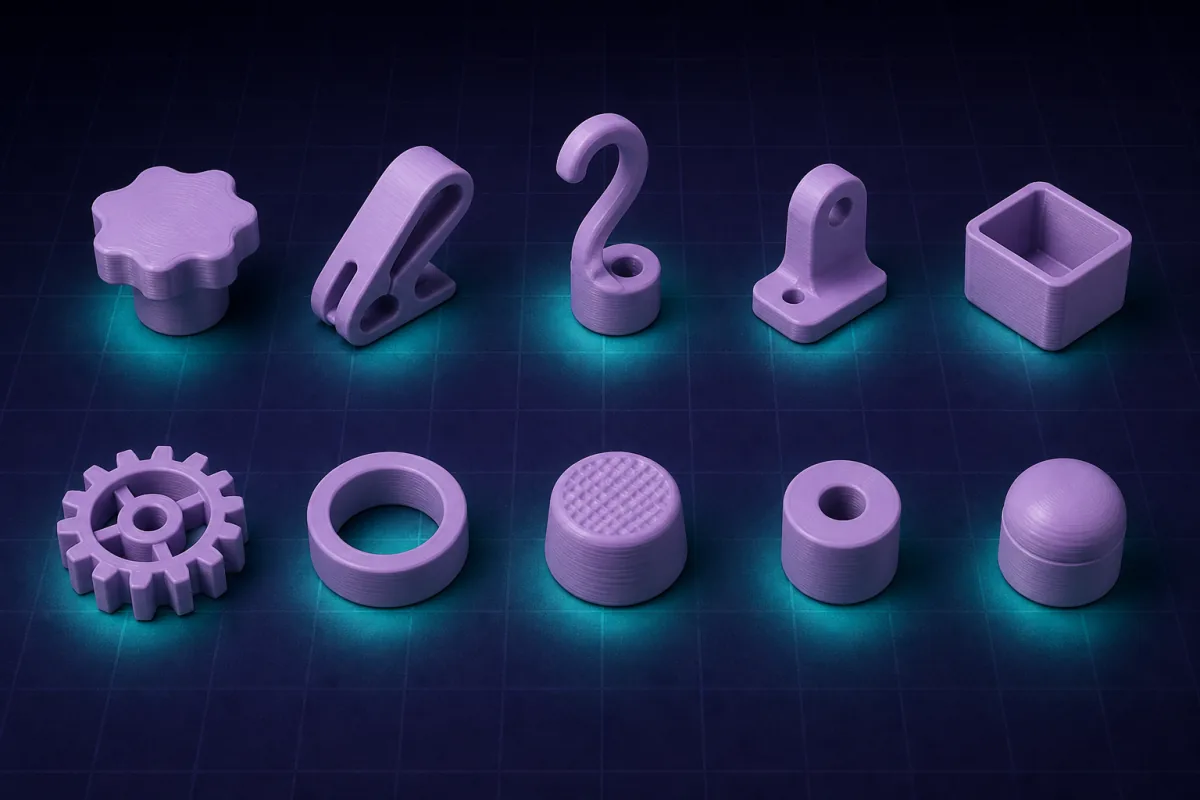
50 edit prompts for AI CAD: the exact phrases for resizing, holes, fillets, lids, fits and text
A copy-and-paste cheat sheet of edit requests that work first time in an AI 3D model editor, grouped by what you want to change. Each one is a single message.8 September 2026 · 3 min read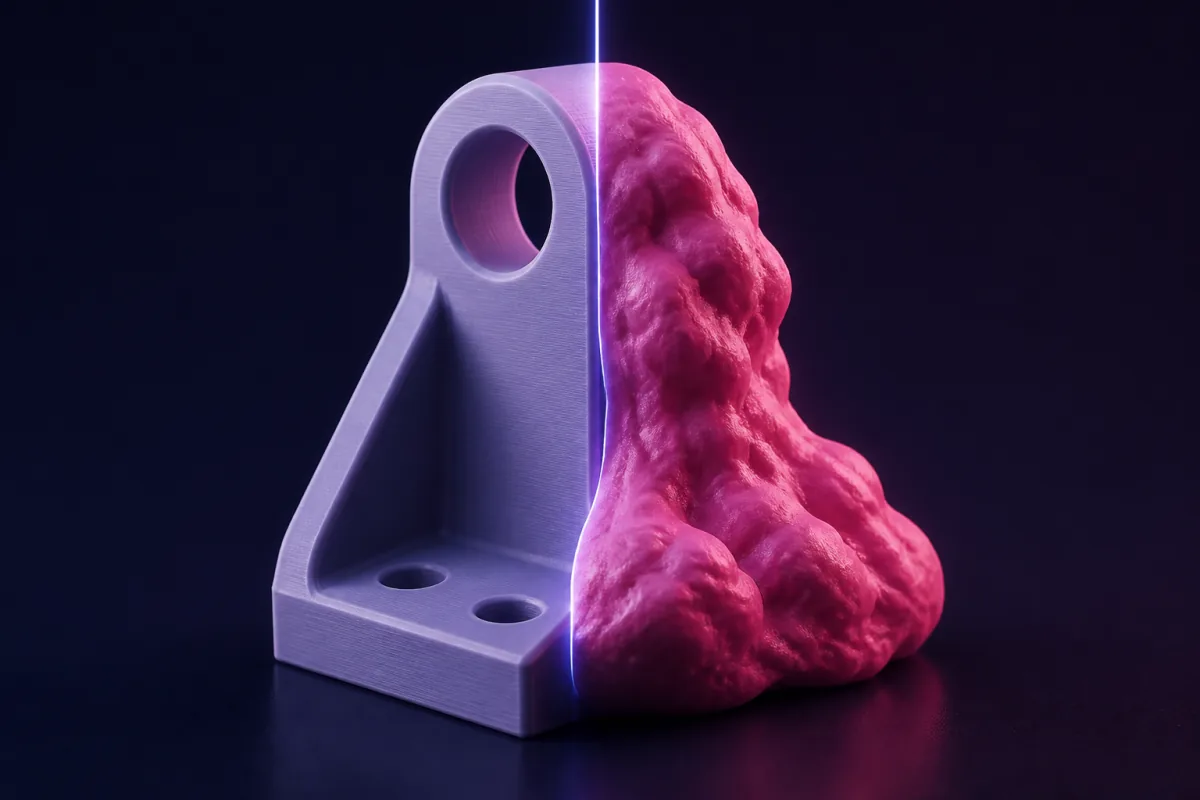
What makes a good AI 3D model editor (and why most 'AI 3D' tools are not editors at all)
Seven tests for any tool that claims to edit 3D models with AI: exact dimensions, local edits, undo, printable output, editable source, price, and where it runs.8 September 2026 · 3 min read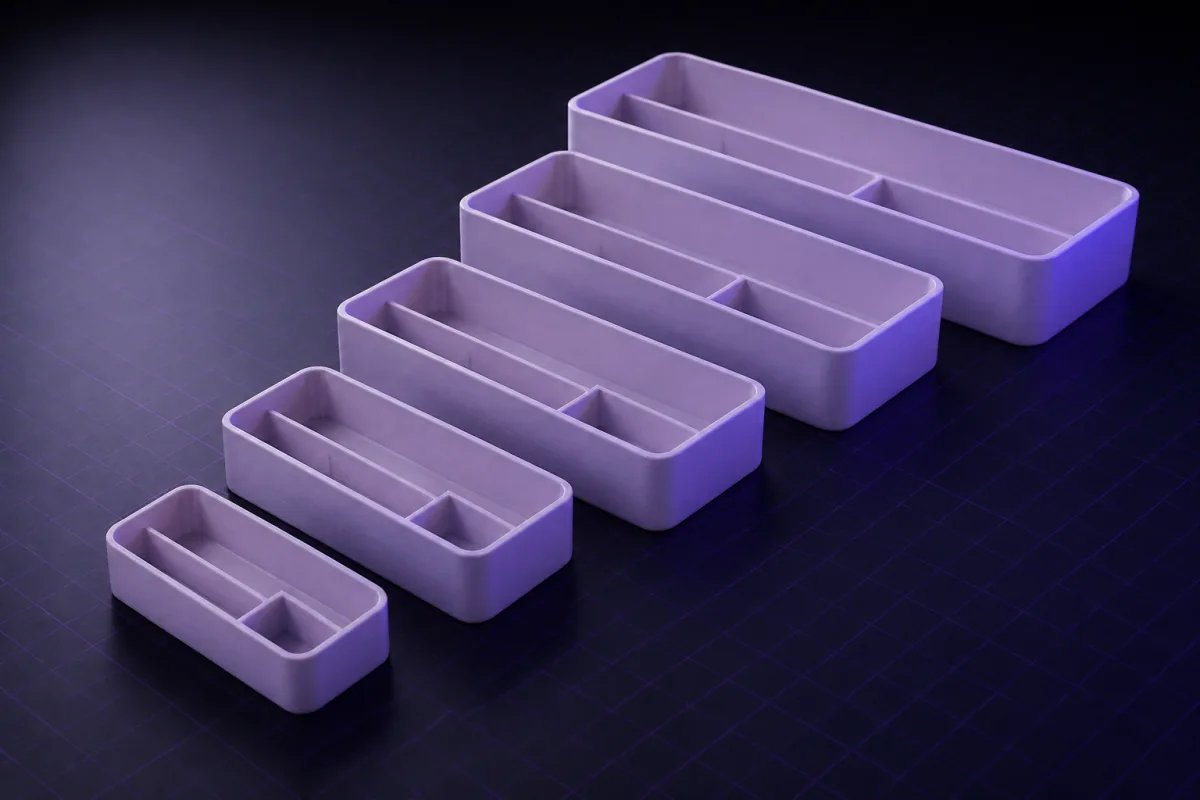
Click a face, change a number: editing 3D models without re-prompting
Not every edit needs the AI. Click any part of the render, see its dimensions as editable numbers, type a new value and recompile locally in a second.8 September 2026 · 2 min read
Can AI edit an STL file? What works, what does not, and the workaround that does
An STL is a frozen mesh, so no AI can reliably 'make the hole bigger' on it. What you can do: build parts that fit it, remix around it, or rebuild it parametric.8 September 2026 · 3 min read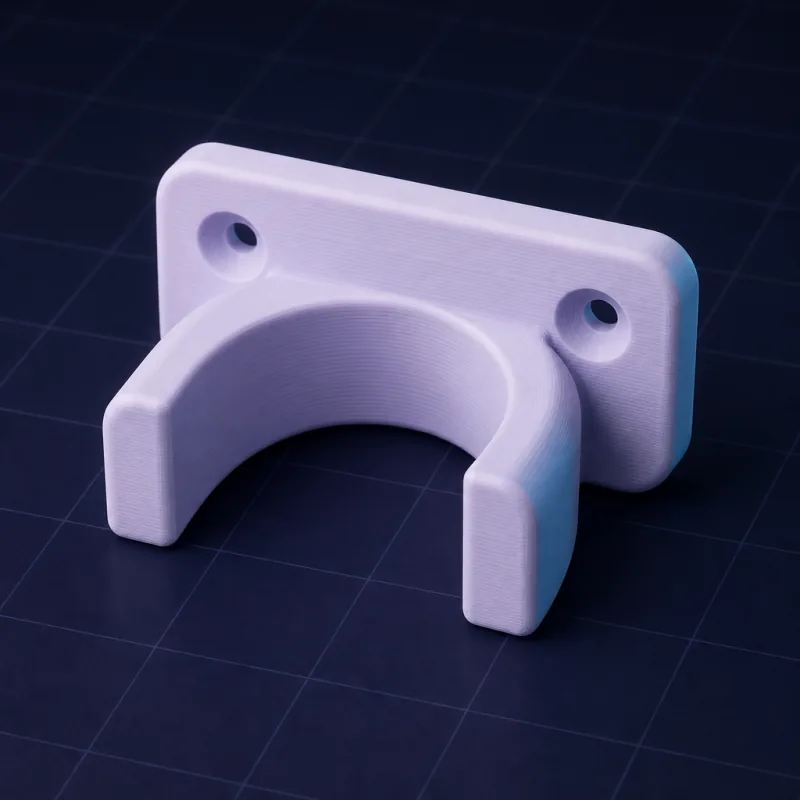
Iterating on a 3D design with AI: a bracket from first render to final print in six rounds
A real iteration log: a pipe bracket designed by chat, printed, measured, fixed and printed again. Every prompt, every fix, and what each round taught us.8 September 2026 · 3 min readHow to edit a 3D model with AI: the workflow that changes one thing without breaking the rest
Most 'AI 3D' tools regenerate the whole object when you ask for a change. Here is how a parametric AI editor makes surgical edits, and the exact way to phrase them.3D modelling on your phone
A real 3D editor that runs in a mobile browser: shape a part with the hand tools or describe it to the AI, watch it render, download the STL or G-code already sliced for your printer. No app, no stylus, no desktop.17 September 2026 · 3 min read
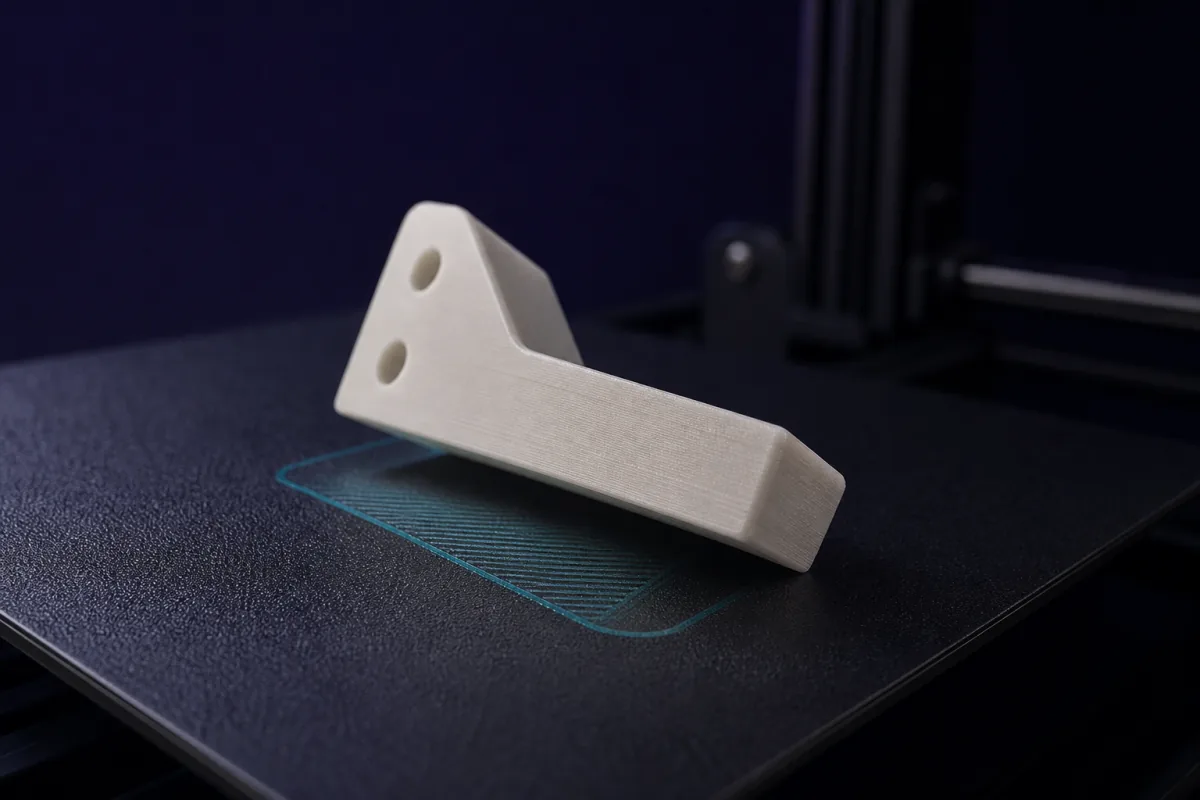
Text to G-code on your phone: from a sentence to a printer-ready file without a slicer
How SpeakCAD turns a description typed on a phone into G-code sliced for your printer: what happens in each step, which printers and profiles are covered, and how the file reaches the printer.8 September 2026 · 2 min read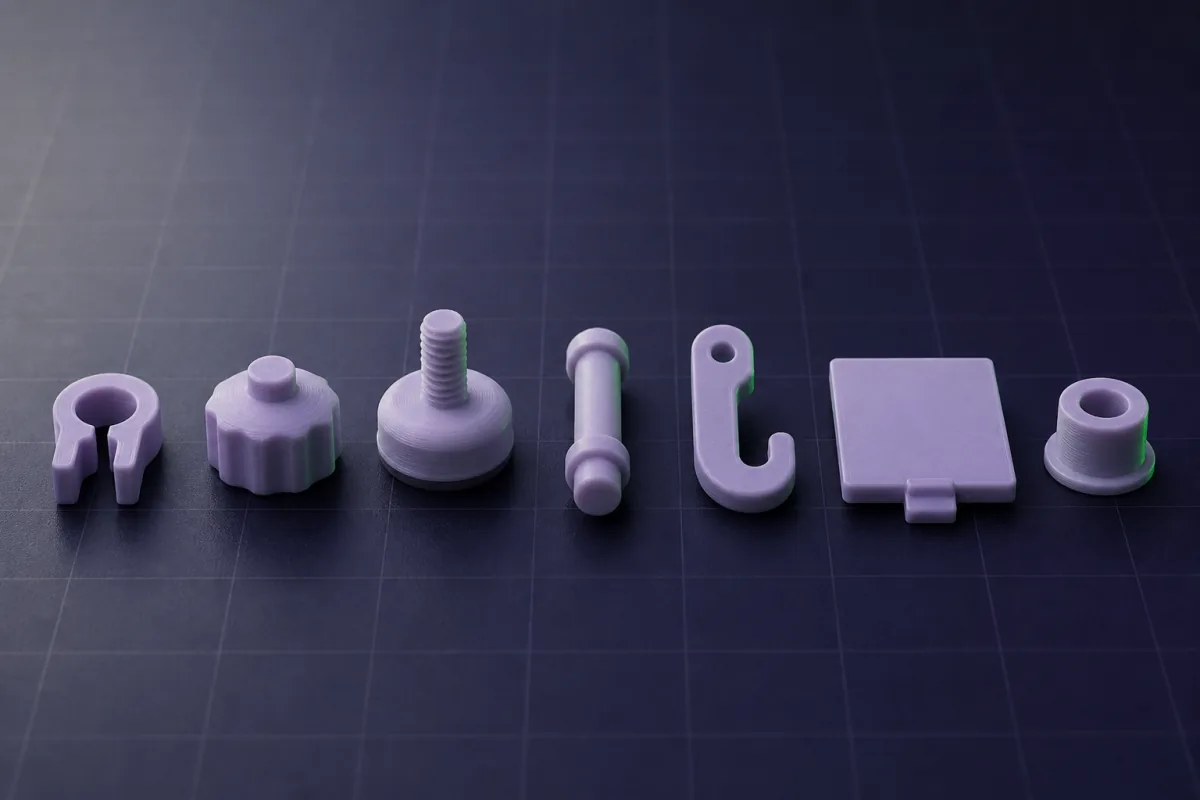
Photograph it, print it: duplicating a broken part with your phone camera and a ruler
No 3D scanner needed. Two phone photos with a ruler in frame and one sentence give you a parametric copy of a knob, clip or bracket you can correct and print.8 September 2026 · 2 min read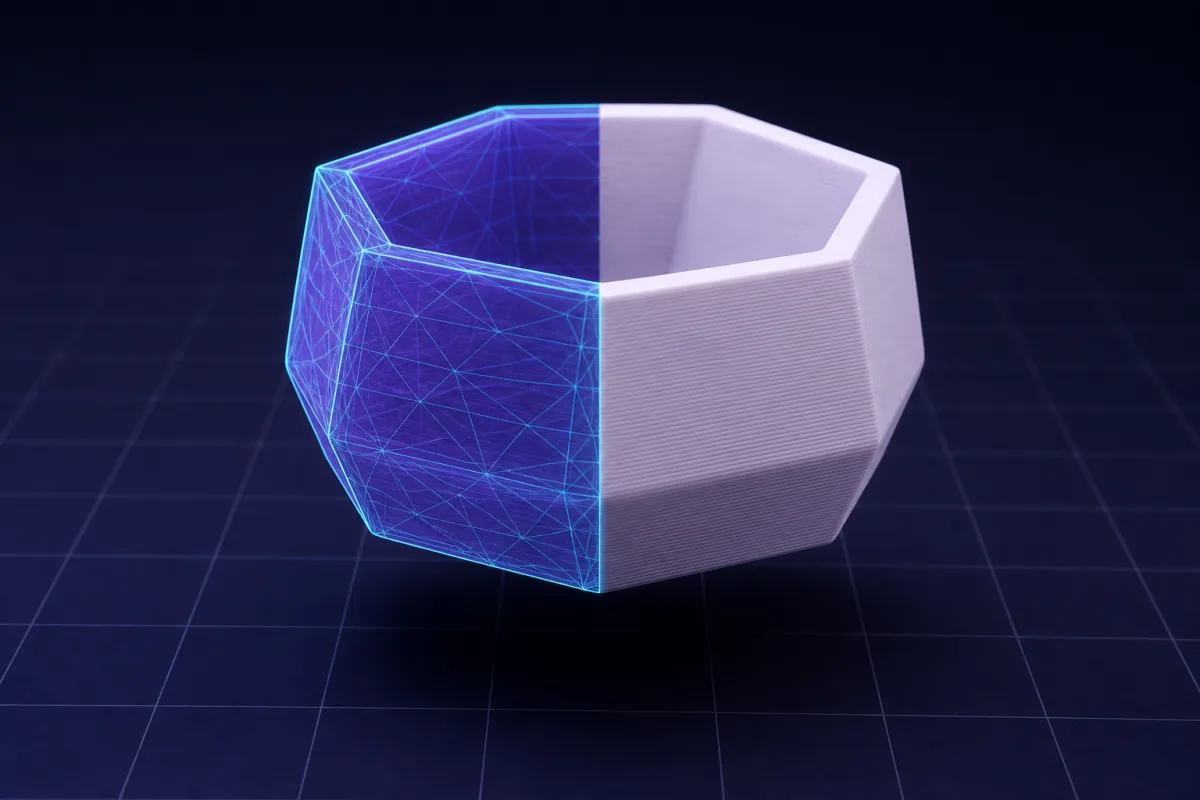
CAD on an iPad without a stylus: let the AI do the geometry and use the tablet for deciding
Tablet CAD apps assume a Pencil and a learning curve. A describe-and-render tool turns an iPad or Android tablet into a fast parametric CAD station with STL export.8 September 2026 · 2 min read
Design a 3D printable part on your iPhone or Android, step by step
From a sentence typed on the sofa to a file in your slicer, without a desktop: the steps, the phone gestures, getting the STL to the printer, and fixing a bad print.8 September 2026 · 3 min read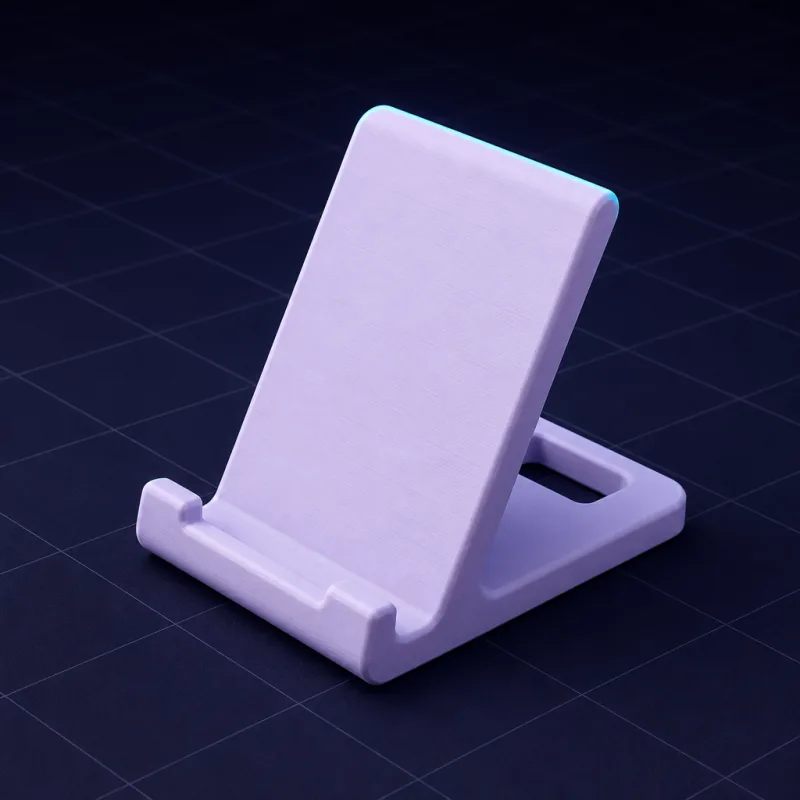
Best mobile 3D modelling app for 3D printing in 2026: what actually works on a phone
An honest tour of what runs on a phone or tablet: sculpting apps, tablet-only CAD, viewers, browser tools. Which ones produce a printable, dimensioned part, and which one gives you G-code.8 September 2026 · 2 min read3D modelling on your phone: a real 3D model builder that runs in a mobile browser
No CAD tool works on a phone because a phone cannot do precise dragging. SpeakCAD skips that: describe the part, the AI does the geometry, the STL renders on screen.How much time AI saves in 3D modelling
Honest timings for real parts, modelled the traditional way and by describing them to an AI. Where the hours go, and where they come back.8 September 2026 · 2 min read
Learning CAD takes 40 hours. Describing a part takes minutes. When is each the right call?
Time to first useful print for a beginner: weeks of tutorials in traditional CAD versus minutes with AI CAD. What you give up by skipping CAD, and what you do not.8 September 2026 · 3 min read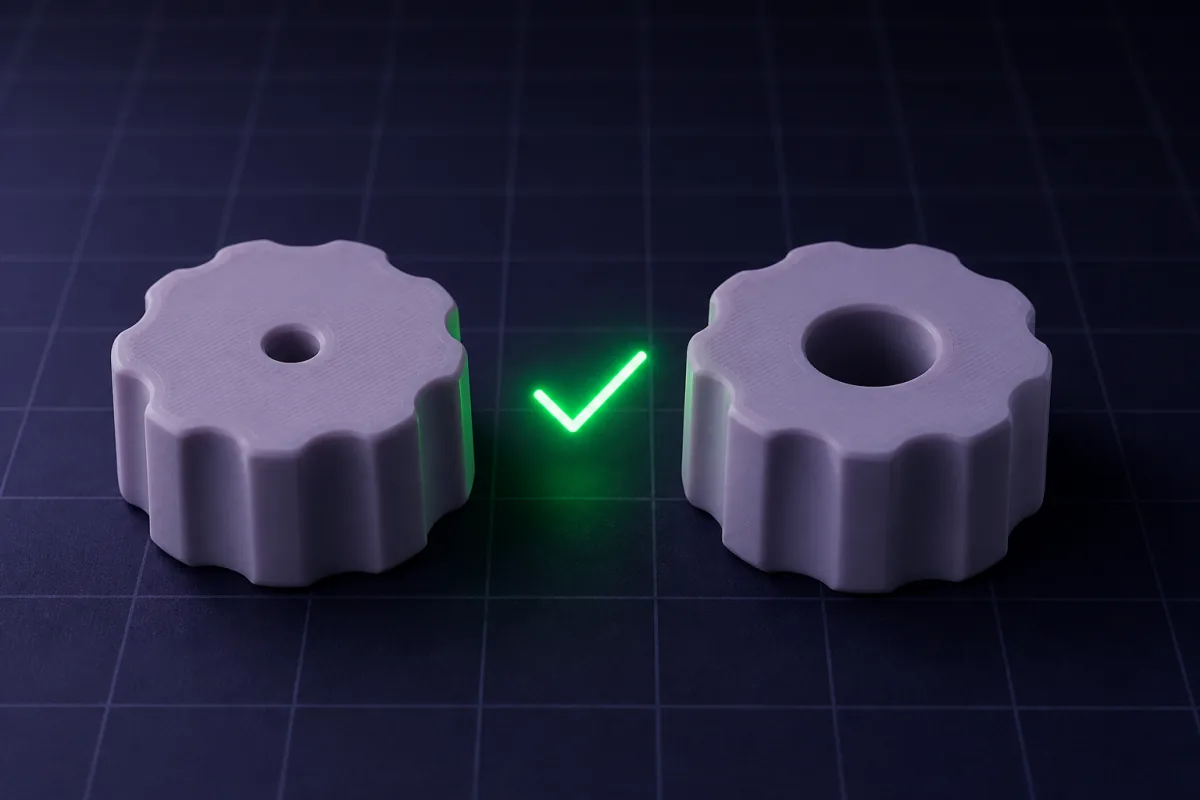
Is AI CAD worth it? A maker's cost-of-time calculation
Put a value on your evenings and the maths is short: a few dollars a month against hours of CAD, or against parts you never made. Break-even, and when it does not pay.8 September 2026 · 3 min readFrom 2 hours 40 to 12 minutes: a time diary of one enclosure, modelled twice
The same ESP32 sensor enclosure built in desktop CAD and by describing it to an AI, with a stopwatch on every step. Where 160 minutes went, and where 12 went.8 September 2026 · 3 min read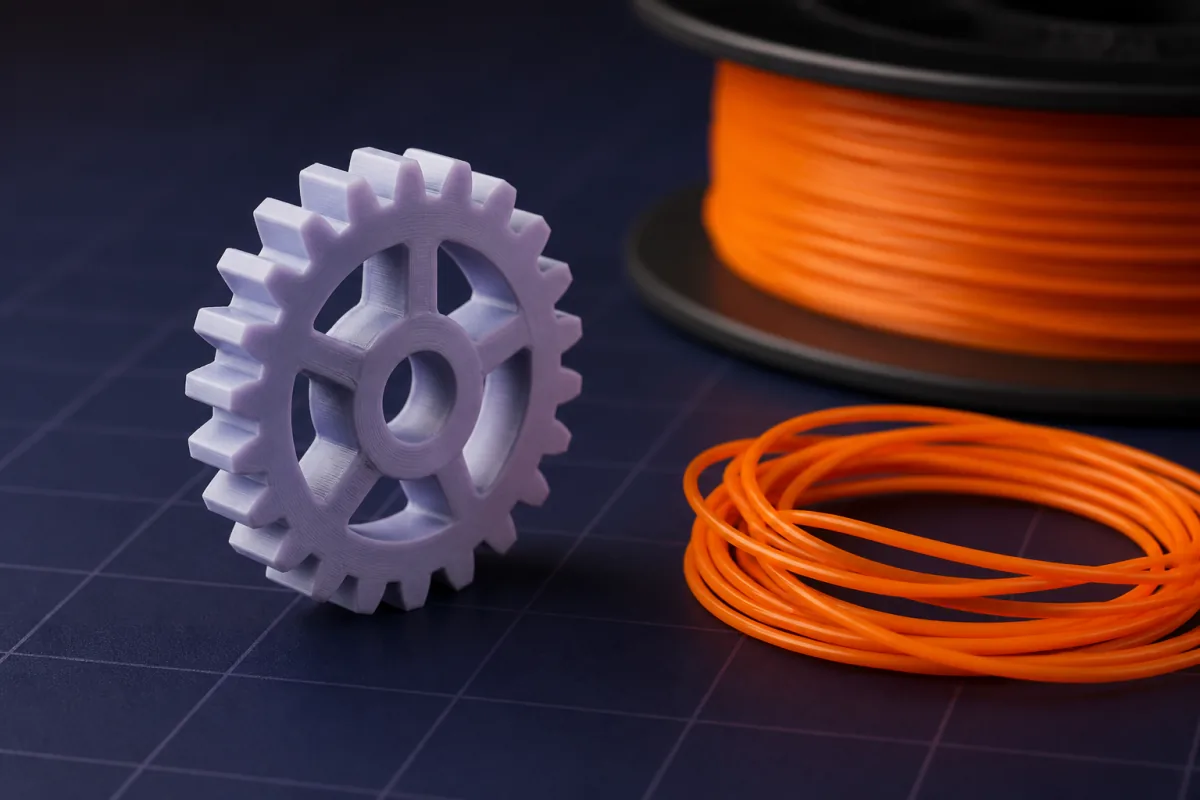
How much time does AI save in 3D modelling? Timed on eight real parts
We timed eight everyday 3D printed parts in desktop CAD by a competent user, and again by describing them to an AI. The AI column was 8 to 15 times faster.Start from something that exists: STL downloads, Thingiverse models and the part in your hand
How to change a model you did not make: resize a download so it actually fits, add the hole it is missing, copy a broken part from a photo, and keep every edit reversible.9 September 2026 · 3 min read
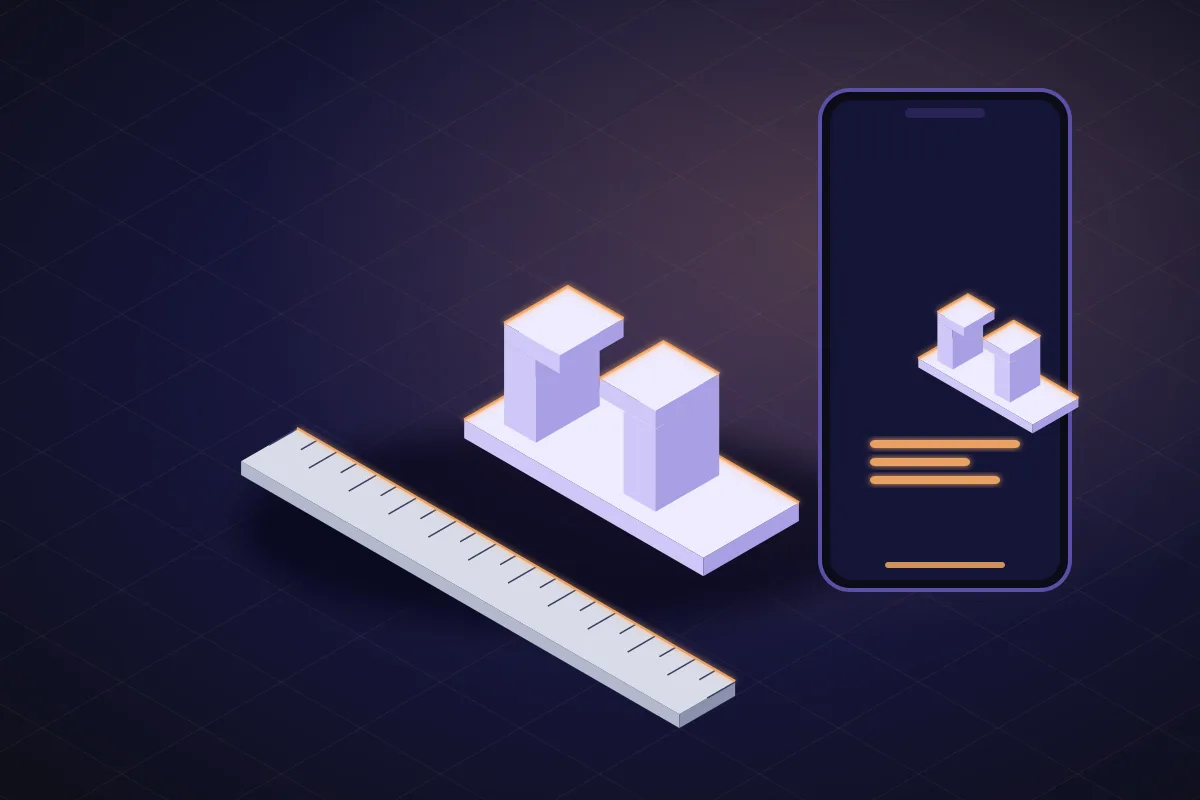
Copy a part you already own, then fix what was wrong with it
Copy a broken bracket, clip or foot from phone photos and improve it in the same session. The three edits that fix most originals, and how to print it stronger.9 September 2026 · 3 min read
Remix your own prints: turning one good design into a family of sizes
One organizer that works becomes the 80, 120 and 160 mm versions, one knob fits three shafts, one case fits four boards. No redrawing, one sentence per size.9 September 2026 · 4 min read
Add text, a hole or a mount to a model you downloaded, without learning Blender
The four most requested additions to a downloaded model (a label, a screw hole, a wall mount, a lid) and the sentence that adds each one to an uploaded STL.9 September 2026 · 3 min read
Resizing an STL: why scaling to 110 percent breaks every hole, and what to do instead
Scaling in the slicer changes the dimensions you wanted to keep. What goes wrong, the two cases where scaling is fine, and how to resize one dimension only.9 September 2026 · 4 min read
How to modify a Thingiverse or Printables model so it fits: resize, add a hole, change the lid
The download is almost right. How to change a model you did not make, why a mesh editor fights you, and the upload-and-describe route that takes minutes.Own a 3D printer but not the CAD skills? Parts you can make tonight
For people whose printer only runs downloads: the parts a casual maker actually needs, how long each takes to describe, and the prompt that makes it.18 September 2026 · 4 min read
Your 3D printed part does not fit. Here is the five-minute test that ends the reprints
Too tight, too loose, reprint, repeat. Why printed fits miss by 0.2 mm, and how a five-minute fit coupon plus a printer calibration makes parts fit first time.9 September 2026 · 3 min read
Print, test, fix: the three-print loop that replaces CAD skill
Experienced designers get fits right by knowing the numbers. Everyone else prints twice. How to run that loop cheaply, and what to say after each print.9 September 2026 · 3 min read
Design at the printer: the phone-first workflow for casual makers
The printer is in the garage, the broken thing is in the kitchen, the computer is off. A workflow where the phone measures, describes and sends the file.9 September 2026 · 4 min read
Your first 3D model in about 15 minutes: a step-by-step walkthrough
From a blank chat to an STL in the slicer, step by step on a phone: what to type, what to check, what to change, and where the 10 to 15 minutes actually go.9 September 2026 · 4 min read
20 useful things to 3D print that you can generate from one sentence
Not another list of downloads. Twenty functional prints for the house, desk, workshop and printer, each with the one-sentence prompt that makes it in your size.9 September 2026 · 4 min read
You own a 3D printer and cannot CAD. That is most people, and it is fine
Most printers only print downloads because their owners never learned CAD. What that costs, why learning CAD is the wrong fix for most, and the way around it.Slicing: from STL to G-code for your printer
What a slicer does to a model, which settings matter for a part that has to work, and how to get G-code for your printer without installing anything, from a Chromebook, an iPad or a phone.29 September 2026 · 4 min read
Can you 3D print without a computer?
Yes, for many prints: a phone, the printer's own app or web page, and a slicer in the browser. What each route covers, and where a computer is still needed.29 September 2026 · 4 min readSlicing on a school or work computer where you can't install software
Locked-down PCs, managed Macs and school Chromebooks block slicer installs. What the options are, what to ask IT, and how a browser slicer fits in.29 September 2026 · 5 min read3D printing from an Android phone or tablet
Slice an STL in Chrome on Android with your printer's OrcaSlicer profile, then send the G-code over Wi-Fi to the printer's web page or to an SD card by USB-C.29 September 2026 · 5 min readHow to 3D print from your iPhone
Slice an STL in Safari on your iPhone with your printer's OrcaSlicer profile, then send the G-code by the printer's web page, an SD card reader or its app.29 September 2026 · 5 min readHow to 3D print from an iPad
No desktop slicer runs on an iPad. Slice the STL in Safari, save the G-code to Files, then send it by SD card reader, the printer's web page or its app.29 September 2026 · 5 min readWhy does my print need supports? Overhangs, the 45° rule and auto supports
What makes an overhang need support, where the 45° rule comes from, how auto supports decide, and how to avoid supports with orientation and design.29 September 2026 · 5 min readSlicing for a Bambu Lab printer without Bambu Studio: the .gcode.3mf explained
Bambu Lab printers take a sliced .gcode.3mf, not plain G-code. What is inside that file, how to make one without Bambu Studio, and the ways to send it.29 September 2026 · 5 min readSTL to G-code: what slicing actually does to your model
An STL is triangles; G-code is thousands of moves. What a slicer does in between (layers, walls, infill, supports, retraction) and why the printer matters.29 September 2026 · 5 min readHow to 3D print from a Chromebook
Most desktop slicers do not run on a Chromebook. Slice the STL in the browser, then get the G-code to the printer by SD card, USB stick or a web upload.29 September 2026 · 5 min readOnline slicer vs desktop slicer: when you don't need to install OrcaSlicer, Cura or PrusaSlicer
An honest split: desktop slicers win on color painting, modifiers and G-code preview; an online slicer wins on no install, any device and printer presets ready.Which 3D printer to buy, and what to make with it
Even-handed buying guides and head-to-head comparisons for the printers people actually consider, with the bed sizes from their slicer profiles, plus what to print in the first week. SpeakCAD slices for all of them.29 September 2026 · 8 min read
Best multi-colour 3D printer in 2026: AMS, ACE Pro, CFS, MMU3, dual nozzle or toolchanger
Best multi-colour 3D printers: A1 or A1 mini with AMS lite, P1S or X1 Carbon with AMS, Kobra 3 with ACE Pro, K2 Plus with CFS, MK4S with MMU3, H2D, Prusa XL.29 September 2026 · 6 min readBest large-format 3D printer in 2026, and whether you need one
Best big-bed 3D printers: H2D, K2 Plus, Sovol SV08 and Prusa XL, plus the Neptune 4 Max and Kobra 3 Max, and why most parts still fit a 180 mm bed.29 September 2026 · 7 min readBest 3D printer for functional parts and engineering filaments in 2026
For PETG, ASA, PC and PA-CF parts that must fit: X1 Carbon, Prusa CORE One, Qidi Q1 Pro, K2 Plus, H2D, the budget Centauri Carbon and a DIY Voron 2.4, compared.29 September 2026 · 8 min readBest enclosed 3D printer in 2026, by budget
Best enclosed 3D printers by budget, from the Centauri Carbon to the H2D: which have a passive chamber, which a heated one, and which filaments need which.29 September 2026 · 8 min readBest budget 3D printer in 2026: seven picks that launched under about $300
Seven 3D printers that launched under about $300: Ender-3 V3 SE, A1 mini, Neptune 4 Pro, Centauri Carbon, SV06, Kobra 3, Ender-3 V3 KE, and what each gives up.29 September 2026 · 8 min readBest 3D printer for beginners in 2026: six picks that print on day one
The Bambu Lab A1 mini is the best first 3D printer for most people; the A1, Ender-3 V3 SE, Centauri Carbon, Prusa MINI and Neptune 4 Pro cover the rest.29 September 2026 · 7 min readThe best 3D printers for small spaces: apartments, desks and shared rooms
Quiet desk picks (A1 mini, Prusa MINI) and enclosed, filtered picks for a shared room (Centauri Carbon, Adventurer 5M Pro, P1S). Noise, footprint, fumes.29 September 2026 · 7 min read3D printer upgrades you can print yourself, printer by printer
Riser feet, purge bins, spool guides, lid risers, tool holders and camera mounts for 15 popular printers: what to measure first and which to print first.29 September 2026 · 7 min readThe best 3D printers for printing from your phone (when the file is made on the phone too)
Prusa and Klipper printers take G-code from a phone browser, Bambu Lab needs a microSD card or a computer, Anycubic and Flashforge use apps. All ranked.29 September 2026 · 7 min readPLA vs PETG vs ABS vs ASA (and TPU, PC, nylon): which filament for a functional part
PLA indoors, PETG for load and damp, ASA outdoors, ABS and PC behind an enclosure, PA-CF with a heated chamber and hardened nozzle. Which printers suit which.29 September 2026 · 7 min readYour first week with a new 3D printer: a seven-day plan that ends with a part you designed
A day-by-day plan for a new 3D printer: benchy and first layer, calibration and a fit coupon, an upgrade, PETG, a box with a lid, and your first own part.29 September 2026 · 6 min readWhat print bed size do you actually need? Real part sizes against 180, 256 and 350 mm beds
Most functional parts fit a 180 mm bed and nearly all fit 256 mm. Real part sizes, the bed classes on sale, diagonal placement, and when to split a part.29 September 2026 · 6 min readEnclosed vs open 3D printer: which filaments need a box, and when open is better
An enclosure keeps ABS, ASA, PC and nylon warm and contains fumes; PLA, PETG and TPU print fine open. Passive vs heated chambers, printers of each, DIY boxes.29 September 2026 · 6 min readBed slinger vs CoreXY: what moves, and why it matters when you buy
A bed slinger moves the bed in Y; a CoreXY moves the head in X and Y. What that changes for speed, tall parts, footprint, enclosure, noise, cost and upkeep.29 September 2026 · 6 min readWhich Creality printer should you buy? Ender-3 V3 SE, V3 KE, K1C or K2 Plus
V3 SE for the lowest price, V3 KE for Wi-Fi and input shaping, K1C enclosed for carbon-fibre filament, K2 Plus for big multi-colour parts. With a table.29 September 2026 · 6 min readWhich Prusa printer should you buy? MINI, MK4S, CORE One or XL
MINI for a small desk, MK4S for most people, CORE One for ABS and ASA, XL for big or true multi-material parts. Kit or assembled, and the upgrade paths.29 September 2026 · 7 min readWhich Bambu Lab printer should you buy? A1 mini, A1, P1P, P1S, X1 Carbon or H2D
A1 mini for a desk, A1 for most people, P1S for ABS and ASA, X1 Carbon for fibre filaments, H2D for two materials. A table and a buy-this-if per model.29 September 2026 · 7 min readHow to choose a 3D printer: five questions, then a short list of names
The best 3D printer depends on budget, the bed size you will use, an enclosure for your filaments, multi-colour and openness. A decision path with names.SpeakCAD in ChatGPT, Claude and other AI assistants
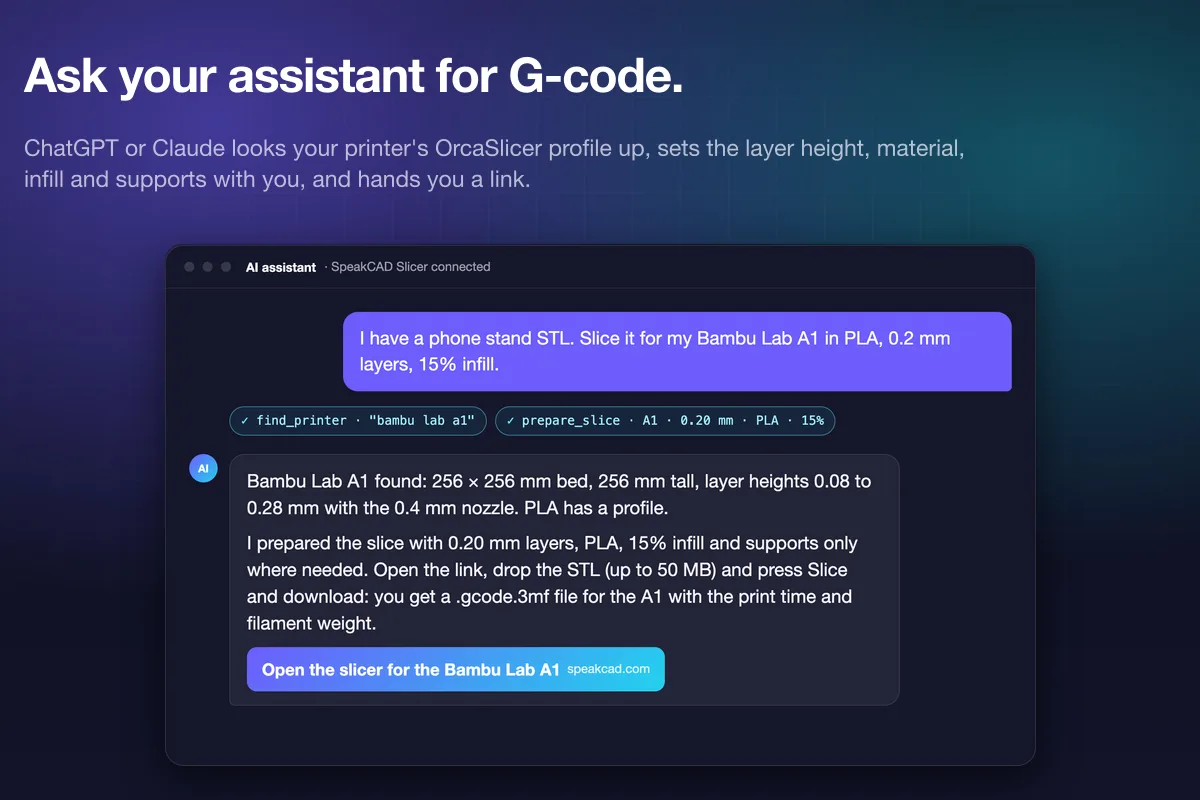
How to get a printable part, an STL or G-code out of a conversation with ChatGPT or Claude: the plugin, the MCP server, the requests that work, and what each assistant is good at.1 October 2026 · 4 min read
25 prompts to design 3D printable parts in ChatGPT and Claude
Copy-paste requests for enclosures, mounts, holders, adapters and replacement parts, written so ChatGPT or Claude hands SpeakCAD every measurement it needs.1 October 2026 · 3 min read
ChatGPT or Claude for designing 3D printable parts?
Both can hand a part to SpeakCAD and get an STL or G-code back. Where they differ: plans, the 3D card, remembering your printer, phone apps and Claude Code.1 October 2026 · 4 min read
MCP for 3D printing, explained: what ChatGPT and Claude can now do for your prints
MCP lets ChatGPT and Claude call outside tools. For 3D printing that means designing parts, slicing G-code and finding models from the chat. What works today.1 October 2026 · 6 min readMCP servers for 3D printing and CAD in 2026: what each one does
Remote and local MCP servers for 3D printing: SpeakCAD, kernelCAD, Fusion, Onshape, FreeCAD, OpenSCAD, Blender, Meshy, OctoEverywhere. Checked Oct 2026.1 October 2026 · 4 min readHow to make an STL file with ChatGPT (one that actually prints)
Three ways to get an STL out of ChatGPT: its Python tool, OpenSCAD code, or the SpeakCAD plugin. What each one gives you, and which prints the first time.Easy CAD for 3D printing: the hand tools, and when to ask the AI
Shaping a printed part without a CAD course: a hole where you tap, a cut, a tab, rounded corners and a measurement, with the numbers in millimetres, on a phone. What the free hand tools do, what the other free online CAD tools do, and where describing it to the AI is the quicker route.4 October 2026 · 6 min read
Why the hand tools are free and the AI is not
Our reasoning: a hole, a cut, a tab or rounded corners run on your phone and cost us nothing to serve, so they are free, with their downloads. An AI request runs a large model on a server for you, so it spends credits. What the free tier covers, exactly.4 October 2026 · 6 min read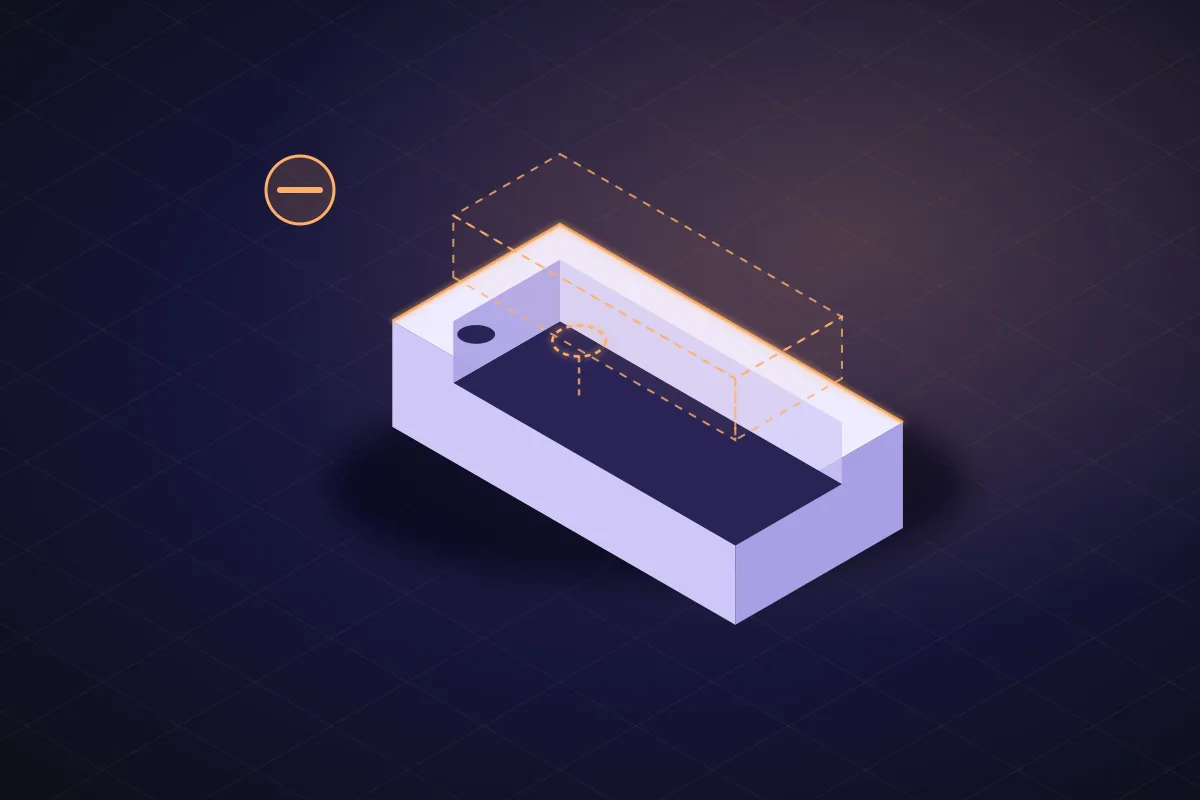
Cut one shape from another without a CAD course
A boolean cut is subtracting one shape from another. How to cut a pocket, a slot, a window or a hole out of a 3D model on your phone with the Cut and Hole tools, where the shape goes, and when a sentence to the AI is quicker.4 October 2026 · 5 min read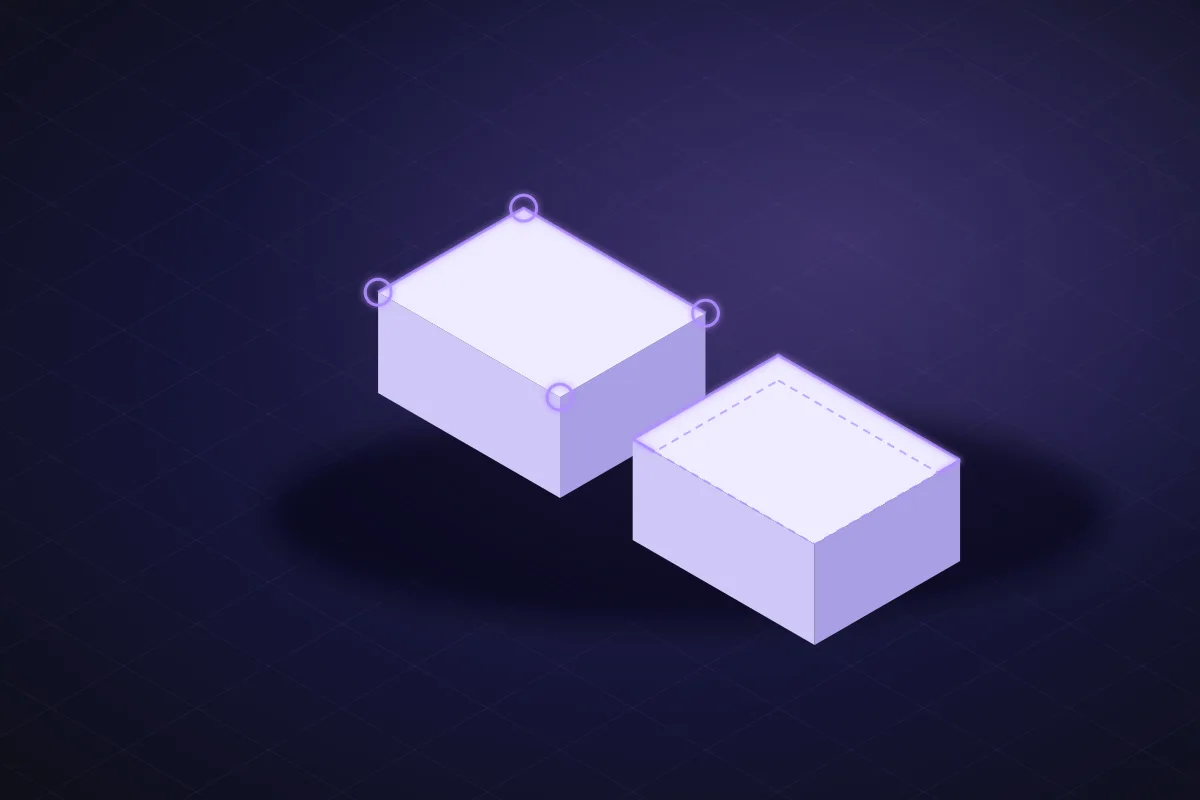
Fillet or chamfer? What rounds well on an FDM printer
Fillet versus chamfer for 3D printing, edge by edge: vertical corners, the bottom edge, overhangs, inside corners. What prints cleanly, what needs support, and how to get each one on a phone.4 October 2026 · 6 min read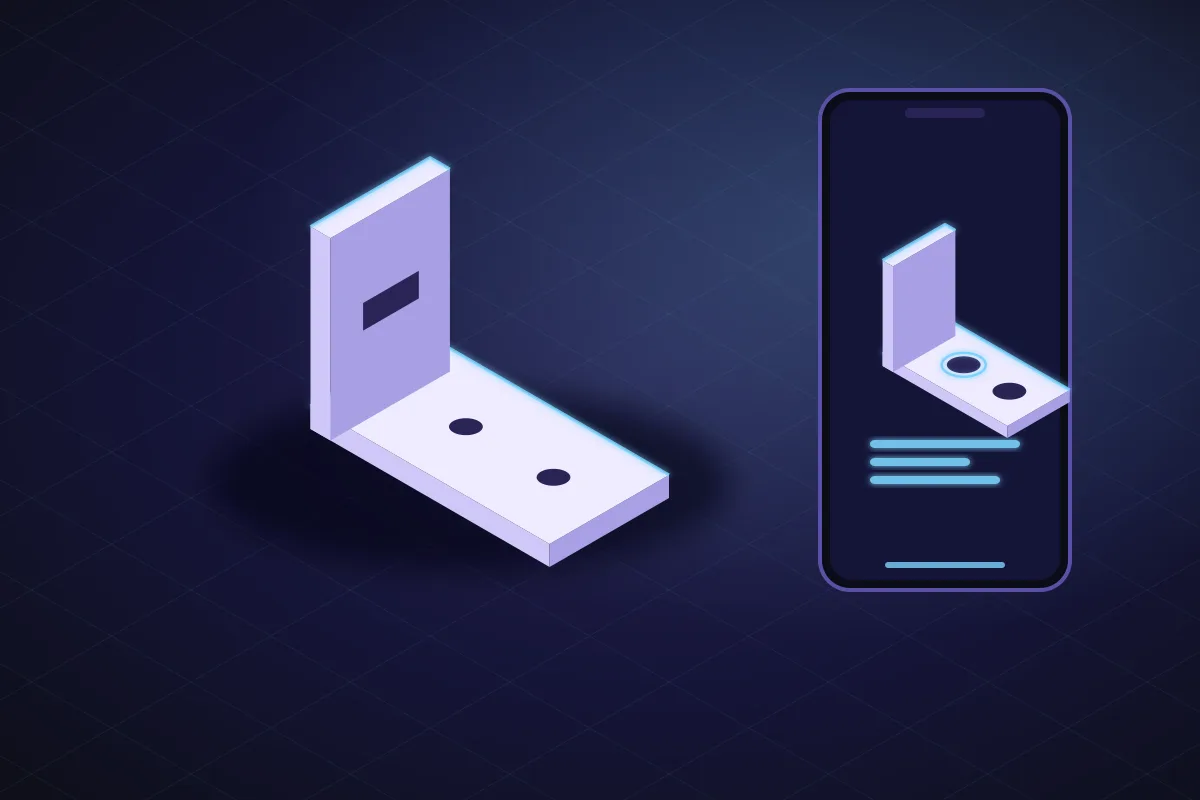
Design a bracket on your phone in five minutes
An L-bracket with four screw holes, made on a phone with the hand tools: start from a plate, add the upright, drill the holes with the M4 preset, measure, download. Where the AI saves you a minute.4 October 2026 · 9 min read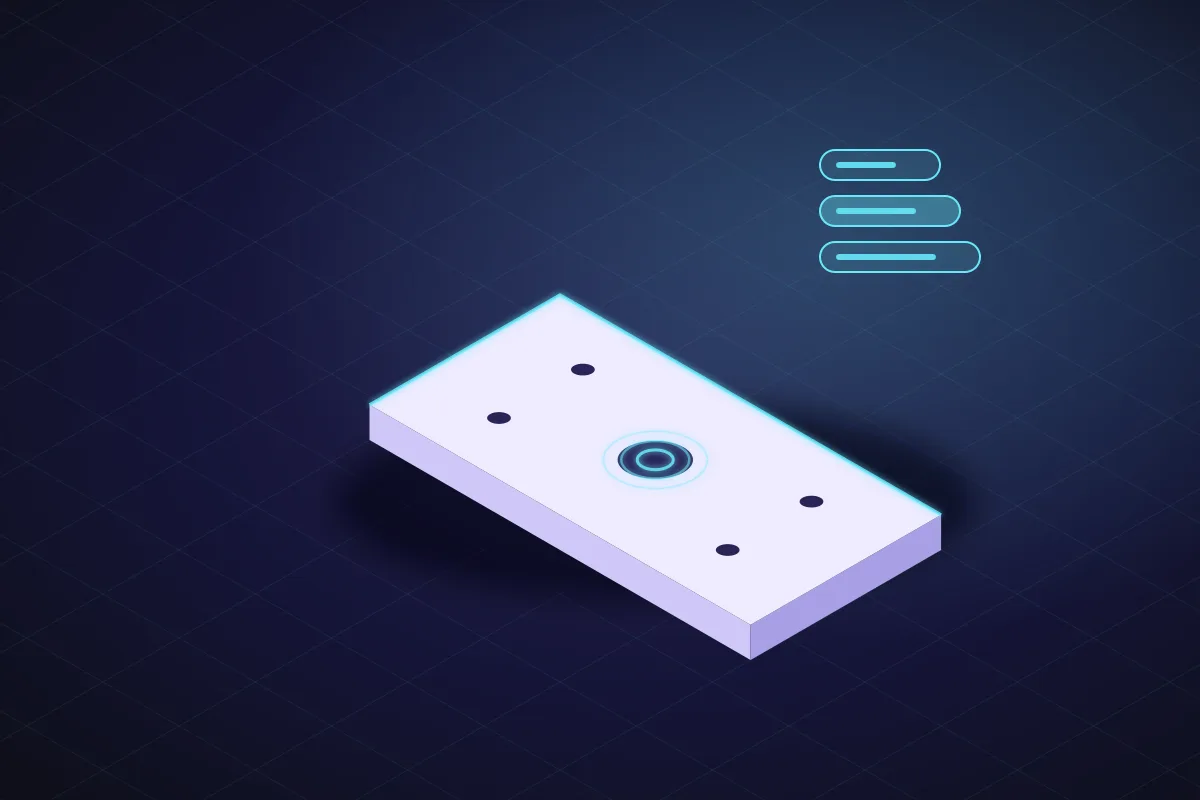
Free online CAD for 3D printing in 2026: seven tools ranked on six stated criteria
Tinkercad, Onshape Free, FreeCAD, SketchUp Free, SelfCAD, Womp and SpeakCAD ranked for printer owners on phone, millimetres, rounding, moving, price and print files.Get it printed: parts printed and delivered, no printer needed
No printer, a busy one, or twenty copies to make: what a printed part costs delivered, which plastic to pick, and how to order one from your phone, from the library or as a batch.7 October 2026 · 2 min read
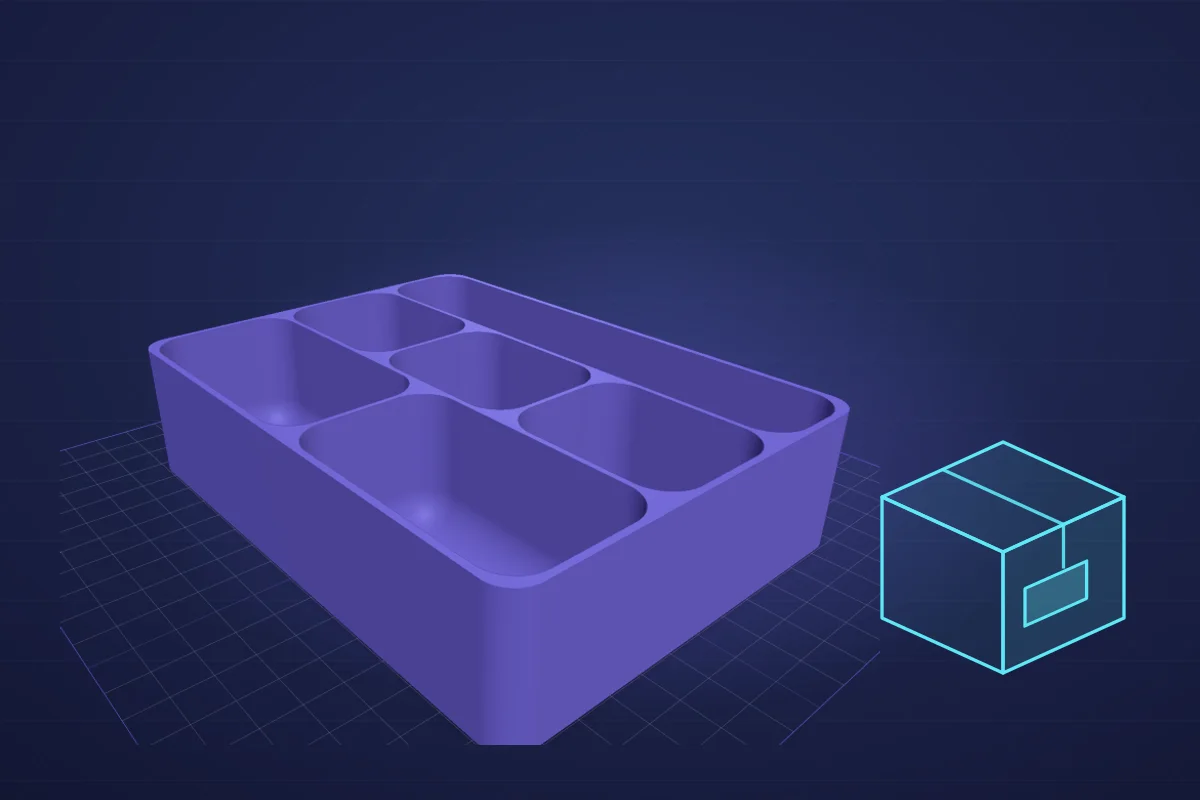
From a ready-made model to a printed part in your mailbox
Pick a model in the SpeakCAD library or marketplace, adjust its size if you need to, and order it printed and delivered. Makers earn on every print of their models.7 October 2026 · 2 min read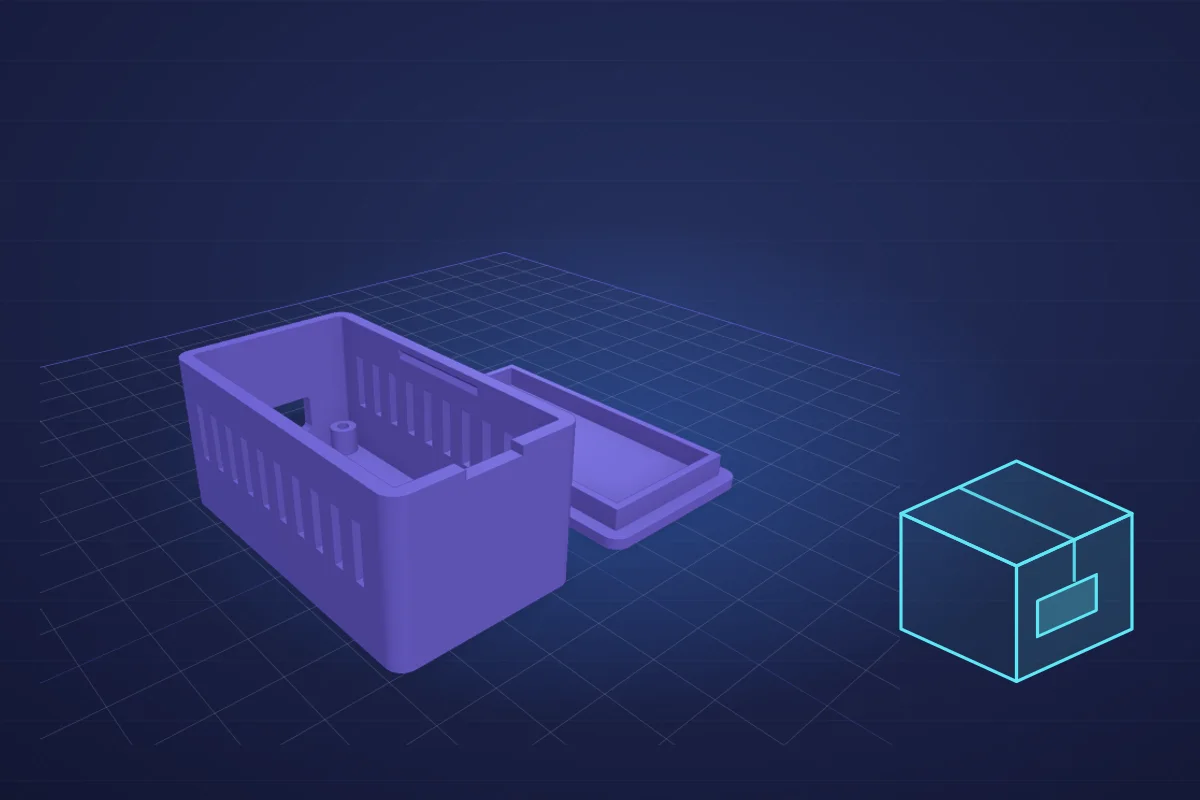
Get an ESP32 or Raspberry Pi enclosure printed without owning a printer
Design a case that fits your board's ports and holes, then have it printed and delivered: $1.49 for one, $0.73 each for a run of ten, plus shipping.7 October 2026 · 2 min read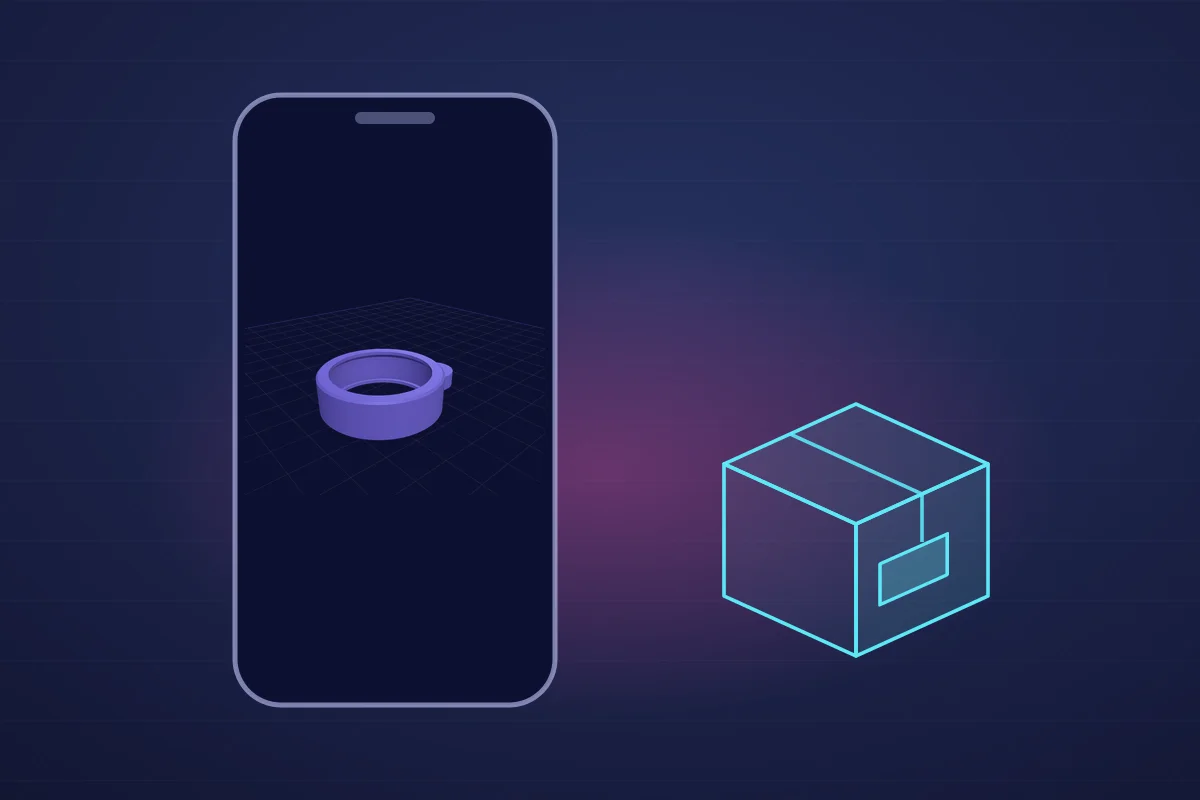
Design a part on your phone and have it delivered: no printer, no computer
Measure the broken part, shape the replacement on your phone, and order it printed and delivered from the same screen. No app, no computer, no printer, from $1.19 + shipping.7 October 2026 · 2 min read
PLA or PETG: which plastic to choose when you order a printed part
PLA or PETG for a part someone prints for you: heat, sun, strength, flex and price, with the parts each one suits and the ones neither should be used for.7 October 2026 · 3 min read
Batch printing: when to order 10 to 100 copies instead of tying up your printer
You own a printer, and you need 20 of the same part. When it pays to order the batch printed (from $0.24 a piece + shipping), and when to keep printing yourself.7 October 2026 · 3 min read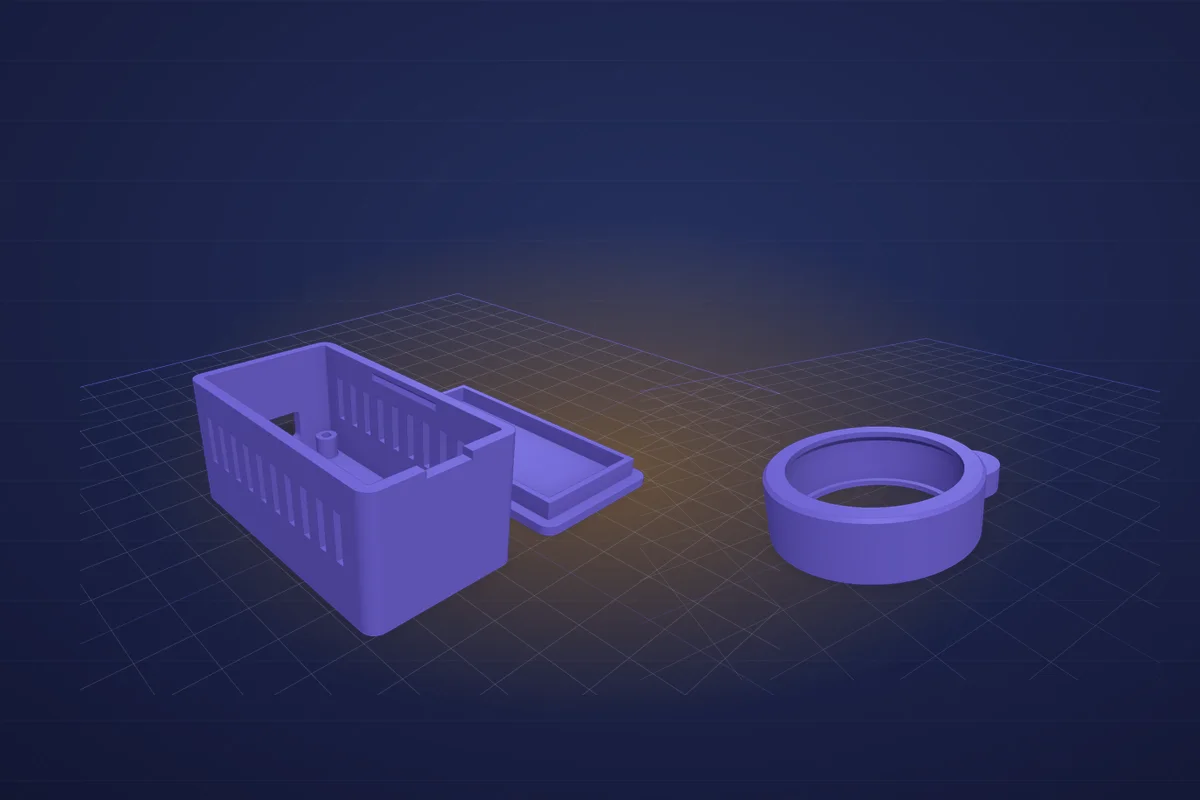
How much does it cost to get something 3D printed? Real prices in 2026
What a 3D-printed part really costs: setup, grams, printing hours and postage, with real prices from $1.19 + shipping, and why ten copies cost far less each.7 October 2026 · 4 min read
No 3D printer? How to get a custom part printed and delivered
You need one custom part and own no printer. How to design it or pick it, what it costs (from $1.19 + shipping), how long it takes, and what to check first.Holiday 3D prints: Halloween decorations that fit your house
Seasonal prints worth designing rather than downloading: lanterns sized to your tea lights, hooks sized to your door, cookie cutters with a name, costume parts that fit you. The measurement that matters and the prompt for each.18 October 2026 · 3 min read
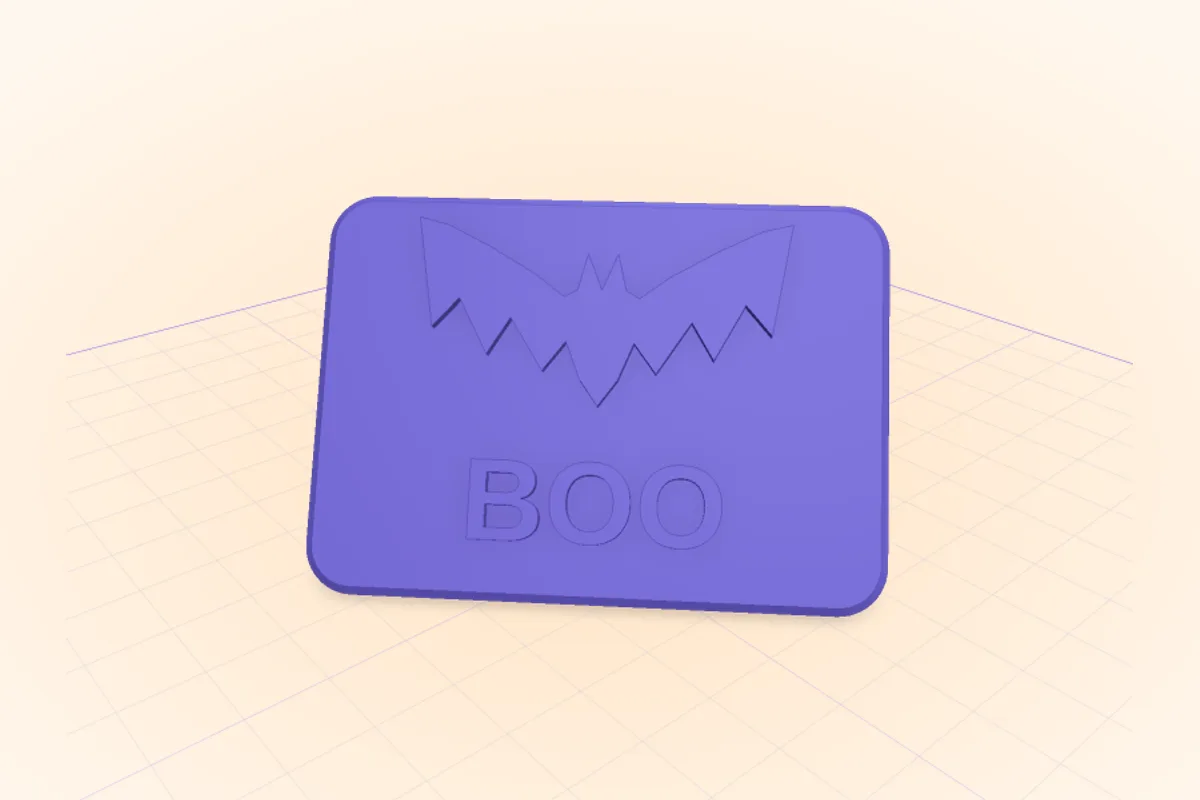
Halloween costume parts you can 3D print in a weekend
3D print the costume parts that must fit you: belt buckles, headband mounts, LED eye holders, badges, and props split for your printer bed. Sizes and prompts.18 October 2026 · 3 min read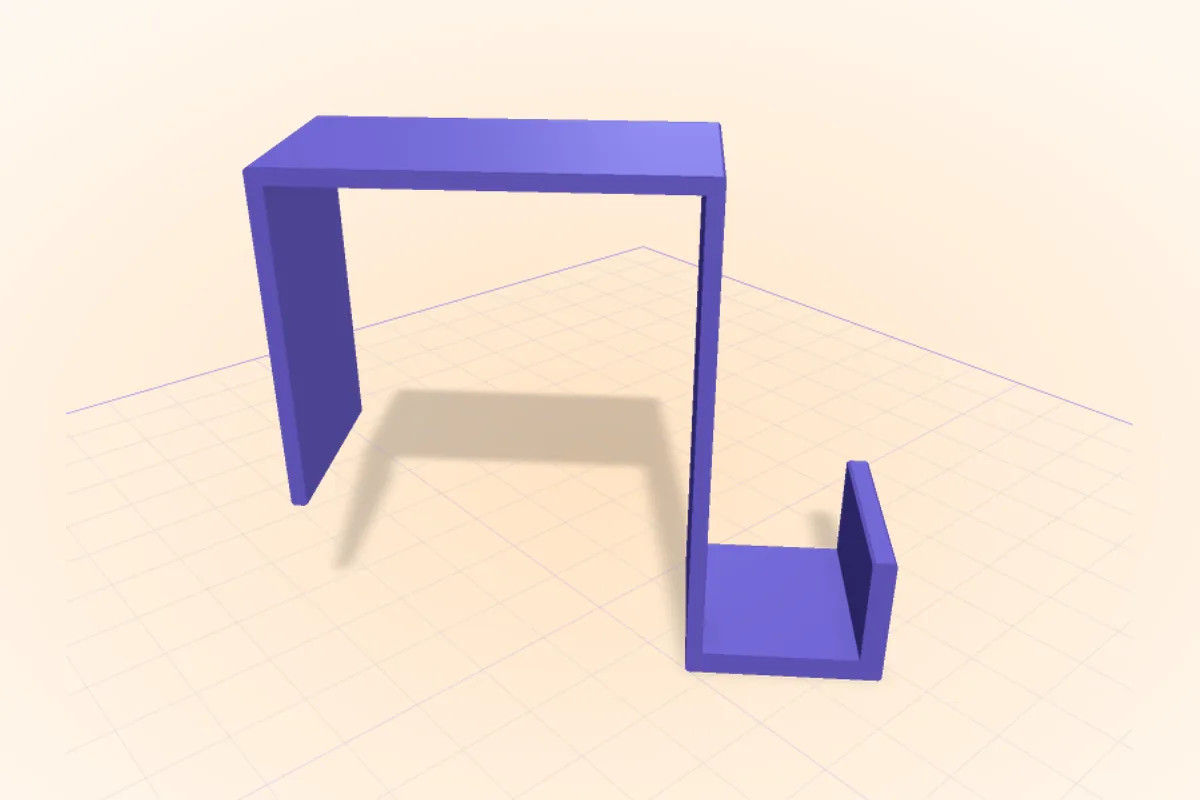
Hooks, clips and stakes for Halloween decorations, sized to your house
3D print the hooks that hold Halloween up: over-the-door hooks, gutter clips for lights, fence brackets, inflatable stakes and lost battery covers, to your sizes.18 October 2026 · 3 min read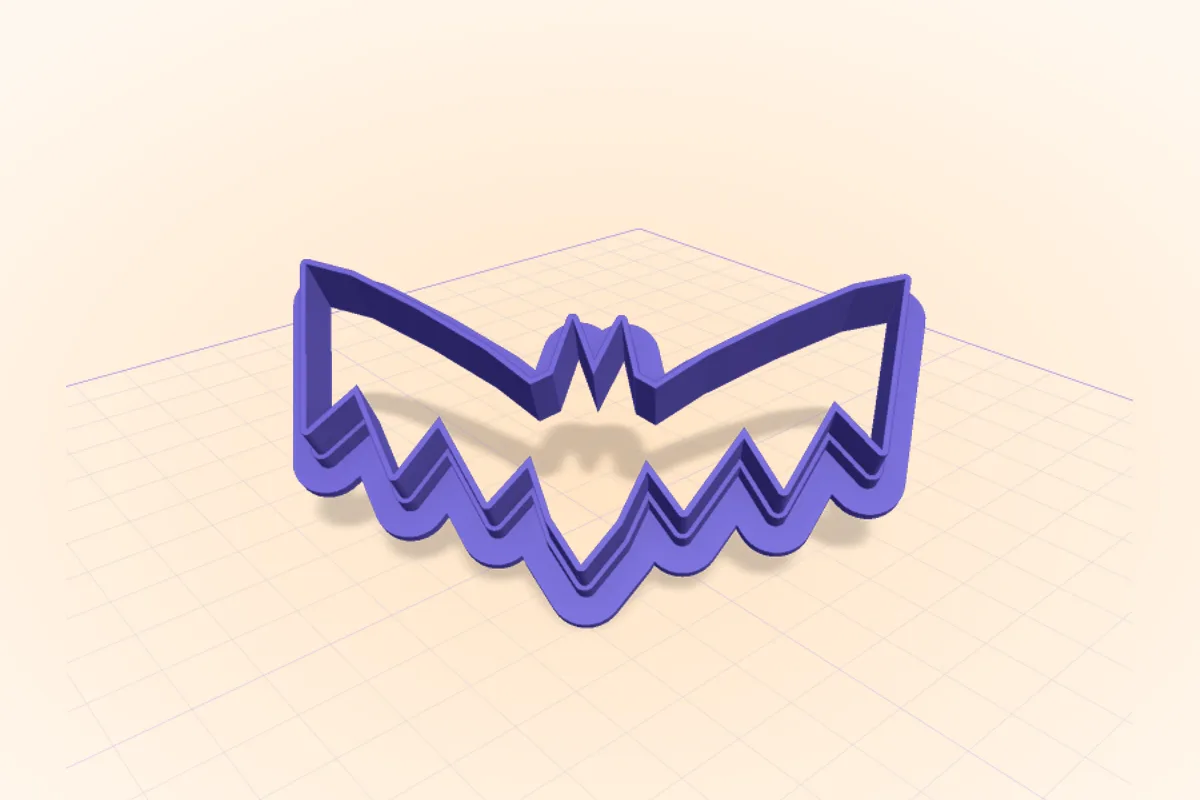
Custom Halloween cookie cutters: 3D print a bat, a ghost or a name
3D print Halloween cookie cutters that cut clean: edge thickness, height, a pressing flange, a name inside, and how to use printed cutters safely with food.18 October 2026 · 4 min read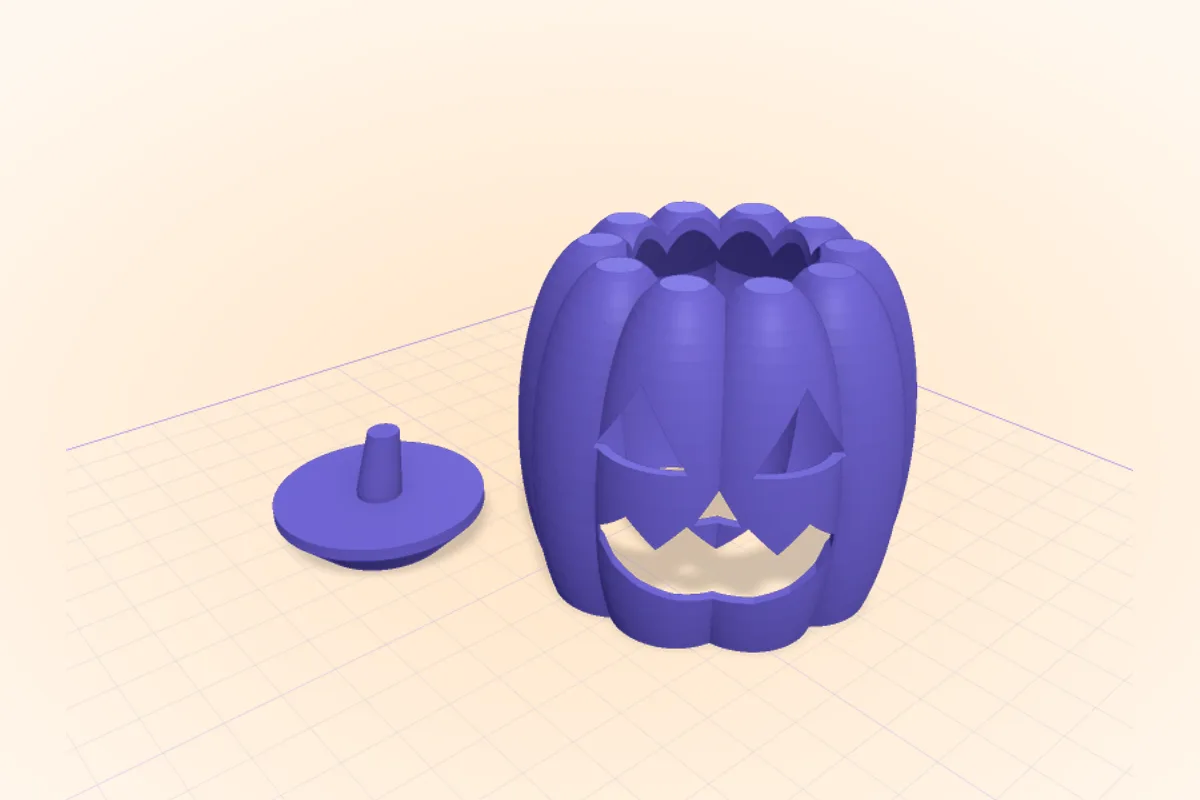
3D print a jack-o'-lantern that fits your LED tea lights
Design a pumpkin lantern or tea light cover around your own LED candles: the sizes to measure, wall thickness for glow, the face cut-outs, and the prompt.18 October 2026 · 5 min read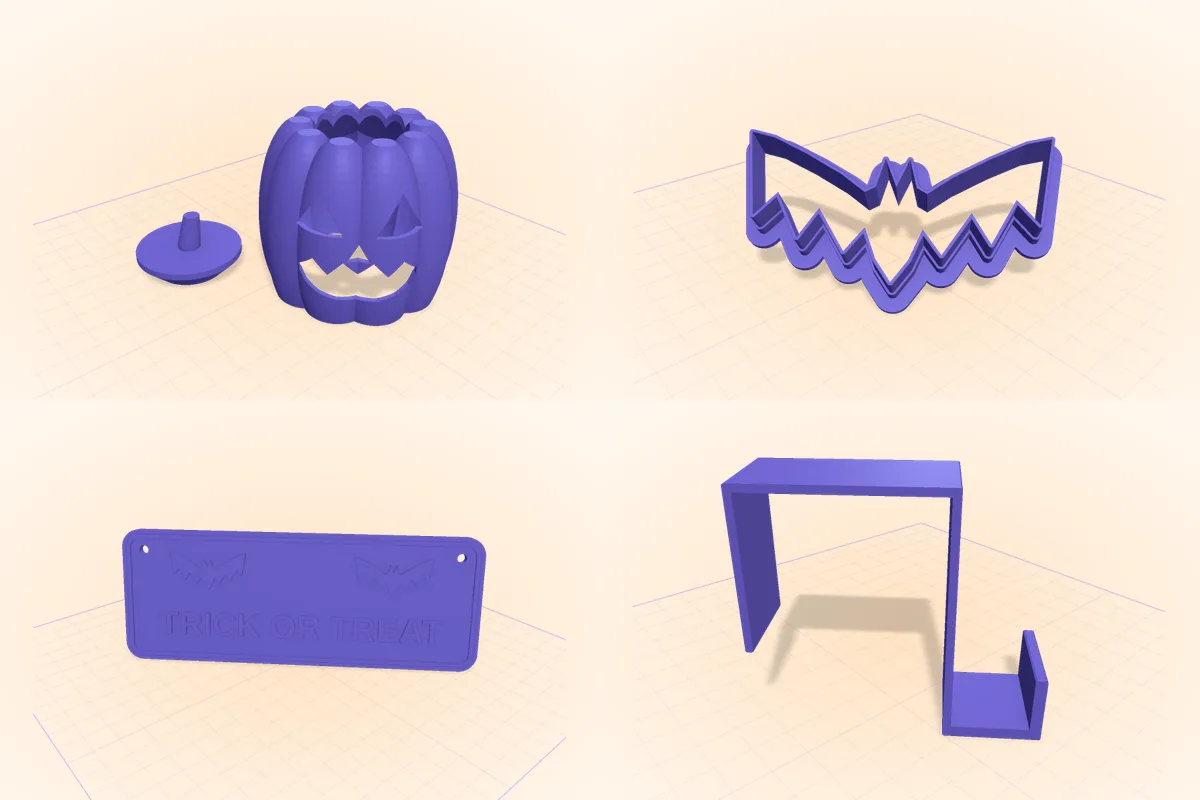
25 Halloween 3D prints you can design yourself (with the prompts)
Halloween 3D print ideas that fit your house: lanterns, door signs, cookie cutters, hooks, costume parts. Design each one on your phone and print it this week.More from the workbench
How AI CAD works, how to prompt it, and how to design parts that print the first time.3 September 2026 · 2 min read