AI CAD vs generative 3D: choosing the right tool for a print
Meshy, Tripo and other generative tools make beautiful meshes. SpeakCAD makes exact parts. A practical decision guide for 3D printing.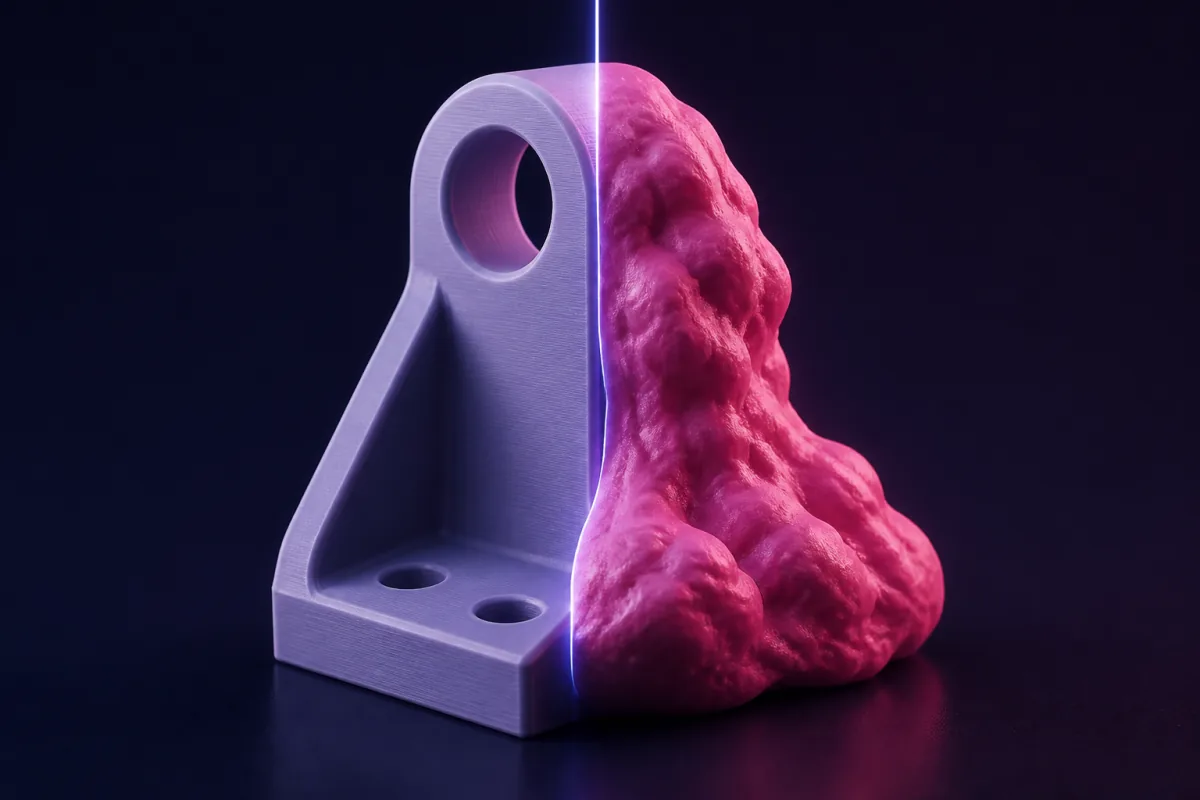
Ask one question: does it have to fit something?
If the answer is yes, you need CAD. Fits, clearances, hole patterns and wall thicknesses are computed, not imagined. If the answer is no, and the goal is a good-looking object, generative 3D is faster and more expressive.
What generative 3D does well
- Figurines, characters, creatures
- Stylised props and terrain for games and tabletop
- Concept models to look at, not to assemble
- Texture and colour
What AI CAD does well
- Replacement parts with exact bores and shafts
- Enclosures with port cutouts at coordinates
- Brackets with standard hole patterns
- Anything parametric you will tweak after a test print
Printability
Generative meshes commonly need repair: holes, self-intersections, uncontrolled wall thickness. CAD solids are manifold by construction, so they slice cleanly. Wall thickness is a number you chose, not an emergent property.
Editing
Generative: regenerate and hope the rest stays. CAD: change one feature, everything else is untouched. This matters more than it sounds once you print the first version.
Cost model
Generative tools sell monthly credits for renders; you pay to explore. SpeakCAD charges 3 credits for a new part or a design change, whichever model answers (2 for a small change, 1 for a quick edit), and every plan includes downloads (4 credits per new download without one, with small fixes re-downloading free). Turning the model around and changing its numbers in the viewer are free.
A hybrid workflow
Some makers generate a decorative shell with a generative tool and ask SpeakCAD for the functional base, insert or mount that fits it. Upload the generative STL to SpeakCAD as a reference and describe the mating part.