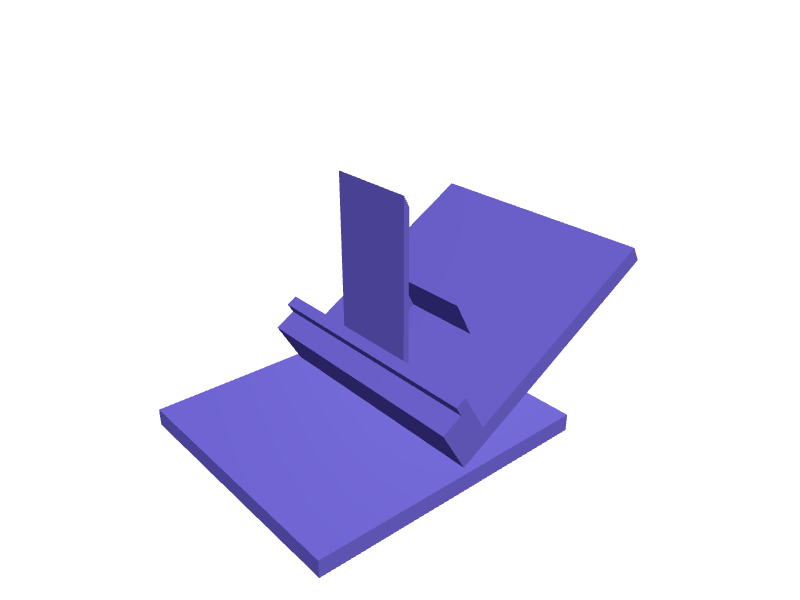
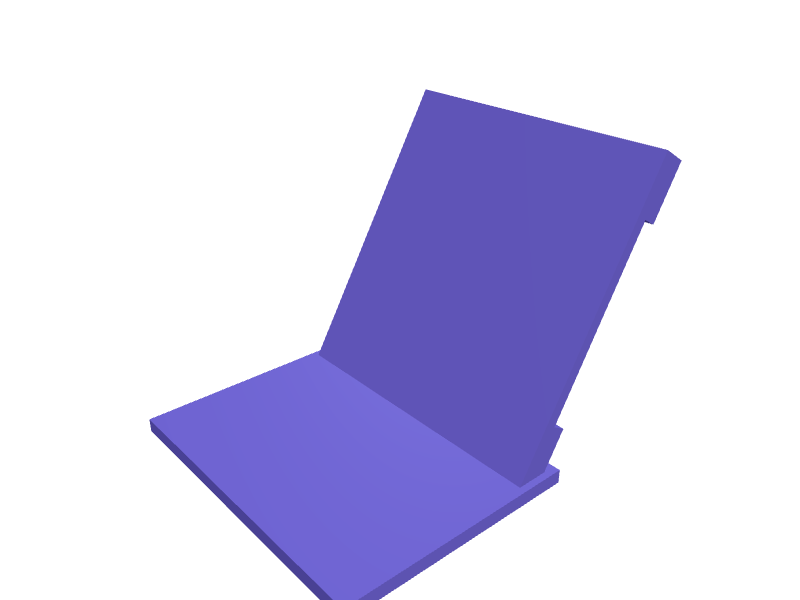

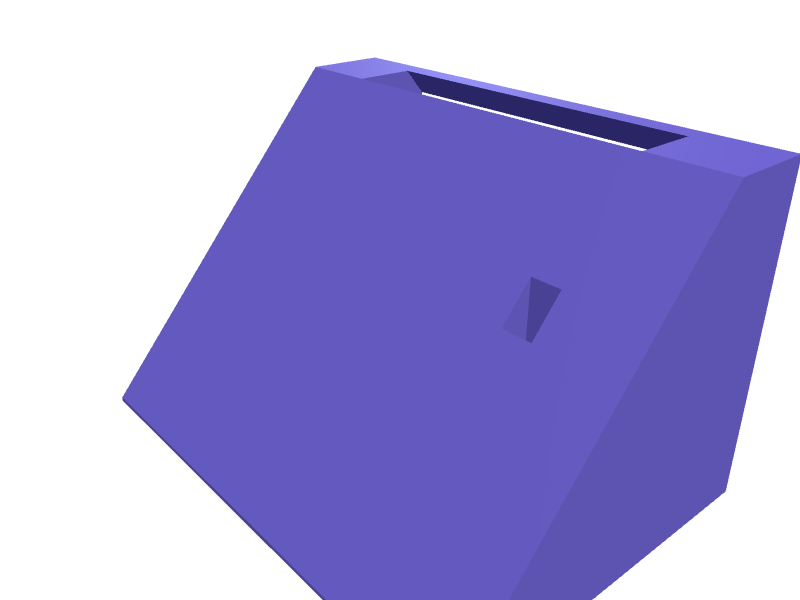
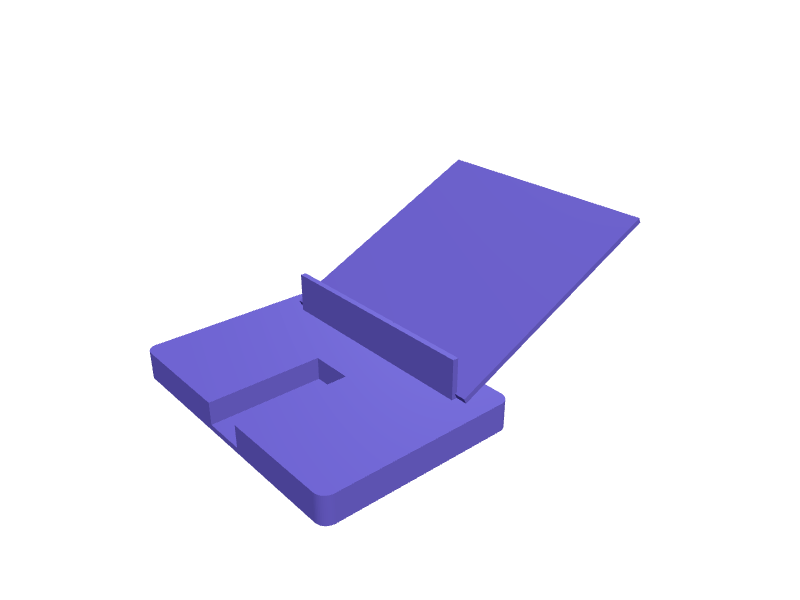
Use case
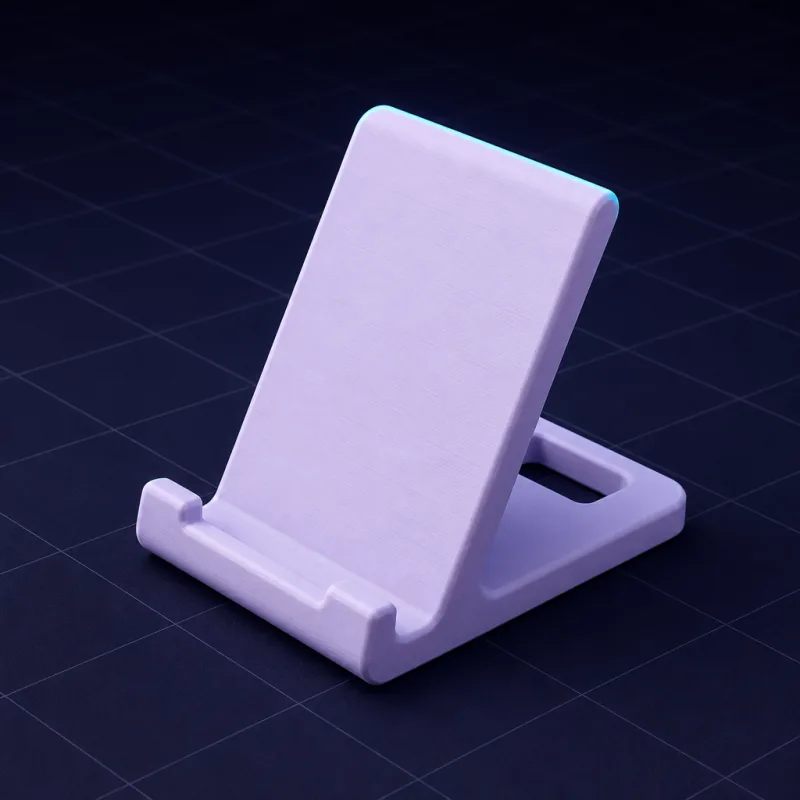
Custom phone and tablet stands sized to your device
Generic stands wobble, block the charging port or hold the screen at the wrong angle. Describe your device, your desk and how you use it, and SpeakCAD designs a stand that fits the case you actually own.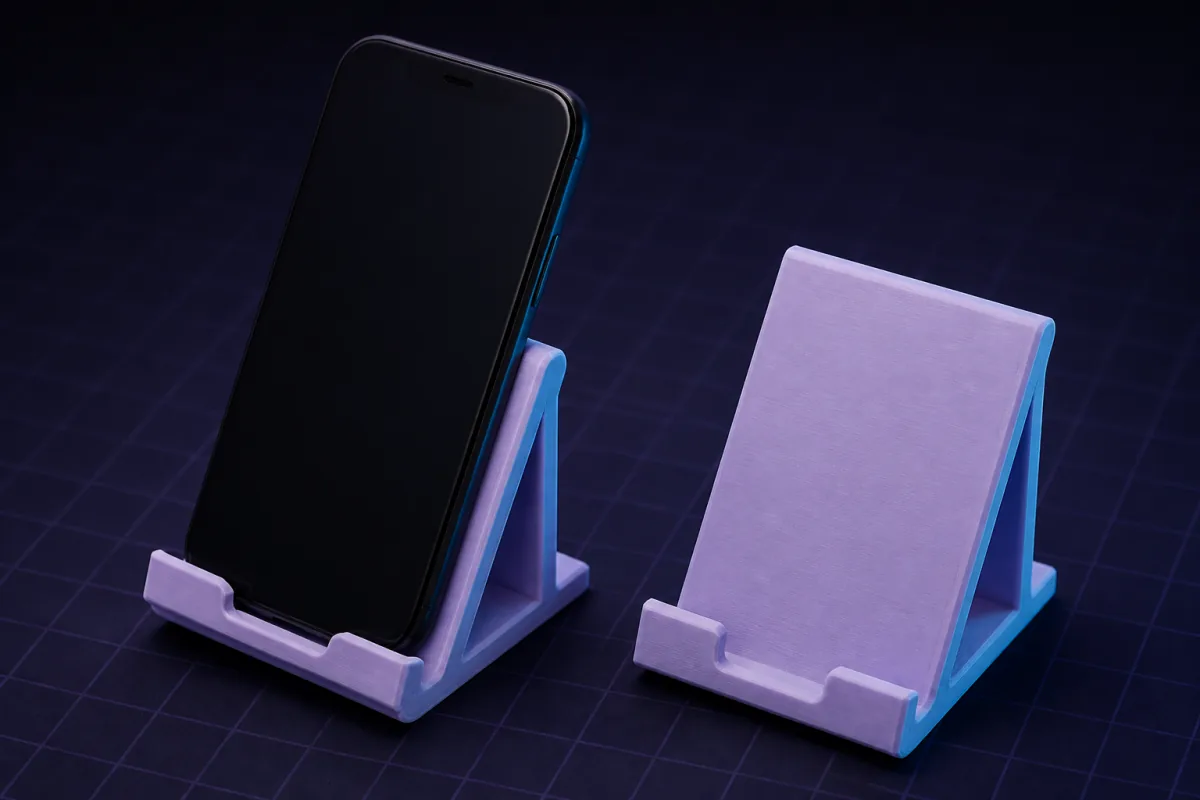
Prompts that work
Copy one into the box above and change the numbers to yours. The first render usually appears within a minute or two.“A phone stand for a 78 x 10 mm phone with case, 60° angle, cable slot underneath, weighted base 90 mm deep.”
“A tablet stand for a 250 mm wide iPad, two positions (30° and 65°), foldable is not needed, lip 12 mm tall.”
“A bedside charging dock that holds the phone upright with a MagSafe puck (56 mm diameter, 5.5 mm thick) pressed into the back.”
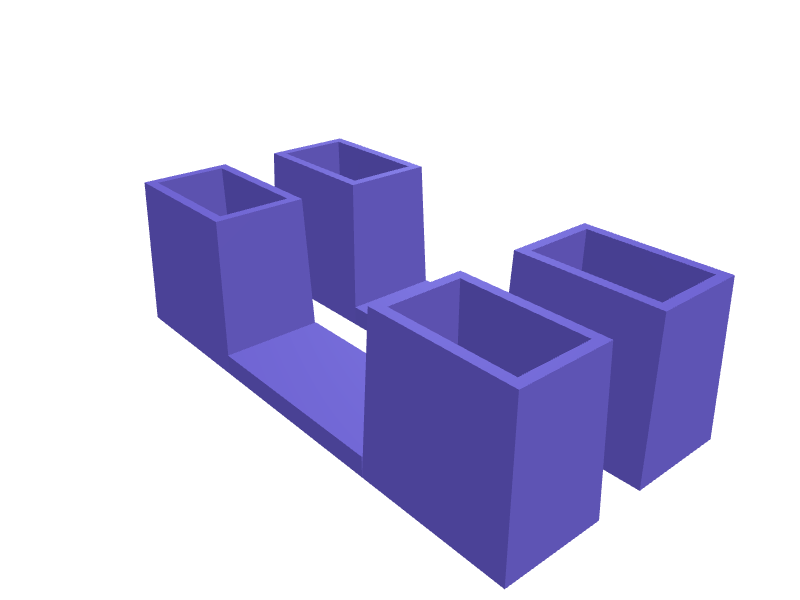
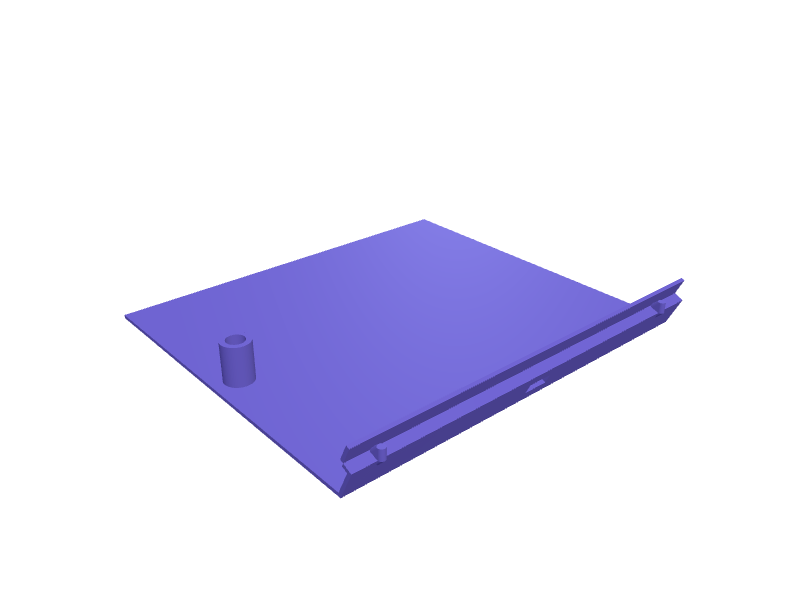
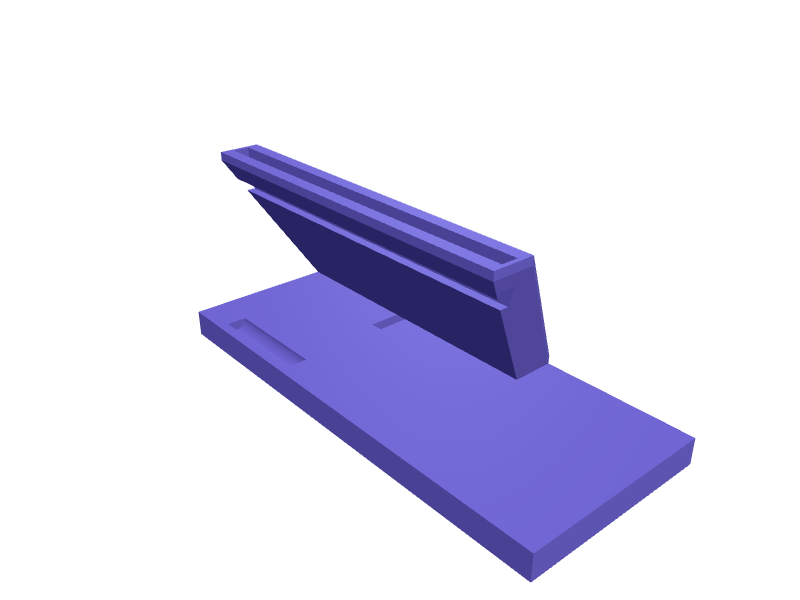
Ready-made phone & tablet stands you can open free
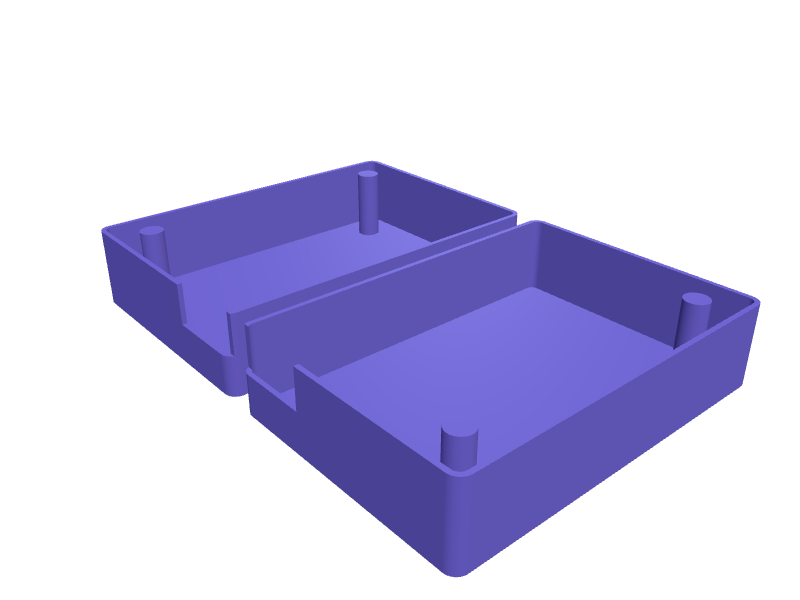
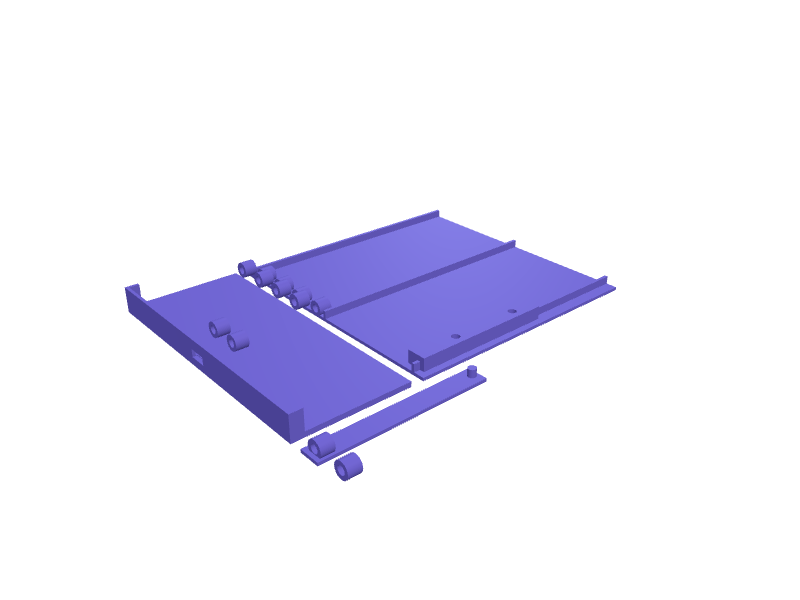
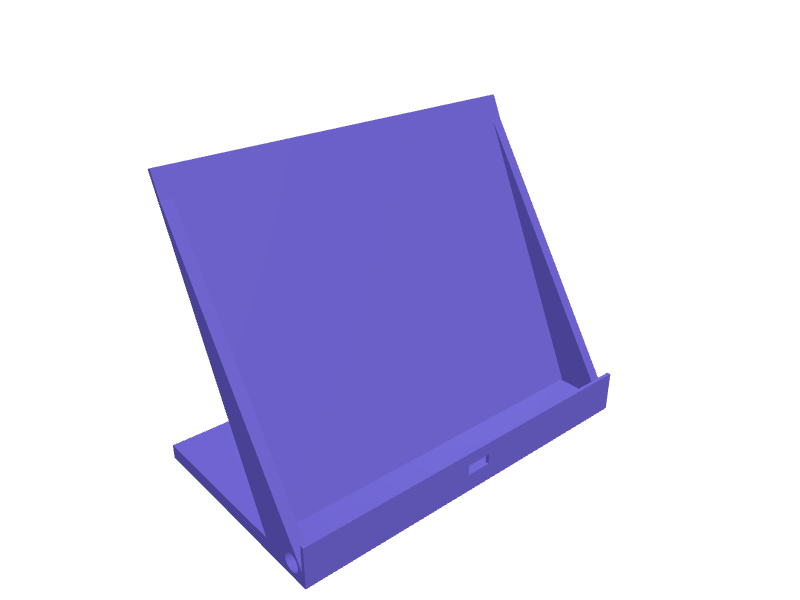
These parts already have a model. Open one in a free account, no card: turn it in 3D and change its numbers in the viewer, then download the STL or 3MF free. AI changes use credits.All desk & office parts in the library →
Dimensions that matter
The width and thickness of your device with its case, the viewing angle, and whether you need room for a cable or a wireless charger. A stand designed around those four numbers stays stable and keeps the port accessible.
Angle and stability
For desk use 55° to 65° is comfortable; for video calls 70° to 75°; for reading in bed 30° to 40°. SpeakCAD sizes the base depth to keep the centre of gravity inside the footprint, and can add a rubber-pad recess under the base.
Variations people ask for
- Dual stands for phone plus earbuds case
- Stands with a pen slot or a small tray
- Wall-mounted phone shelves for kitchens
- Dashboard vent clips and headrest mounts
- Landscape and portrait dual orientation
Examples from the gallery
Questions
Yes. Ask for a cradle wide enough for landscape with a centred cable slot; the AI keeps the lip height appropriate for both.
Ask for 20 mm circular recesses 1 mm deep under the base for adhesive rubber pads, or a textured bottom.
Design it from your phone
Text to G-code on your phone: from a sentence to a printer-ready file without a slicerHow SpeakCAD turns a description typed on a phone into G-code sliced for your printer: what happens in each step, which printers and profiles are covered, and how the file reaches the printer.Photograph it, print it: duplicating a broken part with your phone camera and a rulerNo 3D scanner needed. Two phone photos with a ruler in frame and one sentence give you a parametric copy of a knob, clip or bracket you can correct and print.CAD on an iPad without a stylus: let the AI do the geometry and use the tablet for decidingTablet CAD apps assume a Pencil and a learning curve. A describe-and-render tool turns an iPad or Android tablet into a fast parametric CAD station with STL export.Design a 3D printable part on your iPhone or Android, step by stepFrom a sentence typed on the sofa to a file in your slicer, without a desktop: the steps, the phone gestures, getting the STL to the printer, and fixing a bad print.Best mobile 3D modelling app for 3D printing in 2026: what actually works on a phoneAn honest tour of what runs on a phone or tablet: sculpting apps, tablet-only CAD, viewers, browser tools. Which ones produce a printable, dimensioned part, and which one gives you G-code.3D modelling on your phone: a real 3D model builder that runs in a mobile browserNo CAD tool works on a phone because a phone cannot do precise dragging. SpeakCAD skips that: describe the part, the AI does the geometry, the STL renders on screen.
Related use cases
OrganizersDescribe your drawer or shelf and what goes in it. SpeakCAD generates dividers, trays, bit holders and bins sized to the millimetre. STL, 3MF or sliced G-code export.Brackets & mountsDescribe what you need to hold, where it mounts and which screws you have. SpeakCAD generates a strong, printable bracket as STL, 3MF or G-code sliced for your printer in minutes.Replacement partsBroken knob, clip, hinge or foot? Describe it with a few measurements and SpeakCAD generates a printable STL replacement in minutes. From $7.99 a month.