
Caso de uso
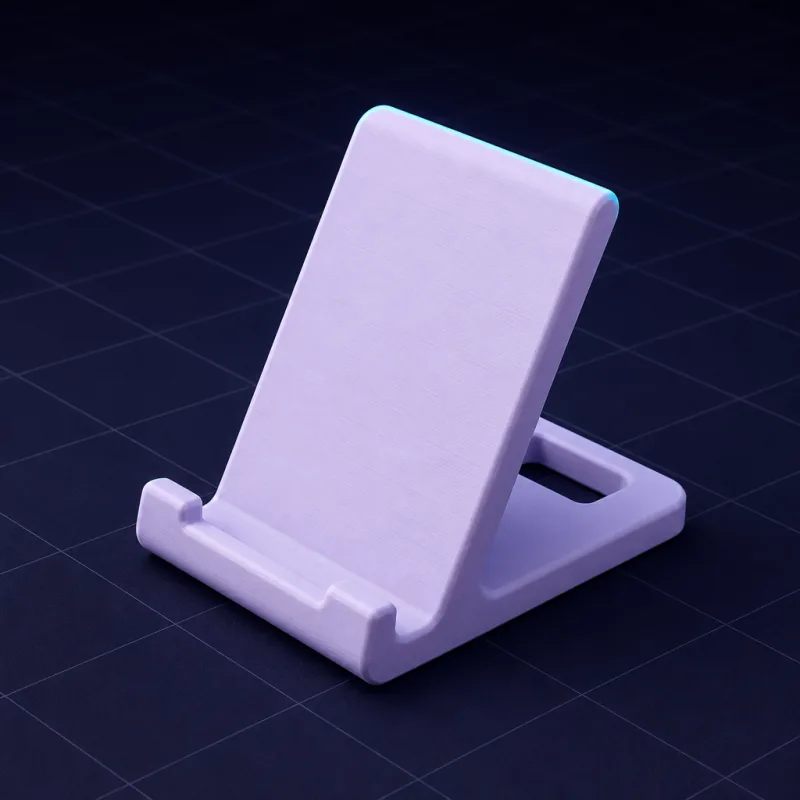
Soportes de teléfono y tablet a medida de tu dispositivo
Los soportes genéricos se tambalean, bloquean el puerto de carga o sostienen la pantalla en el ángulo equivocado. Describe tu dispositivo, tu escritorio y cómo lo usas, y SpeakCAD diseña un soporte que encaja con la funda que realmente tienes.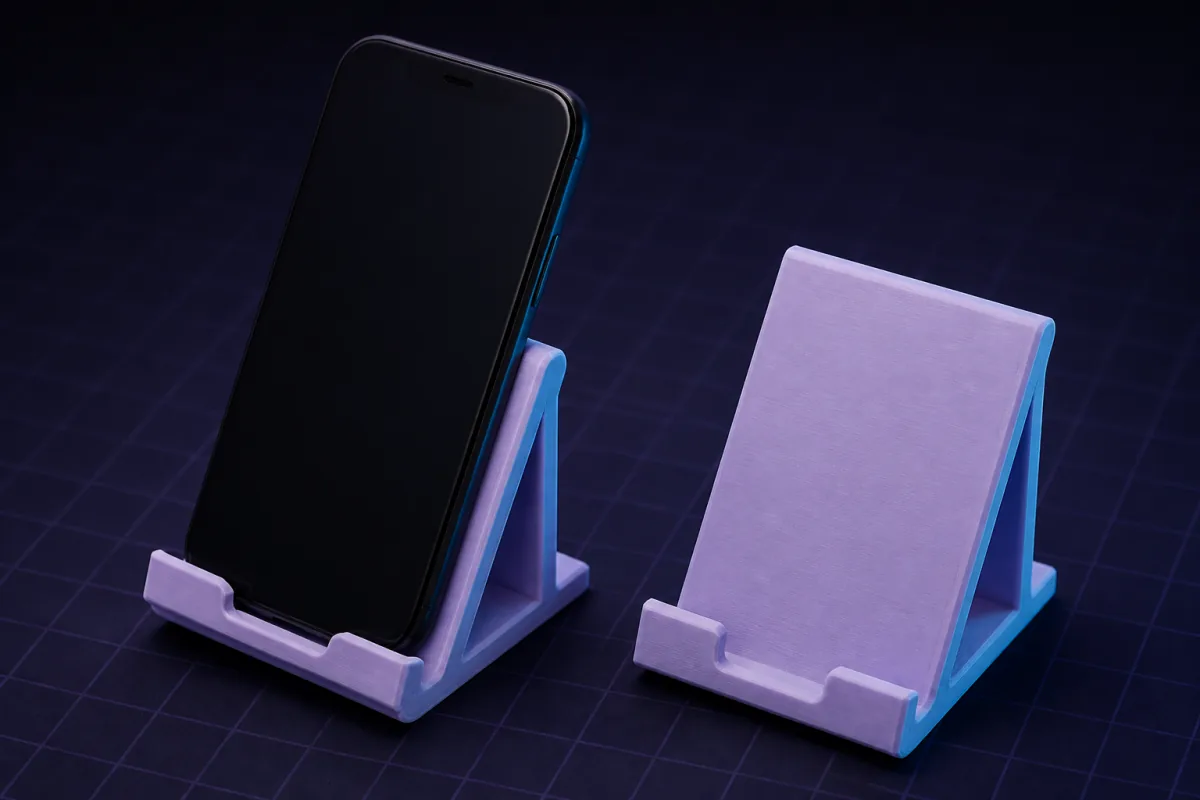
Descripciones que funcionan
Copia una en el cuadro de arriba y cambia las medidas por las tuyas. El primer render suele aparecer en uno o dos minutos.“Un soporte para un teléfono de 78 x 10 mm con funda, ángulo de 60°, ranura de cable debajo, base con peso de 90 mm de profundidad.”
“Un soporte para una tablet de 250 mm de ancho tipo iPad, dos posiciones (30° y 65°), no hace falta que sea plegable, labio de 12 mm de alto.”
“Una base de carga de mesilla que sostiene el teléfono en vertical con un disco MagSafe (56 mm de diámetro, 5,5 mm de grosor) encajado en la parte de atrás.”
Soportes de teléfono y tablet: modelos listos para abrir gratis
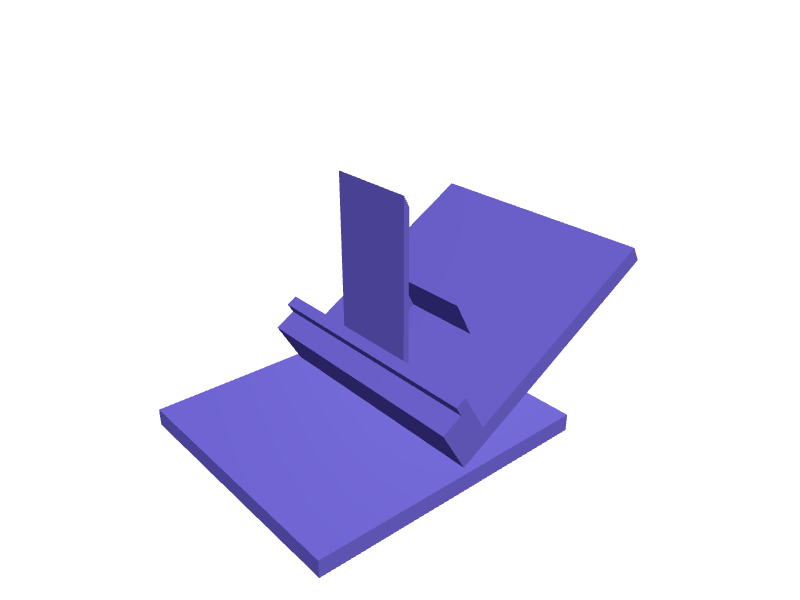
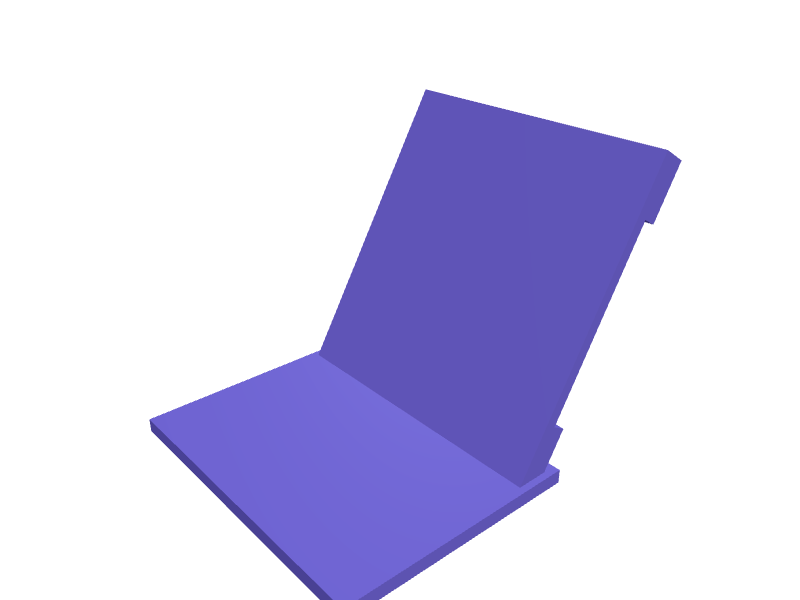
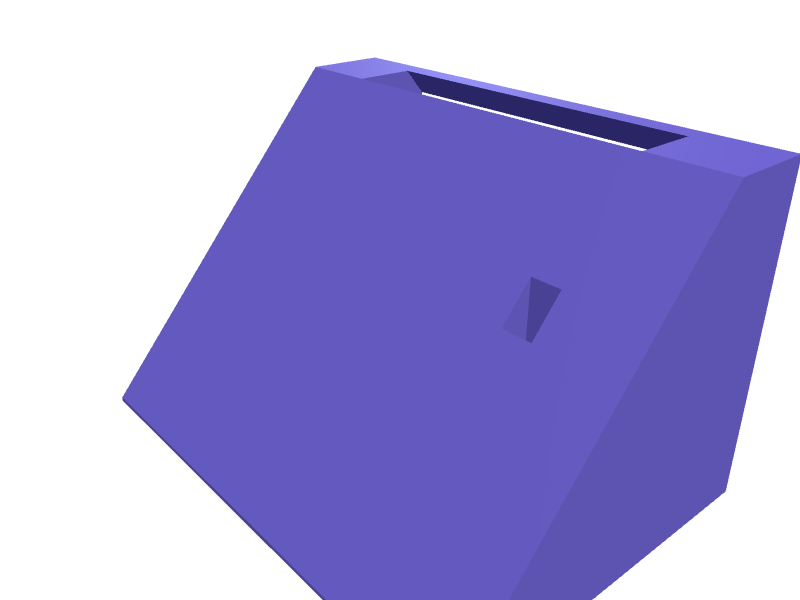
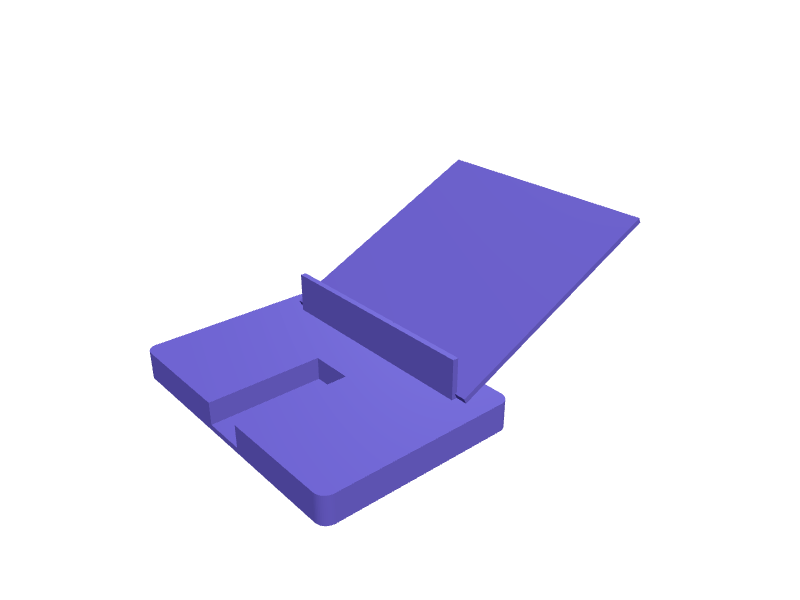
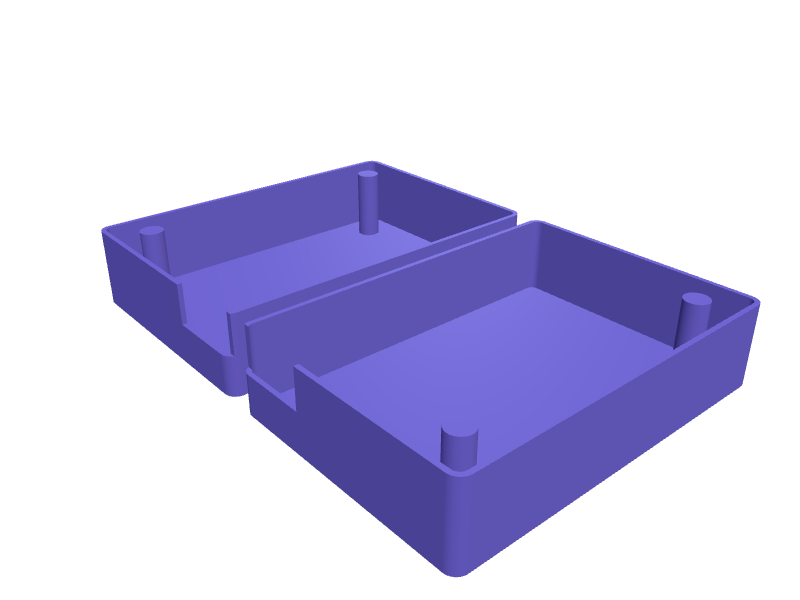
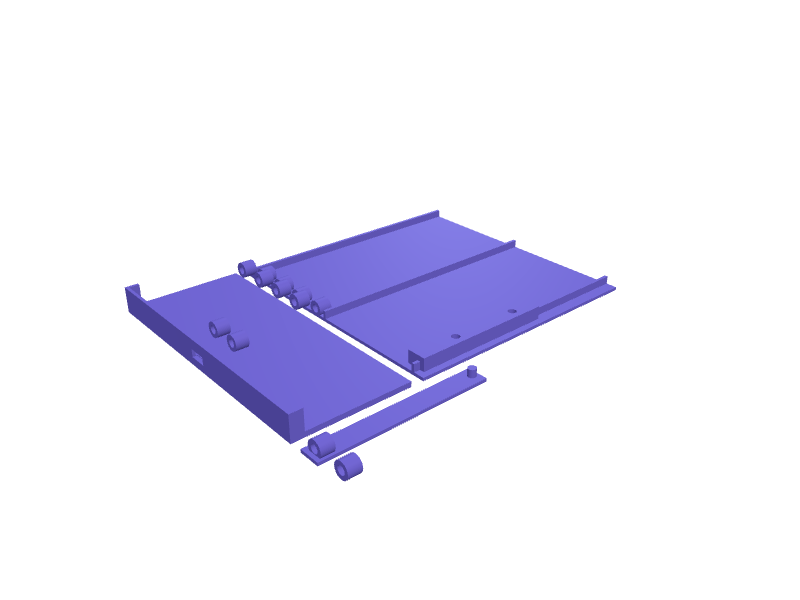
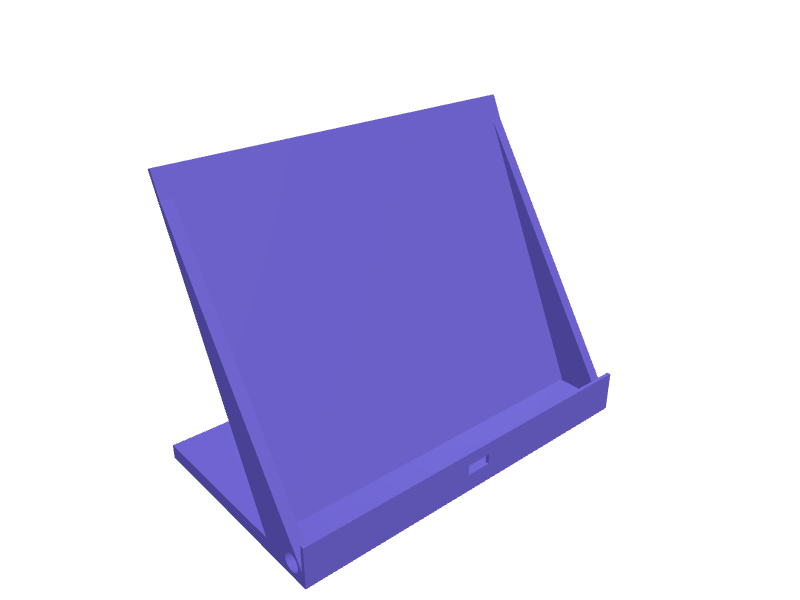
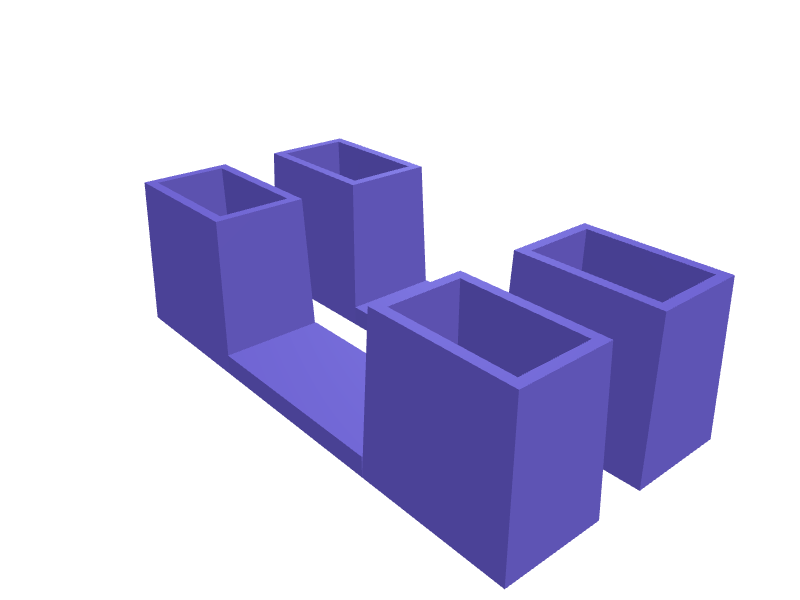
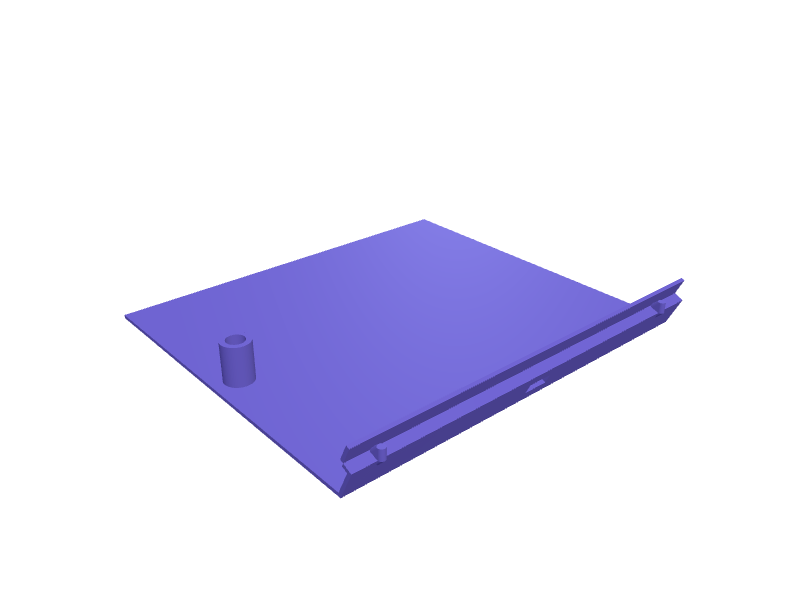
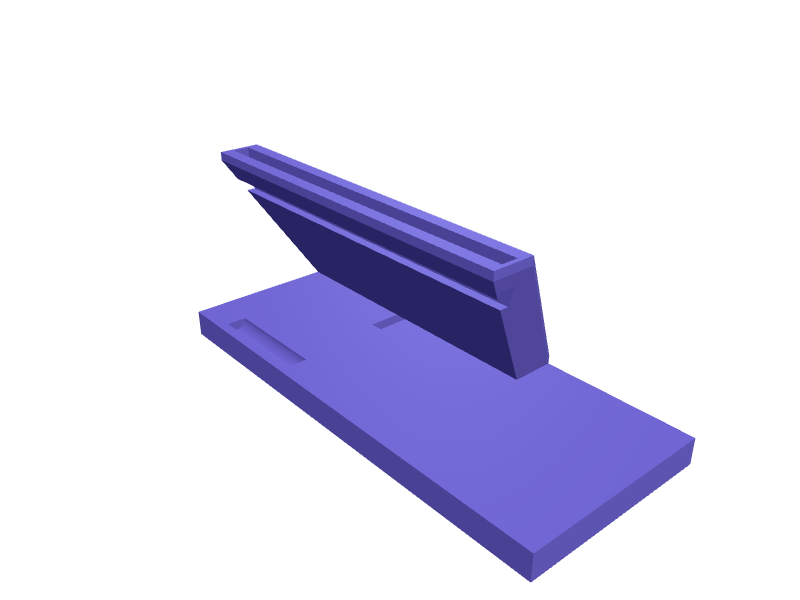
Estas piezas ya tienen un modelo. Ábrelo en una cuenta gratuita, sin tarjeta: gíralo en 3D y cambia sus medidas en el visor, y descarga el STL o 3MF gratis. Los cambios con IA usan créditos.Más piezas de esta categoría en la biblioteca →
Medidas que importan
El ancho y el grosor de tu dispositivo con su funda, el ángulo de visión, y si necesitas espacio para un cable o un cargador inalámbrico. Un soporte diseñado alrededor de esos cuatro números se mantiene estable y deja el puerto accesible.
Ángulo y estabilidad
Para uso en escritorio, de 55° a 65° es cómodo; para videollamadas, de 70° a 75°; para leer en la cama, de 30° a 40°. SpeakCAD dimensiona la profundidad de la base para mantener el centro de gravedad dentro de la huella, y puede añadir un hueco para almohadilla de goma bajo la base.
Variaciones que pide la gente
- Soportes dobles para teléfono más estuche de auriculares
- Soportes con ranura para bolígrafo o una pequeña bandeja
- Estantes de pared para teléfono en la cocina
- Pinzas de rejilla de salpicadero y soportes de reposacabezas
- Orientación doble, horizontal y vertical
Ejemplos de la galería
Preguntas
Sí. Pide una cuna lo bastante ancha para horizontal con una ranura de cable centrada; la IA mantiene la altura del labio adecuada para ambas.
Pide huecos circulares de 20 mm y 1 mm de profundidad bajo la base para almohadillas de goma adhesivas, o una base texturizada.
Design it from your phone
Text to G-code on your phone: from a sentence to a printer-ready file without a slicerHow SpeakCAD turns a description typed on a phone into G-code sliced for your printer: what happens in each step, which printers and profiles are covered, and how the file reaches the printer.Photograph it, print it: duplicating a broken part with your phone camera and a rulerNo 3D scanner needed. Two phone photos with a ruler in frame and one sentence give you a parametric copy of a knob, clip or bracket you can correct and print.CAD on an iPad without a stylus: let the AI do the geometry and use the tablet for decidingTablet CAD apps assume a Pencil and a learning curve. A describe-and-render tool turns an iPad or Android tablet into a fast parametric CAD station with STL export.Design a 3D printable part on your iPhone or Android, step by stepFrom a sentence typed on the sofa to a file in your slicer, without a desktop: the steps, the phone gestures, getting the STL to the printer, and fixing a bad print.Best mobile 3D modelling app for 3D printing in 2026: what actually works on a phoneAn honest tour of what runs on a phone or tablet: sculpting apps, tablet-only CAD, viewers, browser tools. Which ones produce a printable, dimensioned part, and which one gives you G-code.3D modelling on your phone: a real 3D model builder that runs in a mobile browserNo CAD tool works on a phone because a phone cannot do precise dragging. SpeakCAD skips that: describe the part, the AI does the geometry, the STL renders on screen.
Casos de uso relacionados
OrganizersDescribe your drawer or shelf and what goes in it. SpeakCAD generates dividers, trays, bit holders and bins sized to the millimetre. STL, 3MF or sliced G-code export.Brackets & mountsDescribe what you need to hold, where it mounts and which screws you have. SpeakCAD generates a strong, printable bracket as STL, 3MF or G-code sliced for your printer in minutes.Replacement partsBroken knob, clip, hinge or foot? Describe it with a few measurements and SpeakCAD generates a printable STL replacement in minutes. From $7.99 a month.