
Anwendungsfall
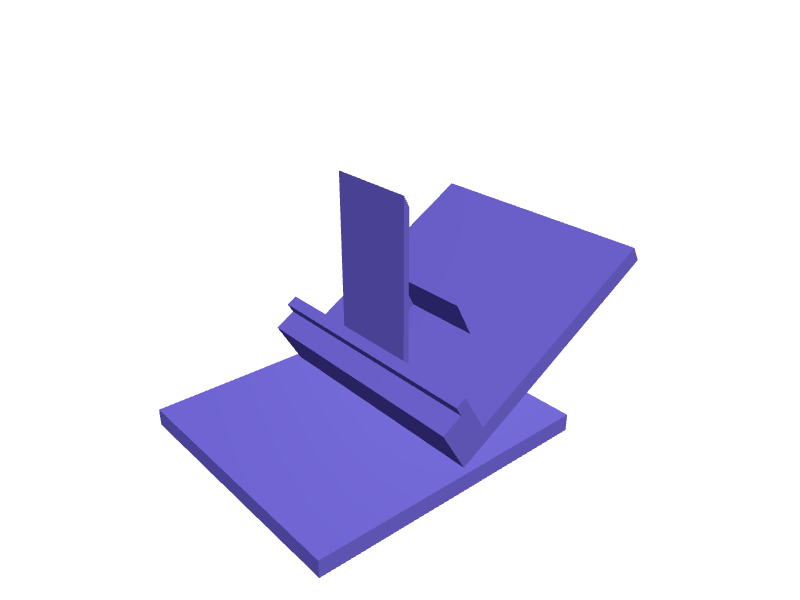
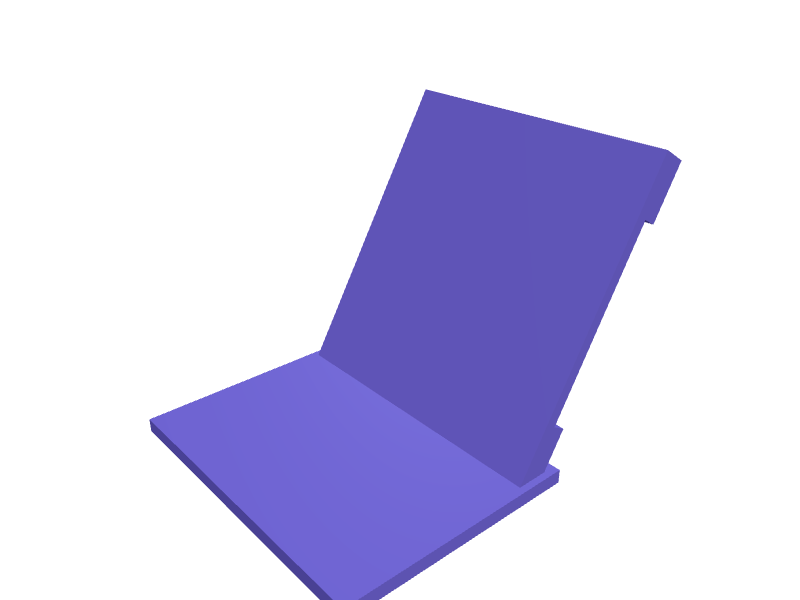
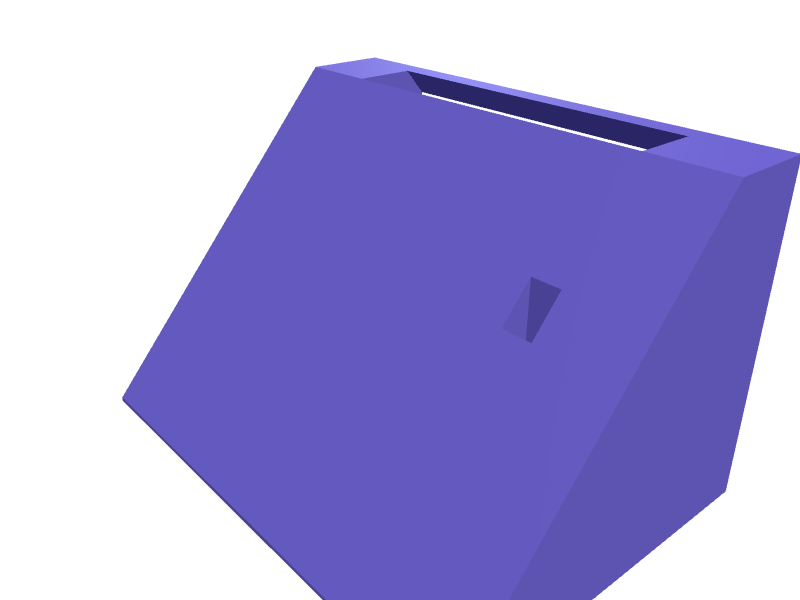
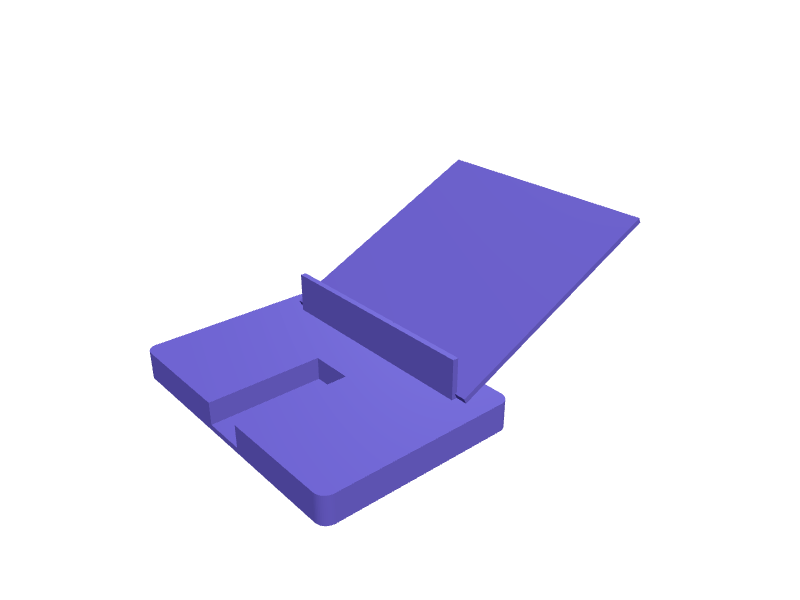
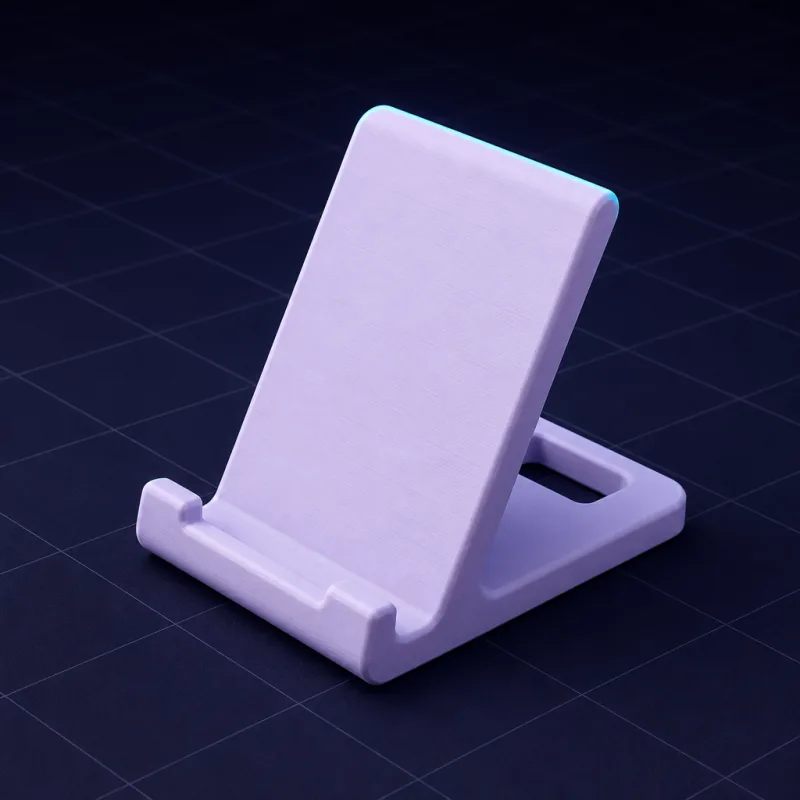
Individuelle Handy- und Tablet-Ständer, passend zu deinem Gerät
Generische Ständer wackeln, blockieren den Ladeanschluss oder halten den Bildschirm im falschen Winkel. Beschreib dein Gerät, deinen Schreibtisch und wie du es nutzt, und SpeakCAD entwirft einen Ständer, der zu der Hülle passt, die du tatsächlich besitzt.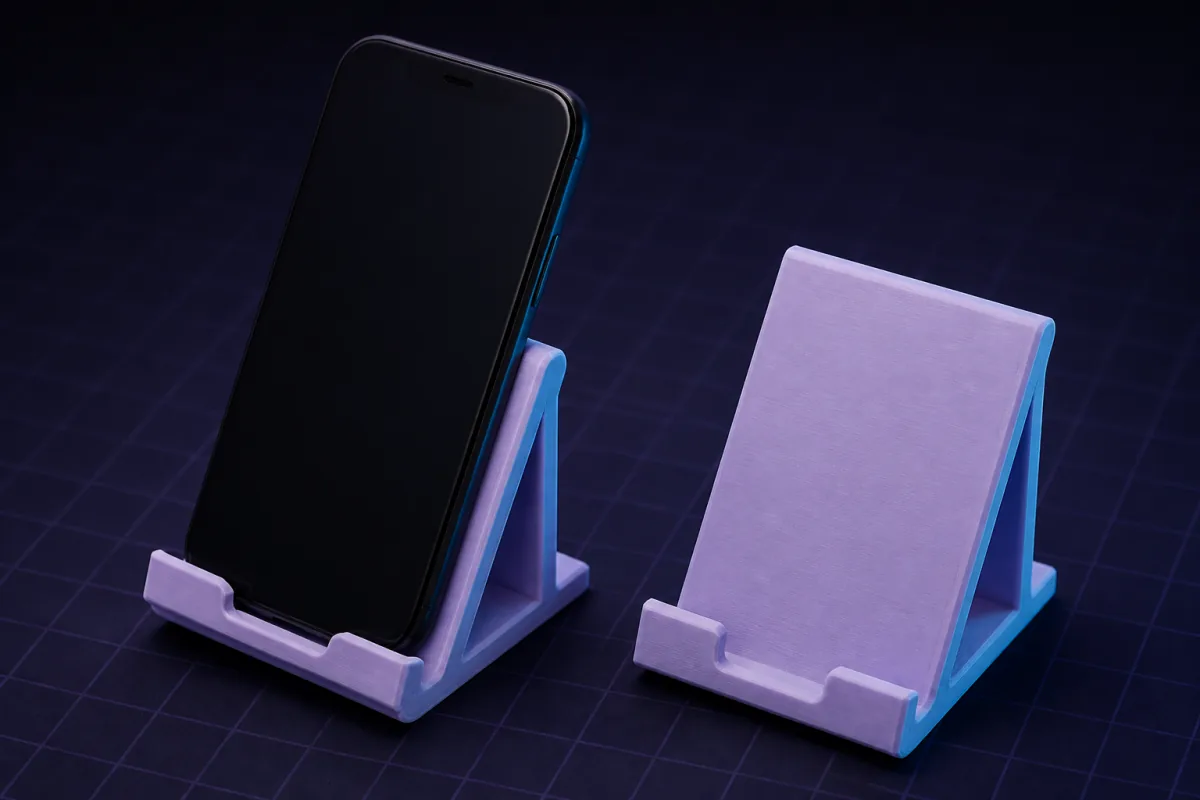
Beschreibungen, die funktionieren
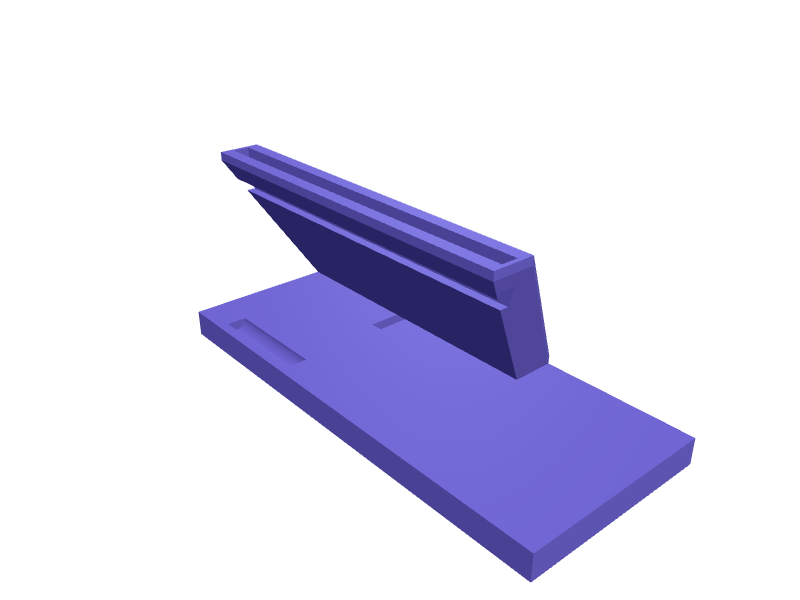
Kopier eine in das Feld oben und ersetz die Maße durch deine. Das erste Rendering erscheint meist nach ein bis zwei Minuten.“Ein Handyständer für ein 78 x 10 mm Handy mit Hülle, 60° Winkel, Kabelschlitz unten, gewichtete Basis 90 mm tief.”
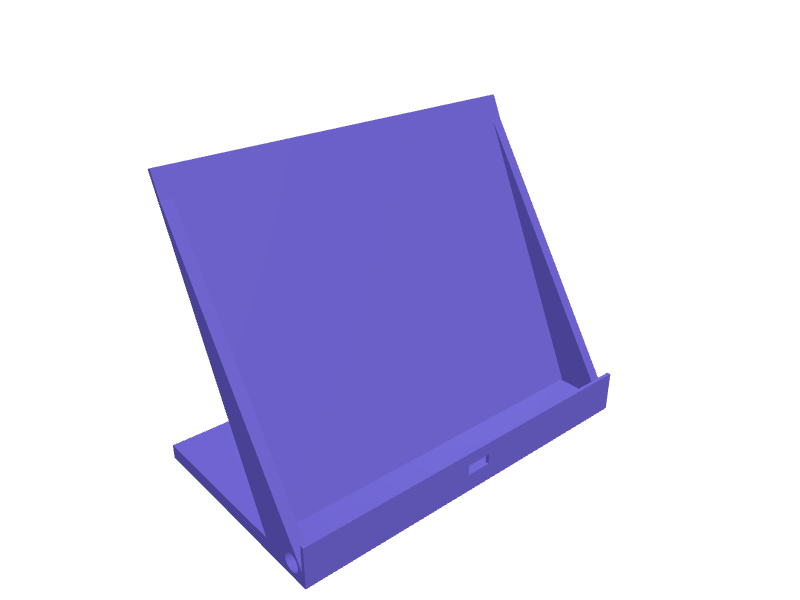
“Ein Tabletständer für ein 250 mm breites iPad, zwei Positionen (30° und 65°), klappbar nicht nötig, Lippe 12 mm hoch.”
“Eine Nachttisch-Ladestation, die das Handy aufrecht hält, mit einem MagSafe-Puck (56 mm Durchmesser, 5,5 mm dick), der in die Rückseite eingesetzt wird.”
Handy- & Tablet-Ständer: fertige Modelle, kostenlos zu öffnen
Für diese Teile gibt es schon ein Modell. Öffne eins in einem kostenlosen Konto, ohne Karte: dreh es in 3D und ändere seine Maße im Viewer, dann lade die STL oder 3MF kostenlos herunter. KI-Änderungen kosten Credits.Mehr Teile dieser Kategorie in der Bibliothek →
Maße, die zählen
Die Breite und Dicke deines Geräts mit Hülle, der Blickwinkel und ob du Platz für ein Kabel oder ein kabelloses Ladegerät brauchst. Ein Ständer, der um diese vier Zahlen herum entworfen wird, bleibt stabil und hält den Anschluss zugänglich.
Winkel und Stabilität
Für den Schreibtisch sind 55° bis 65° angenehm; für Videoanrufe 70° bis 75°; zum Lesen im Bett 30° bis 40°. SpeakCAD dimensioniert die Basistiefe so, dass der Schwerpunkt innerhalb der Standfläche bleibt, und kann eine Gummipad-Vertiefung unter der Basis hinzufügen.
Varianten, um die Leute bitten
- Doppelständer für Handy plus Kopfhörer-Etui
- Ständer mit Stiftschlitz oder kleinem Tablett
- Wandmontierte Handyablagen für Küchen
- Lüftungsschlitz-Clips und Kopfstützenhalterungen fürs Auto
- Quer- und Hochformat in einem Ständer
Beispiele aus der Galerie
Fragen
Ja. Bitte um eine Halterung, die breit genug für Querformat ist, mit zentriertem Kabelschlitz; die KI hält die Lippenhöhe für beides passend.
Bitte um 20 mm runde Vertiefungen, 1 mm tief, unter der Basis für selbstklebende Gummipads, oder einen strukturierten Boden.
Design it from your phone
Text to G-code on your phone: from a sentence to a printer-ready file without a slicerHow SpeakCAD turns a description typed on a phone into G-code sliced for your printer: what happens in each step, which printers and profiles are covered, and how the file reaches the printer.Photograph it, print it: duplicating a broken part with your phone camera and a rulerNo 3D scanner needed. Two phone photos with a ruler in frame and one sentence give you a parametric copy of a knob, clip or bracket you can correct and print.CAD on an iPad without a stylus: let the AI do the geometry and use the tablet for decidingTablet CAD apps assume a Pencil and a learning curve. A describe-and-render tool turns an iPad or Android tablet into a fast parametric CAD station with STL export.Design a 3D printable part on your iPhone or Android, step by stepFrom a sentence typed on the sofa to a file in your slicer, without a desktop: the steps, the phone gestures, getting the STL to the printer, and fixing a bad print.Best mobile 3D modelling app for 3D printing in 2026: what actually works on a phoneAn honest tour of what runs on a phone or tablet: sculpting apps, tablet-only CAD, viewers, browser tools. Which ones produce a printable, dimensioned part, and which one gives you G-code.3D modelling on your phone: a real 3D model builder that runs in a mobile browserNo CAD tool works on a phone because a phone cannot do precise dragging. SpeakCAD skips that: describe the part, the AI does the geometry, the STL renders on screen.
Ähnliche Anwendungsfälle
OrganizersDescribe your drawer or shelf and what goes in it. SpeakCAD generates dividers, trays, bit holders and bins sized to the millimetre. STL, 3MF or sliced G-code export.Brackets & mountsDescribe what you need to hold, where it mounts and which screws you have. SpeakCAD generates a strong, printable bracket as STL, 3MF or G-code sliced for your printer in minutes.Replacement partsBroken knob, clip, hinge or foot? Describe it with a few measurements and SpeakCAD generates a printable STL replacement in minutes. From $7.99 a month.