
活用例
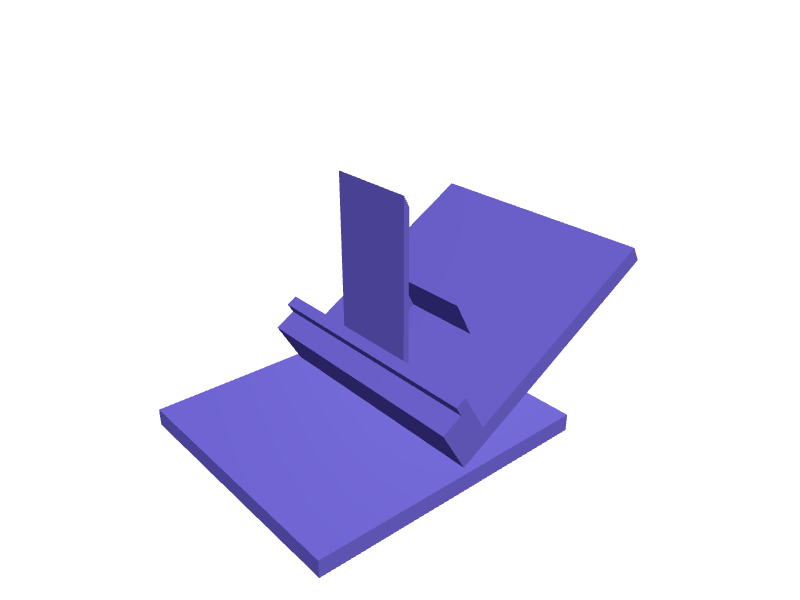
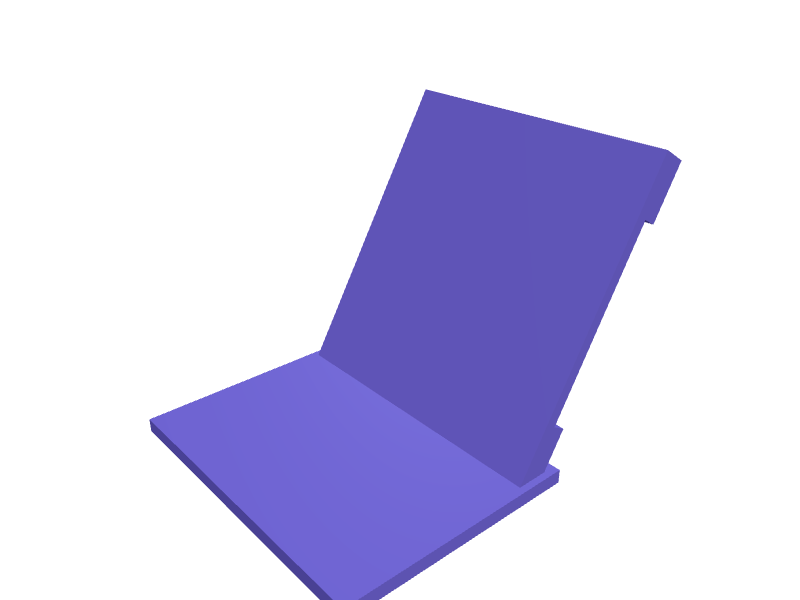
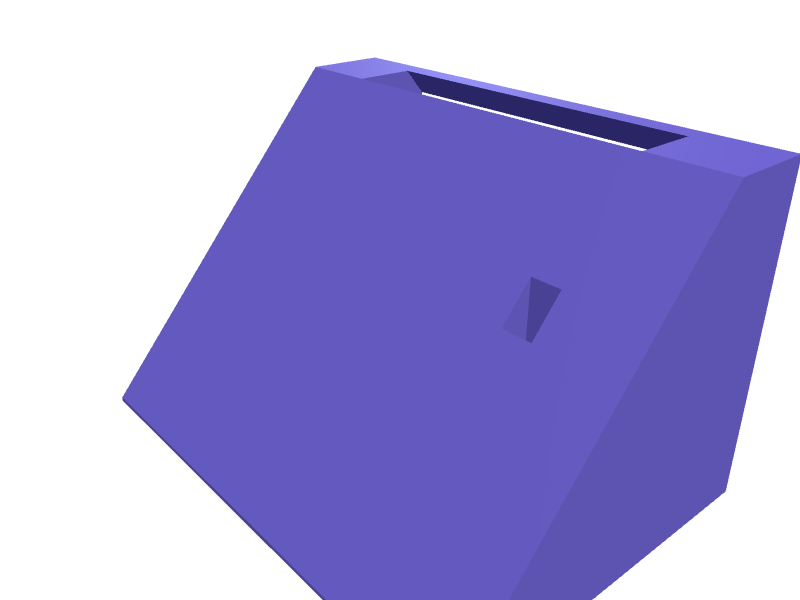
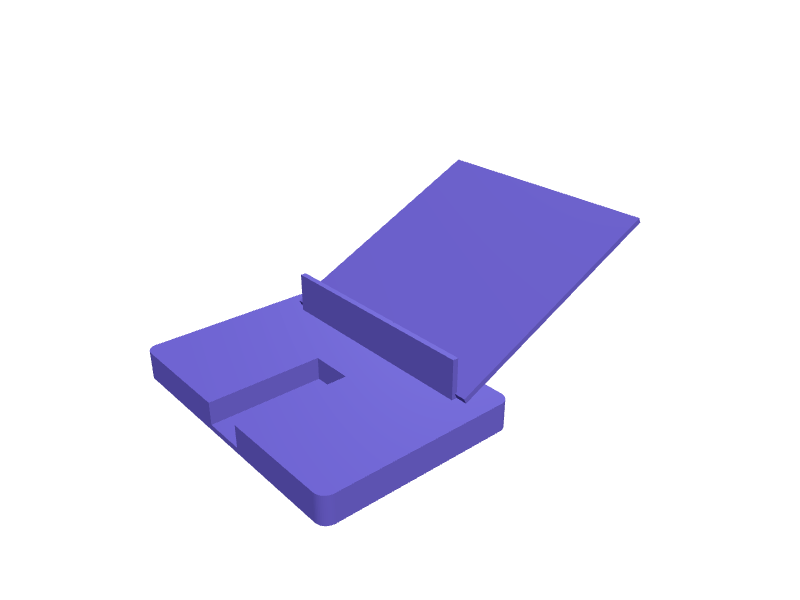
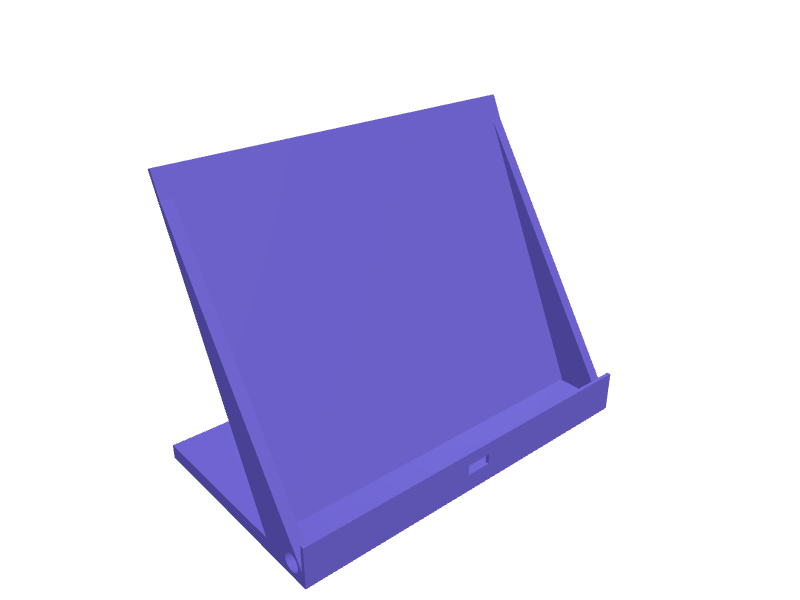
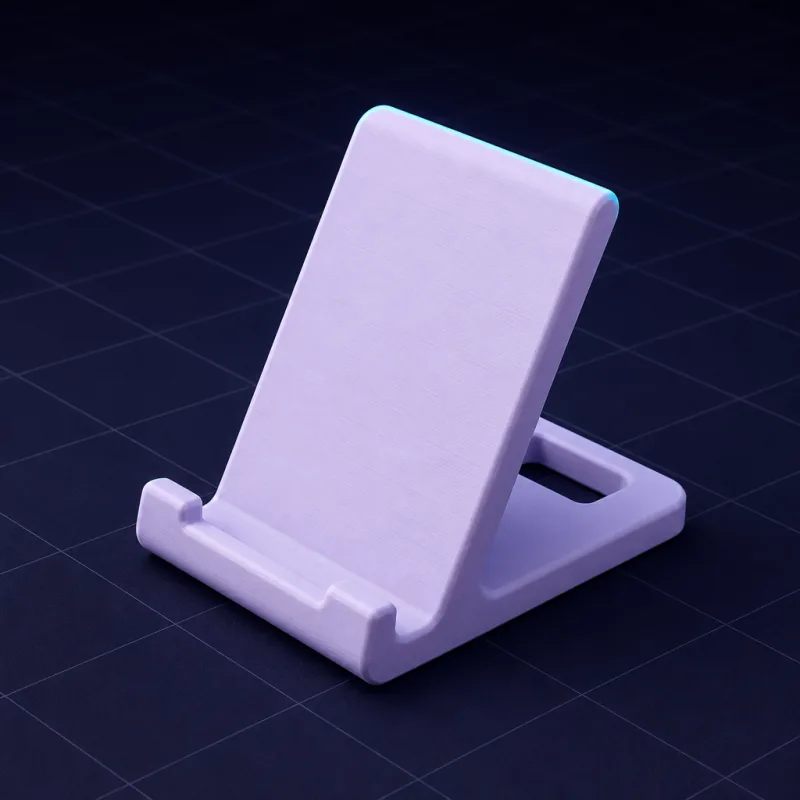
お使いの端末に合わせたスマホ・タブレットスタンド
汎用のスタンドはぐらついたり、充電ポートをふさいだり、画面の角度が合わなかったりします。お使いの端末、デスク、使い方を説明すれば、SpeakCADが実際に使っているケースにぴったりのスタンドを設計します。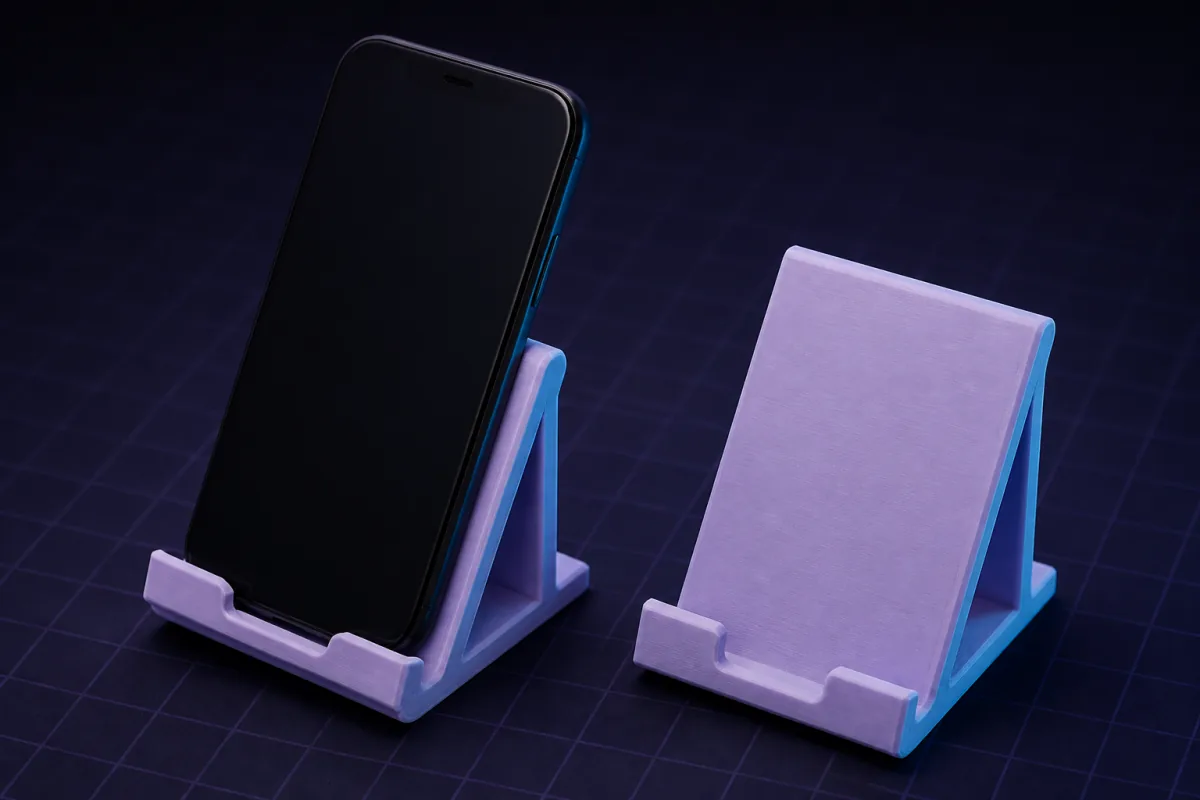
うまくいく指示の例
上のボックスに1つコピーして、数値をご自身のものに変えてください。最初の表示は通常1〜2分以内です。“ケース込みで78 x 10 mmのスマホ用スタンド。角度60°、下にケーブル用のスロット、奥行き90 mmの重みのあるベース。”
“幅250 mmのiPad用タブレットスタンド。2段階(30°と65°)、折りたたみは不要、高さ12 mmのリップ。”
“スマホを縦向きに立てて置けるベッドサイドの充電スタンド。背面にMagSafe充電器(直径56 mm、厚さ5.5 mm)をはめ込む。”
無料で開ける既製モデル:スマホ・タブレットスタンド
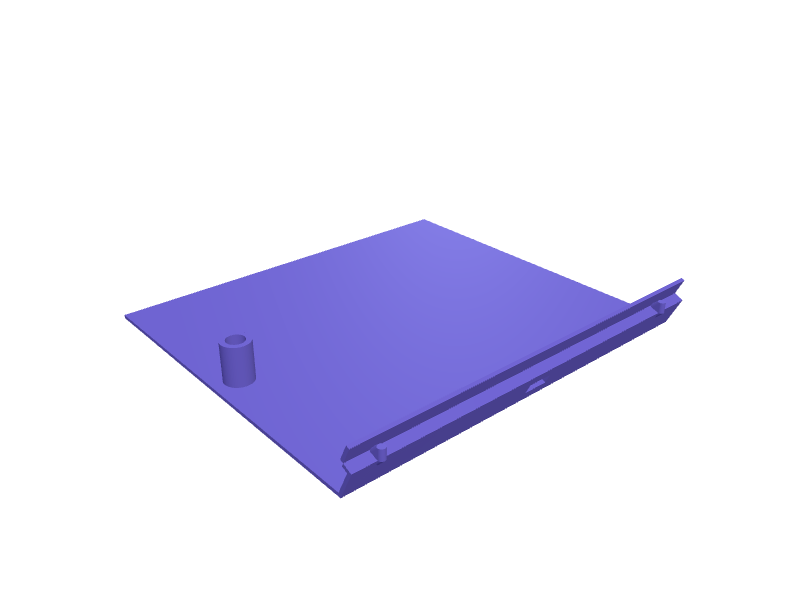
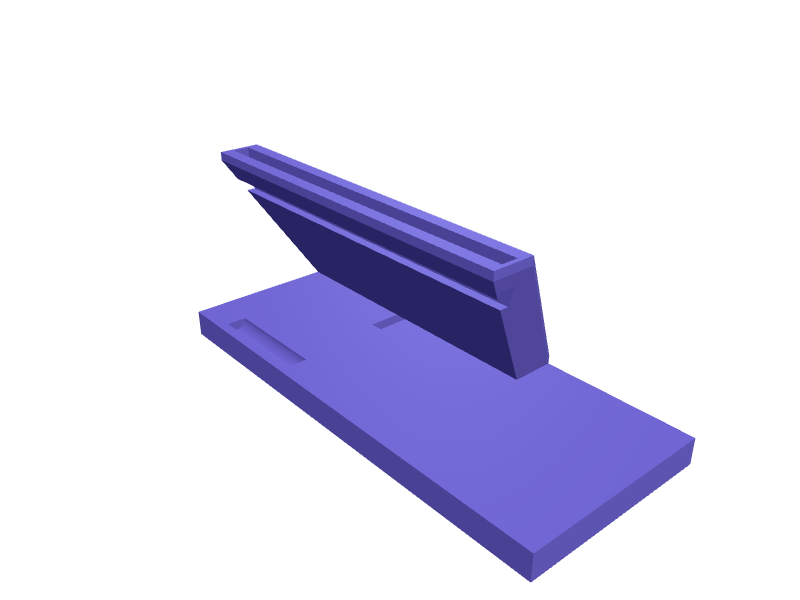
これらのパーツにはすでにモデルがあります。無料アカウント(カード不要)で開き、3Dで回してビューアーで数値を変更したら、STLまたは3MFを無料でダウンロードできます。AIによる変更にはクレジットを使います。このカテゴリーのパーツをライブラリでもっと見る →
大事な寸法
ケース込みの端末の幅と厚さ、見やすい角度、そしてケーブルやワイヤレス充電器のスペースが必要かどうか。この4つの数値をもとに設計したスタンドは安定し、ポートにもアクセスしやすくなります。
角度と安定性
デスクで使うなら55°〜65°が快適です。ビデオ通話なら70°〜75°、ベッドで読書するなら30°〜40°。SpeakCADは重心が設置面の内側に収まるようにベースの奥行きを決め、ベースの裏にゴムパッド用のくぼみを加えることもできます。
よくあるアレンジ
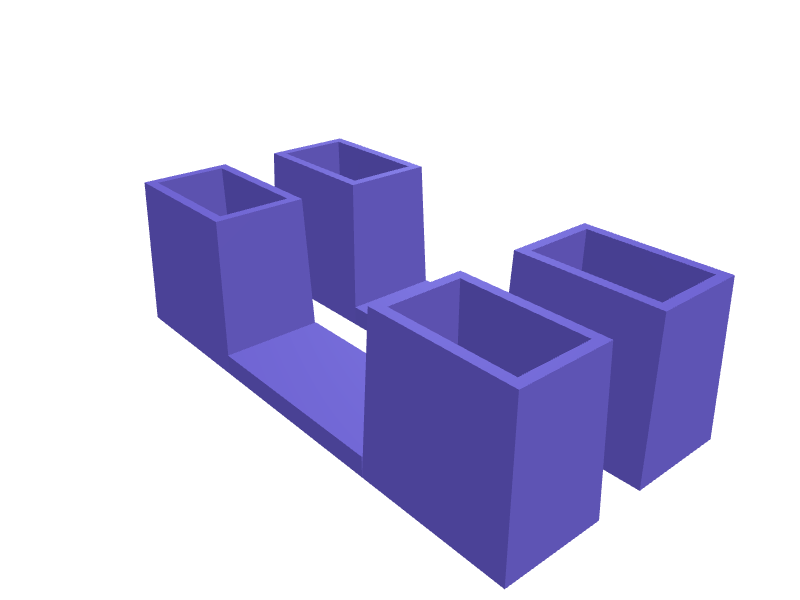
- スマホとイヤホンケースを置けるダブルスタンド
- ペン立てや小さなトレイ付きのスタンド
- キッチン用の壁掛けスマホ棚
- 車のエアコン吹き出し口用クリップやヘッドレストマウント
- 横向き・縦向きの両方に対応
ギャラリーの作例
よくある質問
はい。横向きに置ける幅のクレードルに、中央のケーブル用スロットを指定してください。AIはどちらの向きにも合うリップの高さに保ちます。
ベースの裏に、粘着式ゴムパッド用の直径20 mm・深さ1 mmの円形のくぼみを指定するか、底面に凹凸をつけるよう指定してください。
Design it from your phone
Text to G-code on your phone: from a sentence to a printer-ready file without a slicerHow SpeakCAD turns a description typed on a phone into G-code sliced for your printer: what happens in each step, which printers and profiles are covered, and how the file reaches the printer.Photograph it, print it: duplicating a broken part with your phone camera and a rulerNo 3D scanner needed. Two phone photos with a ruler in frame and one sentence give you a parametric copy of a knob, clip or bracket you can correct and print.CAD on an iPad without a stylus: let the AI do the geometry and use the tablet for decidingTablet CAD apps assume a Pencil and a learning curve. A describe-and-render tool turns an iPad or Android tablet into a fast parametric CAD station with STL export.Design a 3D printable part on your iPhone or Android, step by stepFrom a sentence typed on the sofa to a file in your slicer, without a desktop: the steps, the phone gestures, getting the STL to the printer, and fixing a bad print.Best mobile 3D modelling app for 3D printing in 2026: what actually works on a phoneAn honest tour of what runs on a phone or tablet: sculpting apps, tablet-only CAD, viewers, browser tools. Which ones produce a printable, dimensioned part, and which one gives you G-code.3D modelling on your phone: a real 3D model builder that runs in a mobile browserNo CAD tool works on a phone because a phone cannot do precise dragging. SpeakCAD skips that: describe the part, the AI does the geometry, the STL renders on screen.
関連する活用例
OrganizersDescribe your drawer or shelf and what goes in it. SpeakCAD generates dividers, trays, bit holders and bins sized to the millimetre. STL, 3MF or sliced G-code export.Brackets & mountsDescribe what you need to hold, where it mounts and which screws you have. SpeakCAD generates a strong, printable bracket as STL, 3MF or G-code sliced for your printer in minutes.Replacement partsBroken knob, clip, hinge or foot? Describe it with a few measurements and SpeakCAD generates a printable STL replacement in minutes. From $7.99 a month.