
Use case
Brackets, mounts and adapters that fit the first time
Brackets are pure geometry and numbers: a pipe diameter, a hole spacing, a screw size, an offset from the wall. That is exactly what a text description conveys well, and SpeakCAD adds the fillets and thickness that make them strong.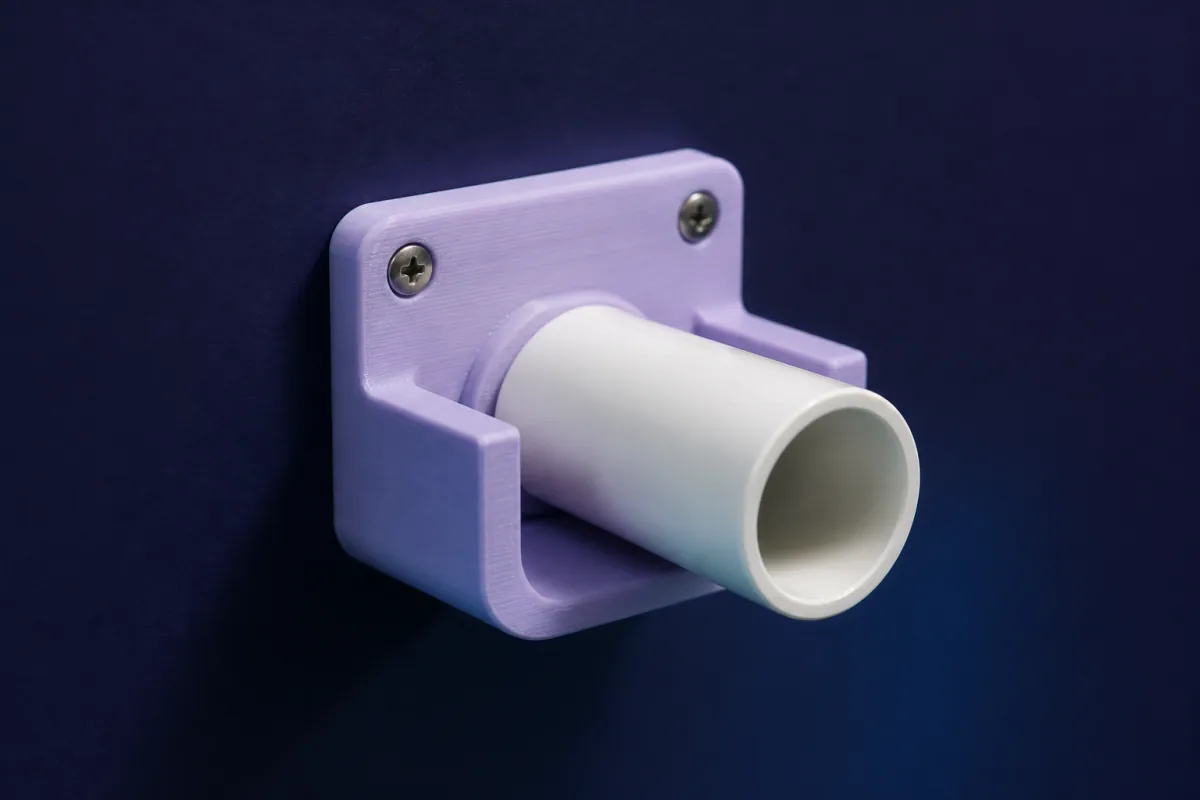
Prompts that work
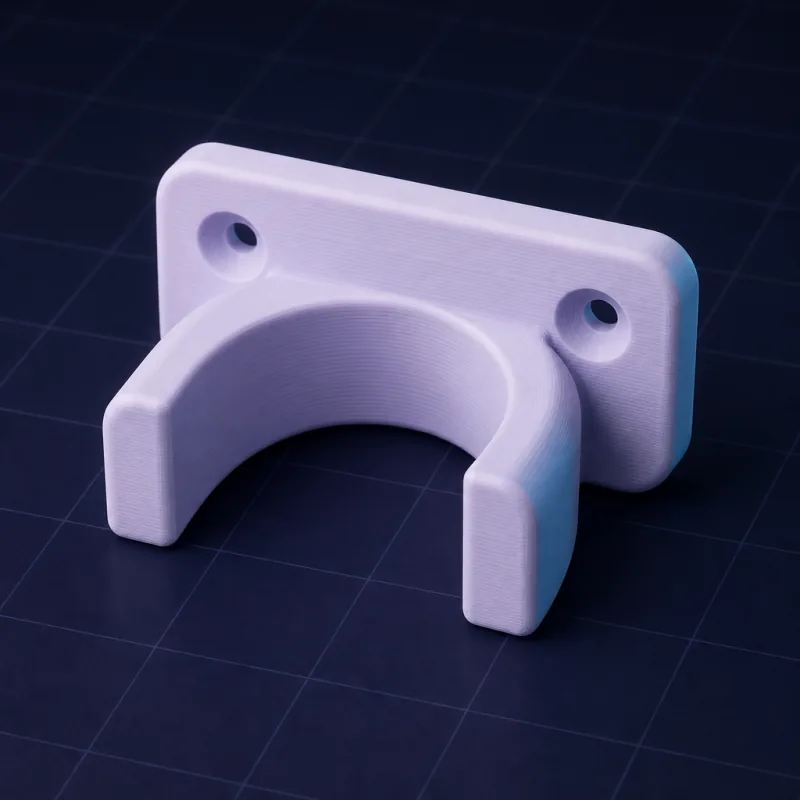
Copy one into the box above and change the numbers to yours. The first render usually appears within a minute or two.“A wall bracket that holds a 32 mm pipe 20 mm from the wall, two countersunk M4 holes 40 mm apart, 4 mm walls, rounded edges.”
“An L-bracket to mount a 100 x 60 mm sensor board under a shelf, 3 mm thick, with slots instead of holes for adjustment.”
“An adapter plate from a 75 x 75 mm VESA pattern to a 1/4-20 camera thread, 8 mm thick.”
Ready-made brackets & mounts you can open free
These parts already have a model. Open one in a free account, no card: turn it in 3D and change its numbers in the viewer, then download the STL or 3MF free. AI changes use credits.All brackets & mounts parts in the library →
What to include in the prompt
- What is being held (diameter, width, weight if heavy)
- The mounting surface and screw type (M3, M4, #8 wood screw, countersunk or not)
- Hole spacing or a standard pattern (VESA 75/100, 1/4-20, GoPro)
- Offsets and clearances (distance from the wall, gap for a cable)
Strength by design
SpeakCAD adds fillets at inside corners, gussets on cantilevers, and thickens the base under screw heads. For load-bearing parts, ask for "heavy duty" and it increases thickness and adds ribs. Print brackets with 4+ perimeters and orient the layer lines perpendicular to the load.
Common patterns
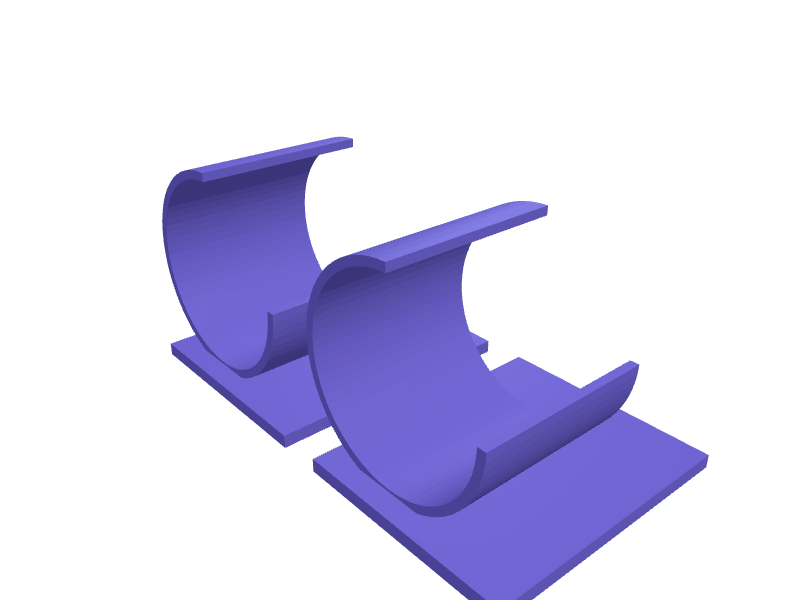
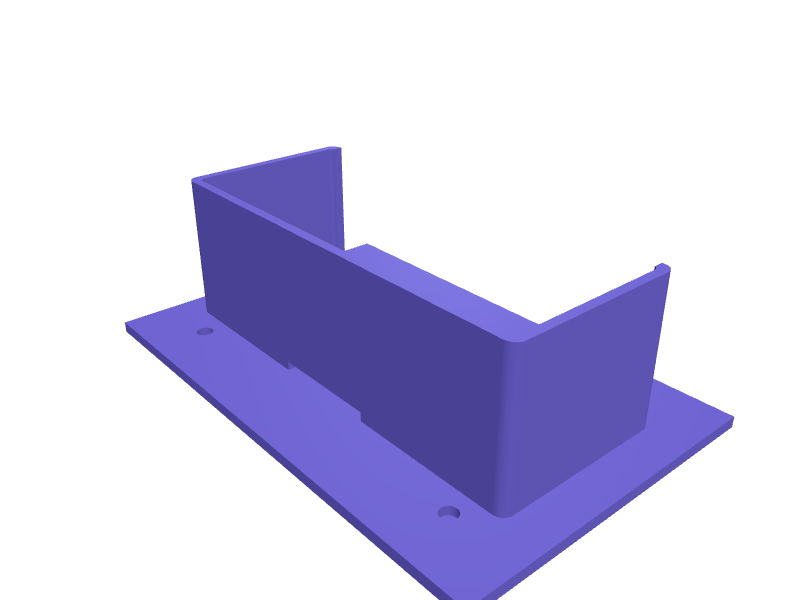
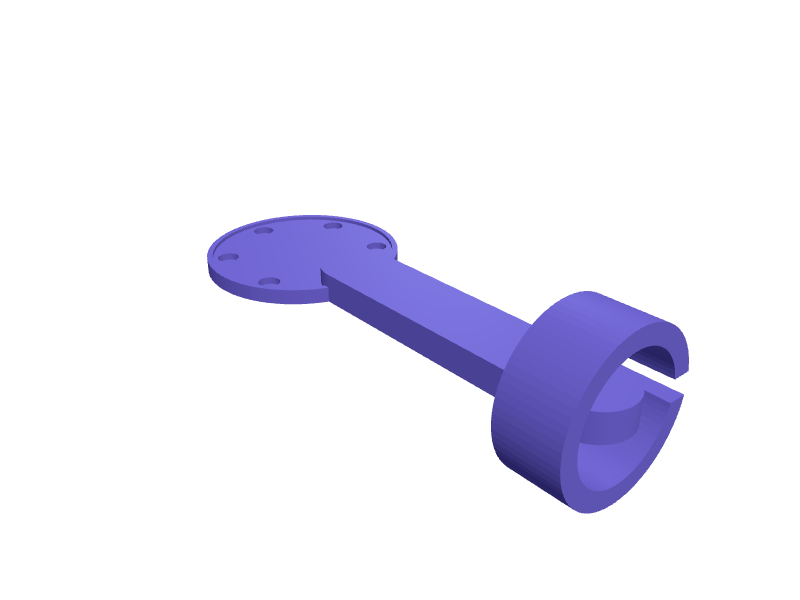
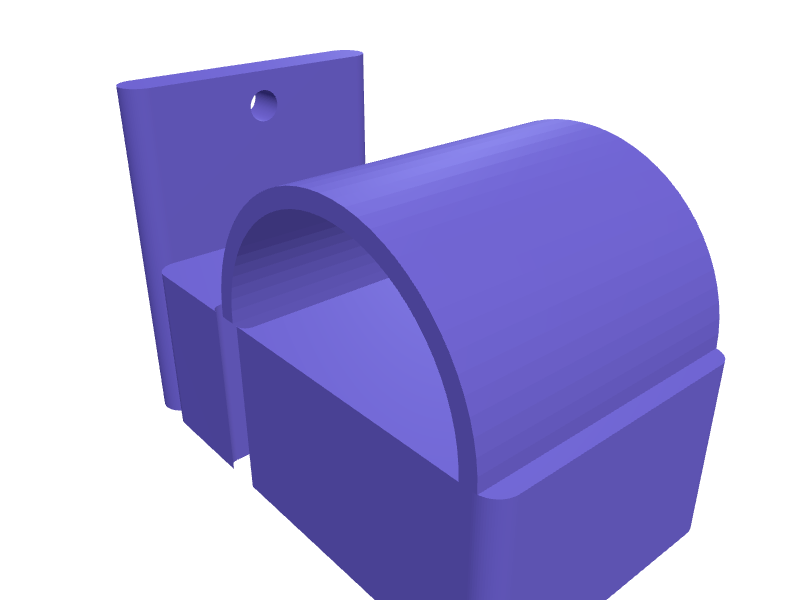
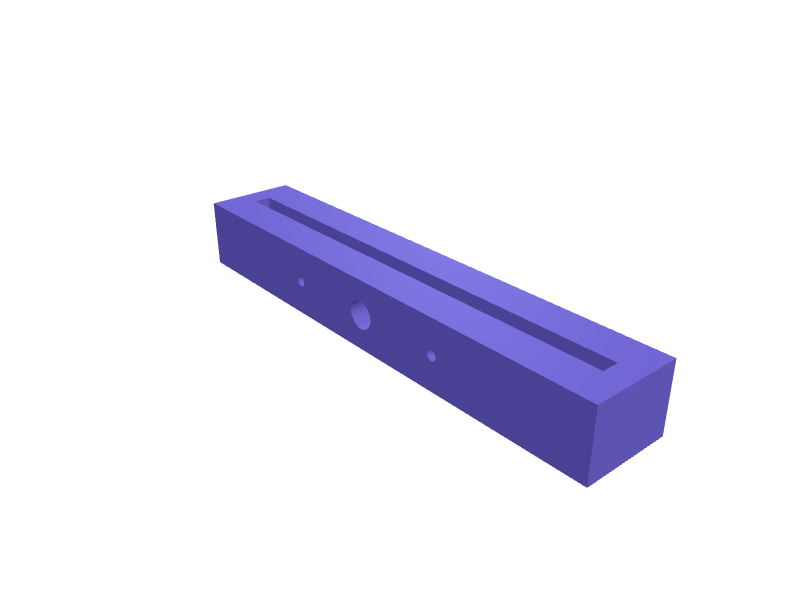
Pipe clamps, cable hooks, shelf brackets, monitor and camera adapters, sensor mounts, router and power-strip holders, curtain rod holders, under-desk headphone hooks.
The bracket generator puts it on one page: a mounting or adapter plate with screw holes made by hand for free, or any bracket described to the AI, with the common hole patterns and screw sizes.
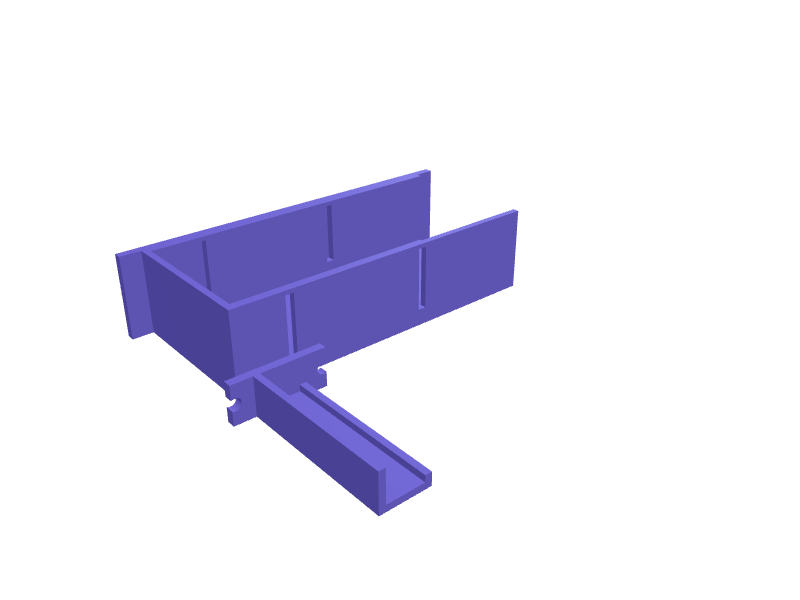
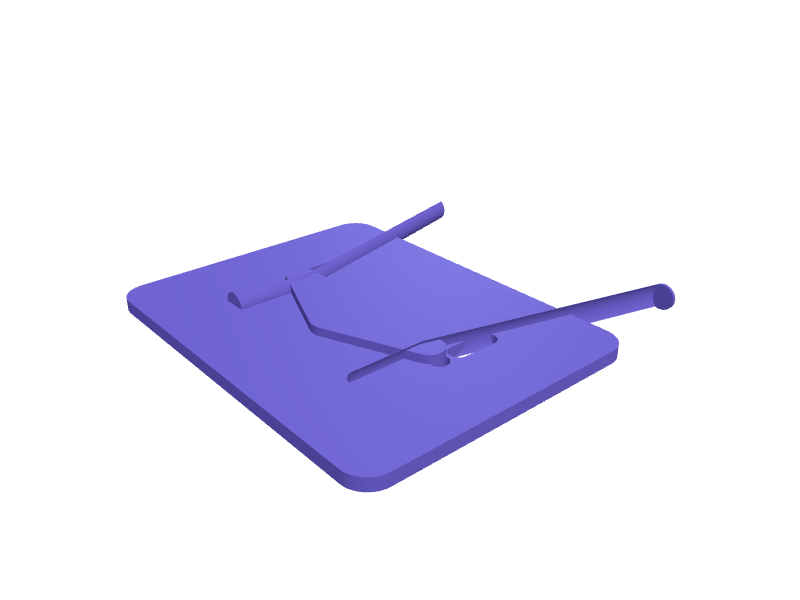
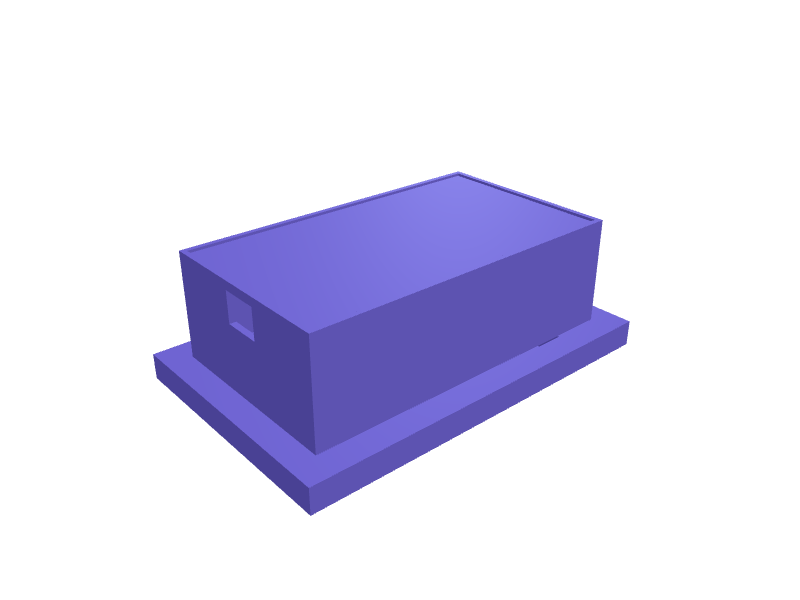
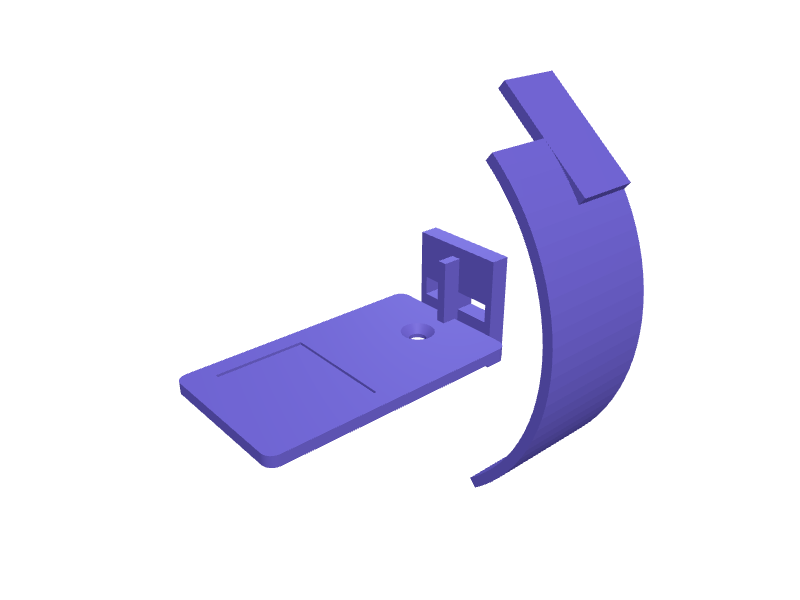
Examples from the gallery
Questions
Yes: VESA 75/100/200, GoPro fingers, 1/4-20 and 3/8-16 tripod threads, Arduino and Raspberry Pi hole patterns, common DIN rail dimensions.
Yes. Ask for countersunk holes for a screw size, or pockets for M3/M4 heat-set inserts, and the AI applies standard dimensions.
Related use cases
Replacement partsBroken knob, clip, hinge or foot? Describe it with a few measurements and SpeakCAD generates a printable STL replacement in minutes. From $7.99 a month.EnclosuresDescribe your PCB size, ports and mounting, get a snap-fit or screwed enclosure as a print-ready STL, 3MF or G-code sliced for your printer. Raspberry Pi, Arduino, ESP32, sensor boxes.Gears & mechanismsSpur gears, racks, pulleys, ratchets and knobs from a text description: module, tooth count, bore, keyways. Print-ready STL, 3MF or sliced G-code, watertight.