Use case
Design 3D printed replacement parts from a description
The part that broke is rarely on Thingiverse in the exact size you need. With SpeakCAD you measure the original with calipers, type the numbers, and get a replacement that fits the first or second time.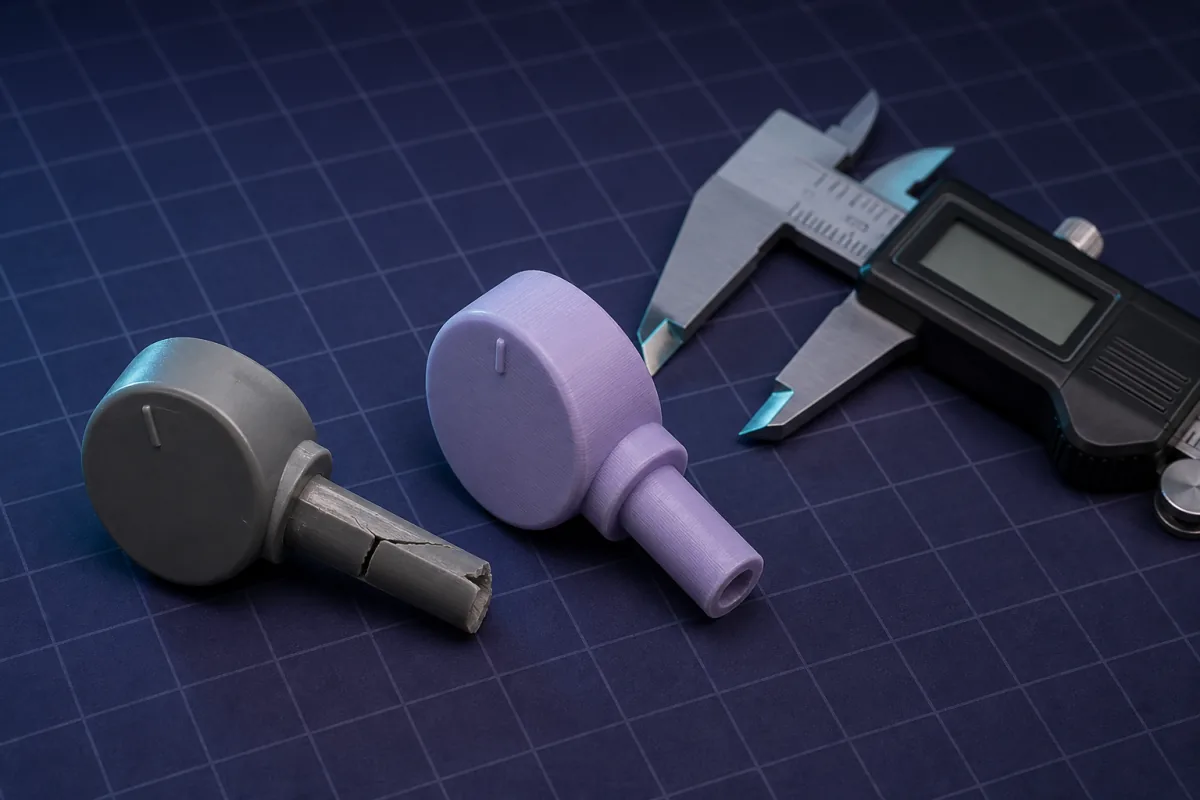
Prompts that work
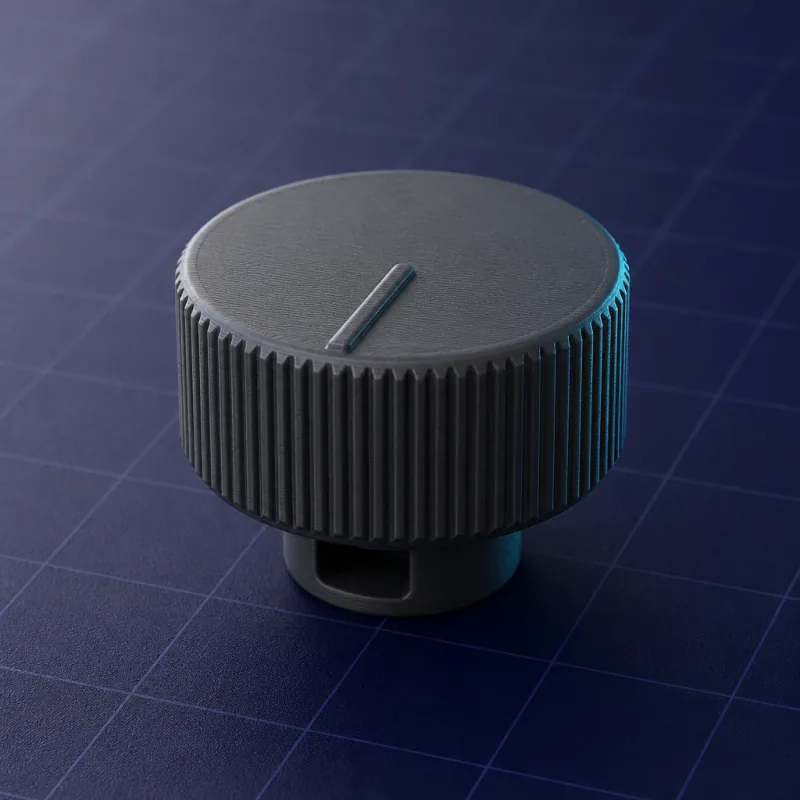
Copy one into the box above and change the numbers to yours. The first render usually appears within a minute or two.“A replacement knob 30 mm diameter, 18 mm tall, 6 mm D-shaft with a 0.5 mm flat, 12 mm deep, with a pointer line on top.”
“A fridge shelf clip: 25 mm wide hook that grips a 3 mm glass shelf, with a 10 mm tab that slots into a 4 x 12 mm hole.”
“A washing machine foot, M10 threaded stud 30 mm long, 50 mm diameter base, 15 mm tall, rubber pad recess 2 mm deep.”
Ready-made replacement parts you can open free
These parts already have a model. Open one in a free account, no card: turn it in 3D and change its numbers in the viewer, then download the STL or 3MF free. AI changes use credits.All replacement parts parts in the library →
Why replacement parts are the best 3D printing use case
Appliances, furniture and tools fail at their cheapest plastic component: a knob, a clip, a foot, a hinge pin. Manufacturers charge a fortune for spares or do not sell them at all. A 3D printer plus a few grams of PETG solves the problem for cents, but only if you can model the part.
That modelling step is where most people give up. Learning Fusion 360 to draw a knob is a weekend, not an evening. SpeakCAD shortens it to minutes: start from a box or a cylinder and drill or cut it with the numbers you measured, or describe the geometry and the AI writes a parametric model that respects those numbers exactly.
How to measure for a replacement
- Mating dimensions first. The shaft, the hole, the slot the part has to fit. Measure these with calipers and give them to the millimetre (or tenth).
- Overall envelope second. Width, height, depth. Approximate is fine; you can tweak later.
- Fit type. Tell SpeakCAD whether the part must press on (tight), slide (loose) or snap. It applies the right clearance automatically: about 0.2 mm for press fits, 0.4 to 0.6 mm for sliding fits.
- Material and orientation. Mention if the part takes load so the AI adds thickness or fillets where it matters.
Re-download free after the test print
Print the first version, test the fit, and come back to the chat: "the shaft hole is 0.3 mm too tight" or "make the lip 1 mm longer". Each of those is one request (2 credits), or nothing at all if you type the new number in the dimensions panel yourself. Small corrections re-download for free, so a replacement part typically costs a single download even with two or three fit iterations.
Common replacement parts people generate
- Appliance knobs and dials (oven, washer, mixer, amplifier)
- Clips and hooks (fridge shelves, curtain rails, cable guides, blinds)
- Feet and glides (furniture, laptops, kitchen appliances)
- Hinge pins and bushings
- Battery covers and remote-control lids
- Vacuum cleaner adapters and attachments
- Drawer runners and stops
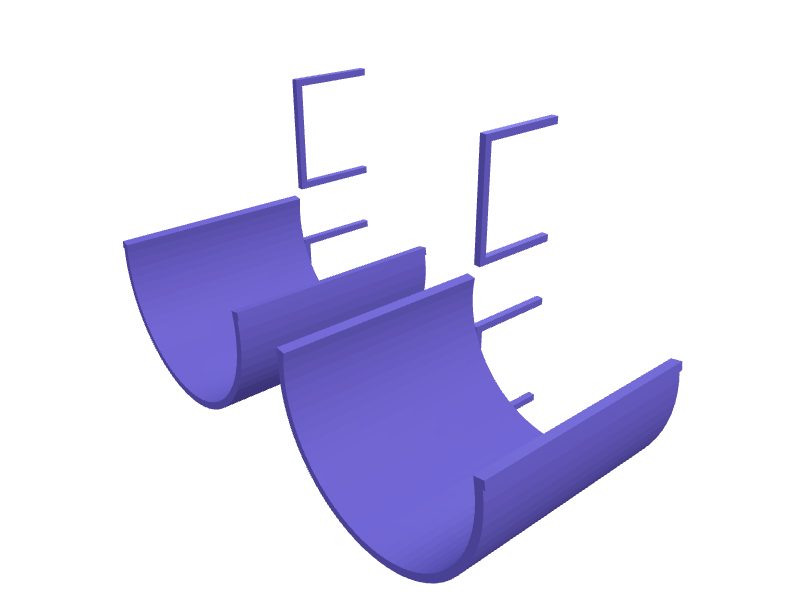
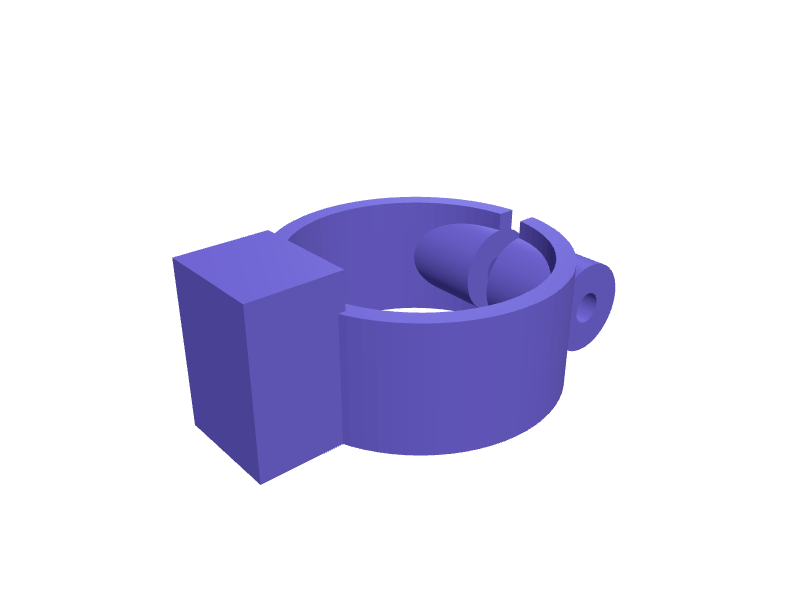
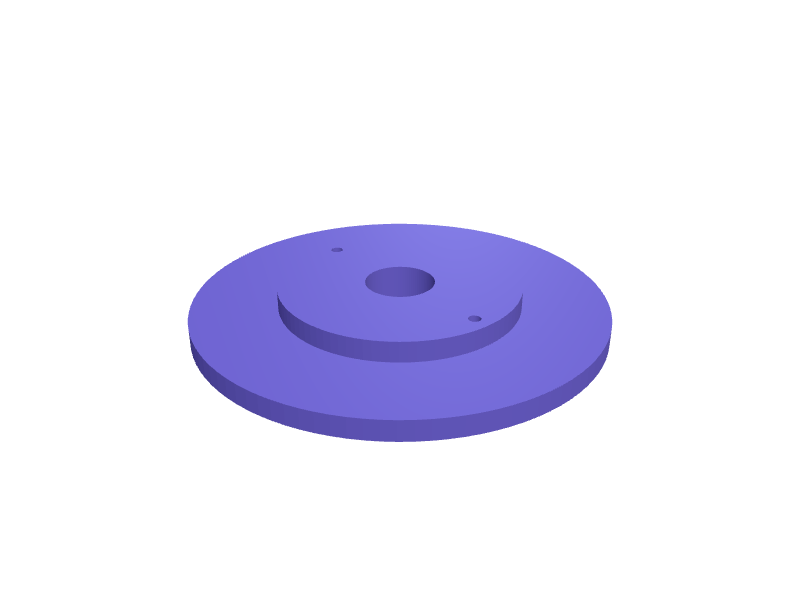
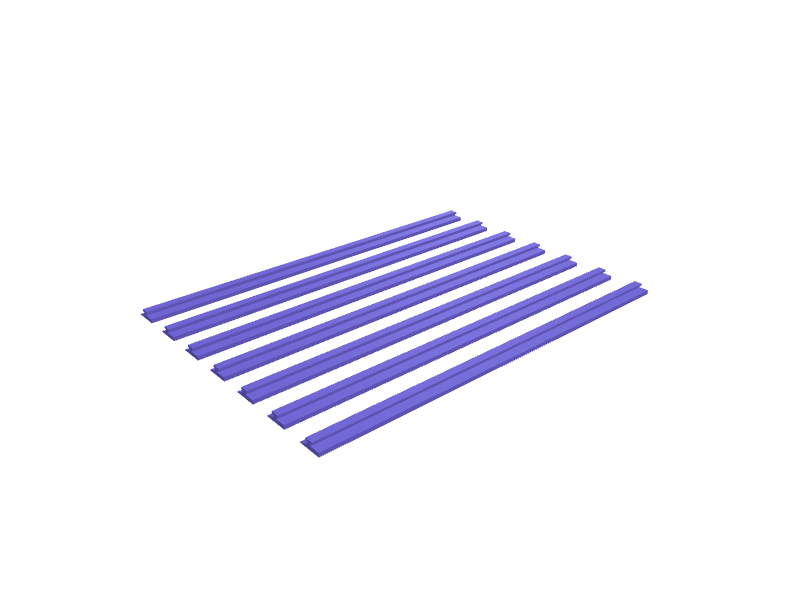
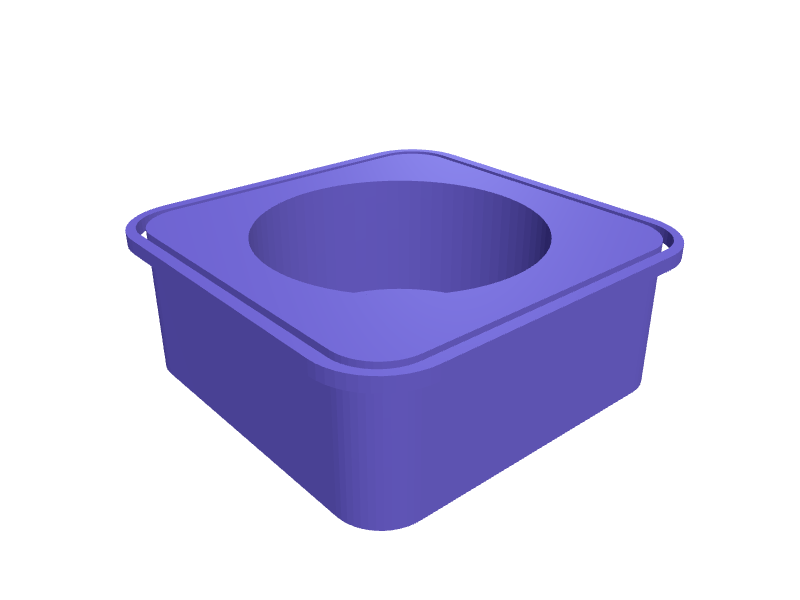
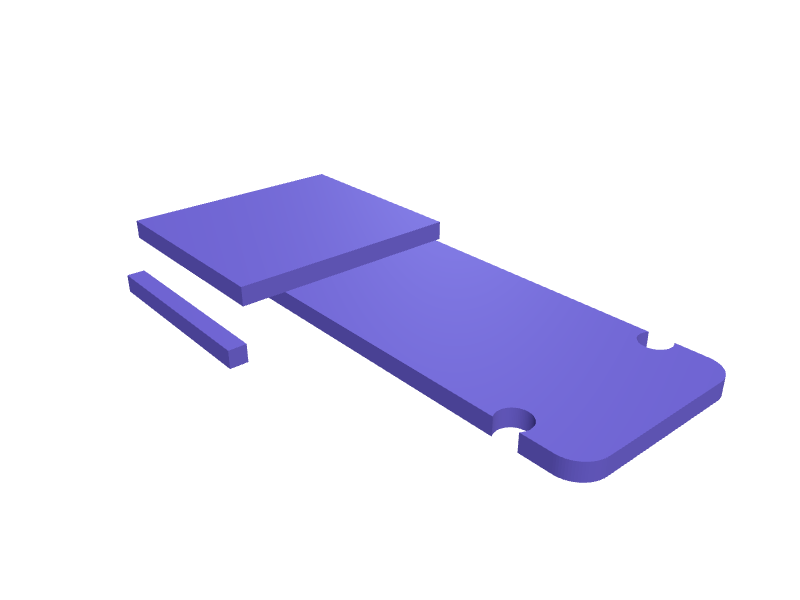
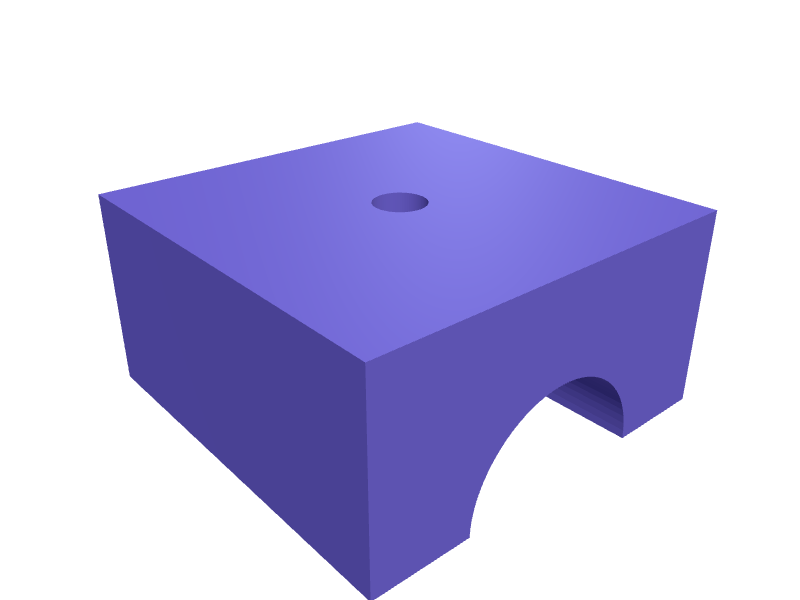
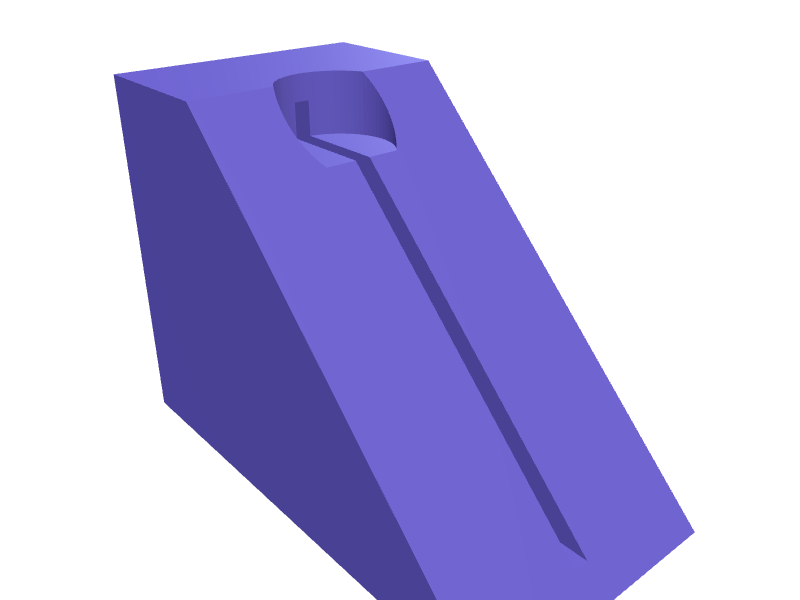
Examples from the gallery
Questions
Yes. Attach a photo and give the key measurements in the message; the AI uses the photo for the shape and your numbers for the dimensions.
For a shaft or peg that must not spin, ask for a press fit (about 0.2 mm clearance). For sliding parts, 0.4 to 0.6 mm. If you do not specify, SpeakCAD picks the fit that matches your description.
Yes for coarse printed threads (M8 and above) and for thread-insert or heat-set pockets. For small threads it is usually better to print a hole and tap it, which you can ask for.
Editing and iterating with AI
50 edit prompts for AI CAD: the exact phrases for resizing, holes, fillets, lids, fits and textA copy-and-paste cheat sheet of edit requests that work first time in an AI 3D model editor, grouped by what you want to change. Each one is a single message.What makes a good AI 3D model editor (and why most 'AI 3D' tools are not editors at all)Seven tests for any tool that claims to edit 3D models with AI: exact dimensions, local edits, undo, printable output, editable source, price, and where it runs.Click a face, change a number: editing 3D models without re-promptingNot every edit needs the AI. Click any part of the render, see its dimensions as editable numbers, type a new value and recompile locally in a second.Can AI edit an STL file? What works, what does not, and the workaround that doesAn STL is a frozen mesh, so no AI can reliably 'make the hole bigger' on it. What you can do: build parts that fit it, remix around it, or rebuild it parametric.Iterating on a 3D design with AI: a bracket from first render to final print in six roundsA real iteration log: a pipe bracket designed by chat, printed, measured, fixed and printed again. Every prompt, every fix, and what each round taught us.How to edit a 3D model with AI: the workflow that changes one thing without breaking the restMost 'AI 3D' tools regenerate the whole object when you ask for a change. Here is how a parametric AI editor makes surgical edits, and the exact way to phrase them.
Related use cases
Brackets & mountsDescribe what you need to hold, where it mounts and which screws you have. SpeakCAD generates a strong, printable bracket as STL, 3MF or G-code sliced for your printer in minutes.EnclosuresDescribe your PCB size, ports and mounting, get a snap-fit or screwed enclosure as a print-ready STL, 3MF or G-code sliced for your printer. Raspberry Pi, Arduino, ESP32, sensor boxes.Gears & mechanismsSpur gears, racks, pulleys, ratchets and knobs from a text description: module, tooth count, bore, keyways. Print-ready STL, 3MF or sliced G-code, watertight.