What makes a good AI 3D model editor (and why most 'AI 3D' tools are not editors at all)
Seven tests for any tool that claims to edit 3D models with AI: exact dimensions, local edits, undo, printable output, editable source, price, and where it runs.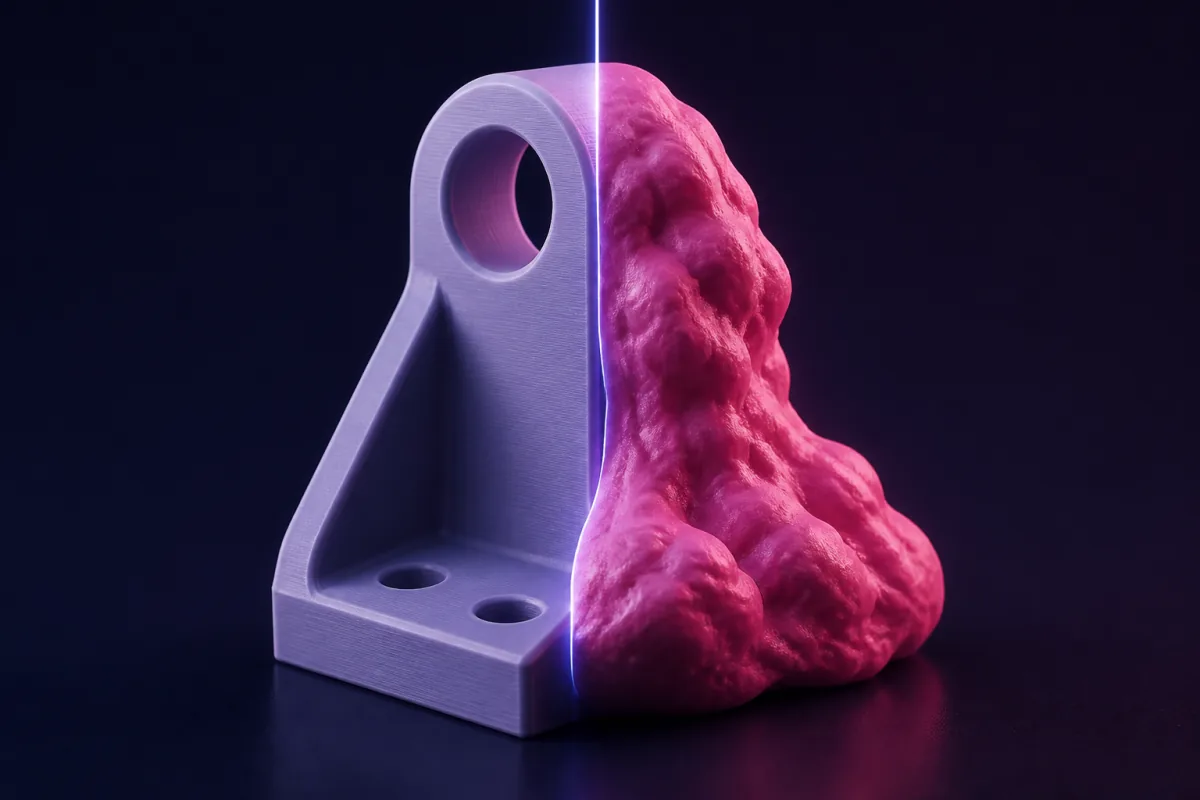
The word "editor" is doing a lot of work
Generative 3D tools (Meshy, Tripo, Luma, Hunyuan 3D and the rest) are generators. Some of them accept a follow-up prompt, and they call that editing. It is not: the follow-up produces a new mesh that resembles the old one. For a game asset that is fine. For a part with a 22.2 mm bearing pocket it is useless, because you cannot iterate toward a fit if every iteration is a re-roll.
An editor lets you change one thing and keep everything else. Here are seven tests that separate the two.
1. Does an edit change exactly what you asked?
Ask for "2 mm wider" and measure. An editor returns a part exactly 2 mm wider with every other dimension identical. SpeakCAD edits a parameter in an OpenSCAD program, so the answer is yes to the micron.
2. Are the dimensions exact in the first place?
If the first version cannot hit 62.4 mm, editing will not help. CSG-based tools compute geometry; neural mesh generators approximate it. Only the first kind is CAD.
3. Can you undo?
An edit you cannot undo is a gamble. SpeakCAD shows the previous version as a ghost after every change and undoes it in one click.
4. Is the output printable without repair?
A closed, manifold mesh with controlled wall thickness slices cleanly. Generative meshes typically need a repair pass and still have walls of random thickness. SpeakCAD's solids are manifold by construction.
5. Do you get the source?
A mesh is a dead end. A parametric file (OpenSCAD, STEP, a Fusion timeline) keeps the design alive. SpeakCAD keeps the parametric program of every model you make, so any dimension can be changed later, and it accepts OpenSCAD files as input for further edits.
6. What does iteration cost?
Generative tools charge per render, so exploring is what you pay for. SpeakCAD charges 4 credits for a new part on a plan, its first 3 small changes free, and 3 for a design change, whichever model answers (2 for a small change, 1 for a quick edit), and every plan includes downloads (4 credits per downloaded design without one); typing a number in the viewer is free, and Unlimited stops the counting. The pricing follows the workflow: small requests, one download.
7. Where does it run?
Desktop-only tools cannot be used at the printer, in the workshop or on the sofa. SpeakCAD runs in the browser (the editor, the geometry engine and the viewer) on a laptop, a Chromebook or a phone, with nothing to install.
Scorecard
| Test | Generative 3D | Desktop CAD + AI plugin | SpeakCAD |
|---|---|---|---|
| Exact edits | No | Yes | Yes |
| Exact dimensions | No | Yes | Yes |
| Undo | Rarely | Yes | Yes, with ghost compare |
| Printable without repair | Rarely | Usually | Always |
| Editable source | No | Yes (proprietary) | Yes, kept in your project (OpenSCAD) |
| Iteration cost | Per render | Licence | 4 credits per new part on a plan, its first 3 small changes free, 3 per design change, 2 per small change (1 for a quick edit), downloads included in every plan; typing a number in the viewer is free |
| Runs in a browser / phone | Some | No | Yes |
What SpeakCAD is not good at
Organic sculpting, characters, anything that is art rather than engineering. Use a generative tool or a sculpting app for those, and SpeakCAD for the bracket that holds them on the wall. For the tools on both sides, with prices checked on their sites, see the best AI tools for 3D printing.
Prompts to start from
Open one in the builder, change the numbers to yours, and the model renders in your browser, usually within a minute or two. Keep adjusting in the chat before you print.A bearing holder for a 608 bearing (22 mm outer diameter, 7 mm wide): a 22.2 mm pocket in a 34 mm round boss on a 50 x 50 x 4 mm plate with four 4.5 mm corner holes. Make the bearing diameter a parameter.
Questions
Tools that generate parametric code (SpeakCAD writes OpenSCAD) edit precisely, because an edit changes a named dimension and recompiles. Generative mesh tools regenerate the object and cannot guarantee that anything stays the same.
For parts that must fit, yes: exact dimensions, local edits, printable output and a model that stays editable. For characters and decorative objects, the generative tools are better. They solve different problems.
No. You never see code. Chat and the viewer cover everything: every dimension is a named value you can change by clicking the model.