Click a face, change a number: editing 3D models without re-prompting
Not every edit needs the AI. Click any part of the render, see its dimensions as editable numbers, type a new value and recompile locally in a second.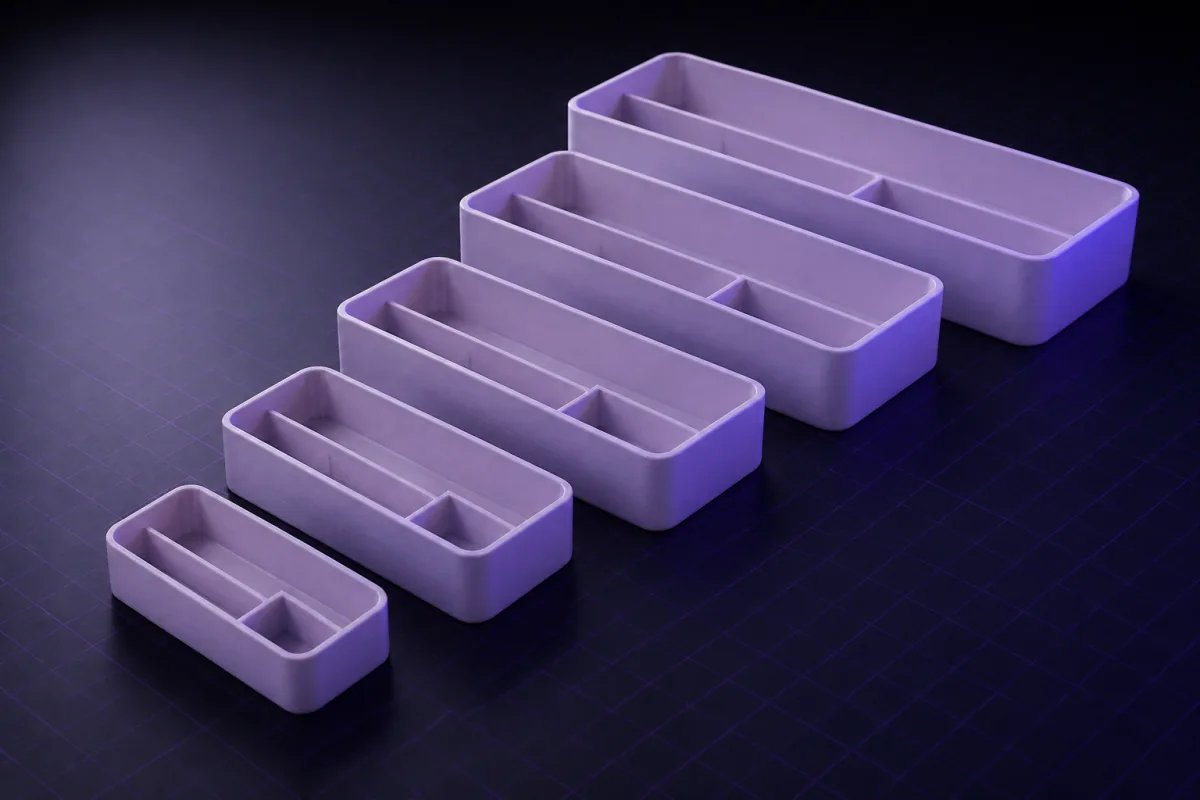
Three ways to change a model
| Method | Speed | Best for |
|---|---|---|
| Type a number in the viewer | About a second, no AI | Dimensions that already exist as parameters |
| Chat, small edit | Seconds | Sizes, holes, tolerances, counts: answered by the quick model |
| Chat, design change | Longer | New features, redesigns, anything that needs reasoning: the quick model, reasoning deeper |
Most people start with the chat for everything and discover the viewer edit later. Use both.
Editing in the viewer
Click any surface of the render. A panel opens next to the click showing the size of what you selected and the parameters that shape it: wall = 2, hole_d = 6.4, height = 40. Type a new value and the program recompiles in your browser, no AI involved, no waiting, no credit. The previous shape stays visible as a ghost until you keep or undo.
Click a face that belongs to a named part (the lid, the clip, the standoff) and the panel narrows to that part's parameters. If the program has no part names yet, one click asks the AI to add them.
When to use the chat instead
The viewer edits numbers that exist. It cannot add a feature that does not: a new hole, a chamfer, a slot. For those, the same panel has a text box scoped to the selected part: "add a 6 mm hole through here" is sent with the selection attached, so the AI knows exactly which face you mean.
Which model answers
You never pick a model; SpeakCAD does, per message, and the model never changes the price:
- A quick model with light reasoning takes "make it 2 mm wider", "add two more vents", "change to M3". Most iteration happens here, in seconds.
- The same model with deeper reasoning thinks through the geometry for the first version of a part, for redesigns, and for anything with moving pieces or fits.
- A stronger model takes complex first briefs (long ones with photos or meshes and mechanisms) and anything the quick model got wrong.
When an answer does not land (it fails to build, you undo it, or you say "no, still not"), the next request automatically moves up a tier, and stays there for the rest of the session. The tier that answered is shown under each reply.
The ghost
After any change, the model as it was is drawn as a translucent overlay on the new one. Walls that got thicker show as a double outline; a moved hole shows both positions. Keep or undo with one click. It is the fastest way to answer "what did that change?" without reading code.
The parameters stay live
Every model is a parametric program under the hood. The numbers the viewer shows are the model's own variables, so an edit changes one dimension and rebuilds; nothing is re-guessed. You never need to see code.
Putting it together
Generate. Iterate small changes in the chat or directly in the viewer. Use the ghost to check. Print. Fix measured errors by typing the numbers. That loop is why people design ten versions of a part in the time a desktop CAD program takes to open.
Prompts to start from
Open one in the builder, change the numbers to yours, and the model renders in your browser, usually within a minute or two. Keep adjusting in the chat before you print.A drawer organizer tray 200 x 120 x 40 mm with 1.6 mm walls and four compartments. Name the parts 'tray' and 'dividers' and make the compartment count a parameter.
A knob for a 6 mm D-shaft, 30 mm diameter, 15 mm tall, with 12 grip ridges. Make the diameter, height, ridge count and bore parameters.
Questions
Yes. Click a face in the viewer and type new values for the parameters shown. The program recompiles locally in about a second. The AI is only needed when you add or remove features.
SpeakCAD picks it per message: a quick model for small edits like sizes, holes and tolerances, the same model with deeper reasoning for new parts and redesigns, a stronger one for complex first briefs. When an answer misses, a stronger model takes the next request automatically. The model never changes the price.
A viewer edit is a small parameter change, so re-downloads after it are free under the small-edit rule, as long as the volume and size did not change drastically.