Text to STL: how AI CAD actually works (and why it is not the same as text-to-3D)
Two very different technologies hide behind “text to 3D”. Here is how SpeakCAD turns a sentence into an exact, printable STL, and why generative meshes cannot.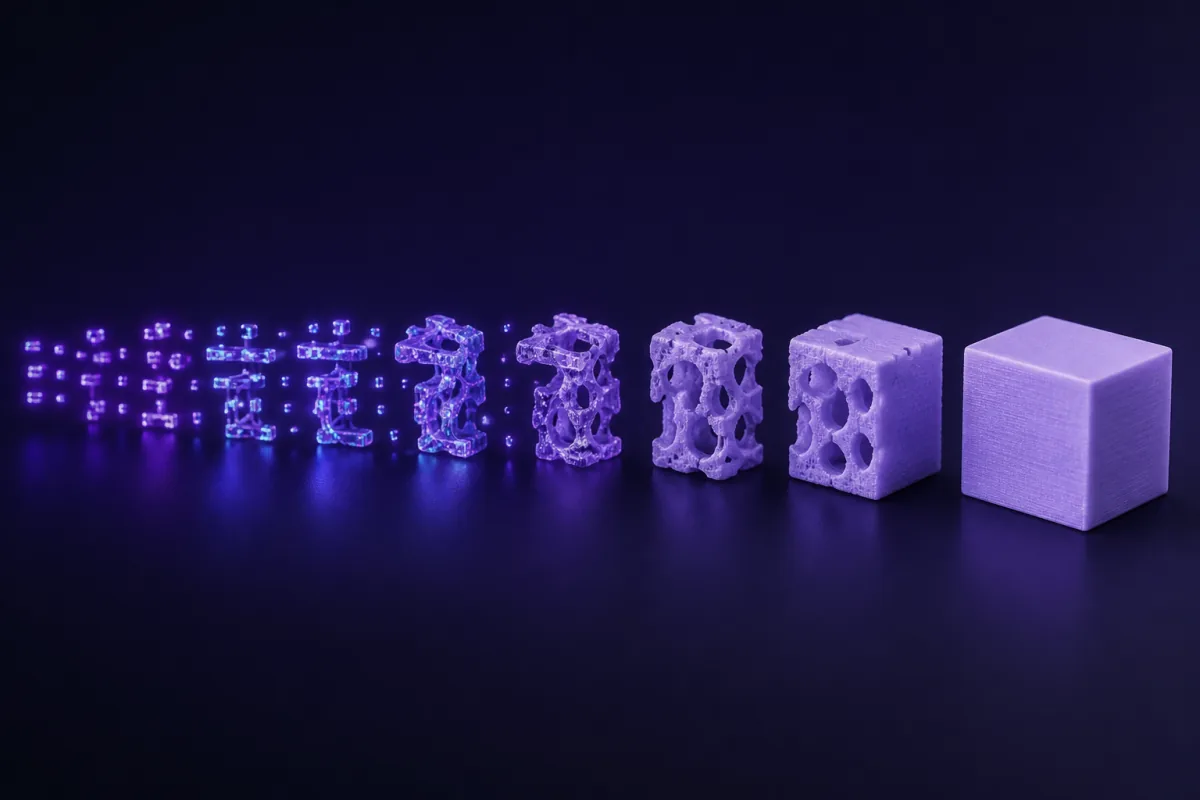
Two technologies, one buzzword
When people say "text to 3D" they usually mean a neural network that dreams up a mesh from a prompt: Meshy, Tripo, Luma and friends. Those models are trained on millions of 3D assets and produce plausible shapes with textures. They are wonderful for game props and figurines. They cannot make a lid that fits a 62.4 mm box, because they do not compute geometry; they hallucinate it.
SpeakCAD is the other kind. The AI does not draw triangles. It writes a program in a CAD language (OpenSCAD), and that program is compiled into geometry by a deterministic engine. If the program says cylinder(d = 62.4), the cylinder is 62.4 mm. Every time.
The pipeline
- You describe the part. Sizes, purpose, fit, style. Photos and existing STL files can come along as references.
- A language model writes OpenSCAD. Claude is remarkably fluent in it: it knows the primitives, the boolean operations, how to build a fillet from a hull, and it follows our design rules for FDM printing.
- Your browser compiles the program. OpenSCAD runs as WebAssembly inside the page, with the Manifold geometry backend, so the mesh is computed locally in a second or two. No render farm, no queue.
- The result is rendered and measured. A three.js viewer shows the part on a virtual bed with bounding box, volume and triangle count.
- You iterate by chat. Each request edits the program; the parameter names stay stable, so "make it 5 mm taller" changes one number.
- You export. STL straight from the engine, or 3MF serialised from the same mesh with units and a name.
Why the program matters
Because the model is a program, it is parametric by construction. A generative mesh is a frozen surface: to move a hole you must regenerate and hope. A program has hole_offset = 12; and moving the hole is editing that line, which the AI does for you. It is also why a small fix after a test print re-downloads free in SpeakCAD.
Why the geometry is always printable
CSG (constructive solid geometry) combines closed solids with union, difference and intersection. The output is closed and manifold by construction. There is no repair step, no "non-manifold edges" warning in the slicer, no paper-thin walls from a network that did not understand thickness.
What this approach cannot do
Organic sculpting. If you want a dragon, use a generative mesh tool or a sculpting package. If you want the bracket that holds the dragon on the wall, describe it to SpeakCAD.
Try it
The live demo is free and needs no account: 3 AI edits of a real part. Your own parts start with Maker at $7.99 a month (50 credits a month; a new part or a design change spends 3, a small change 2, a quick edit 1, and downloads are included), cancel anytime. Describe a part you have been meaning to print; the first render usually appears within a minute or two.