10 things we learned about prompting an AI for CAD
After thousands of generated parts, these are the patterns that separate a one-shot model from five rounds of fixes. Practical advice for describing 3D printed parts.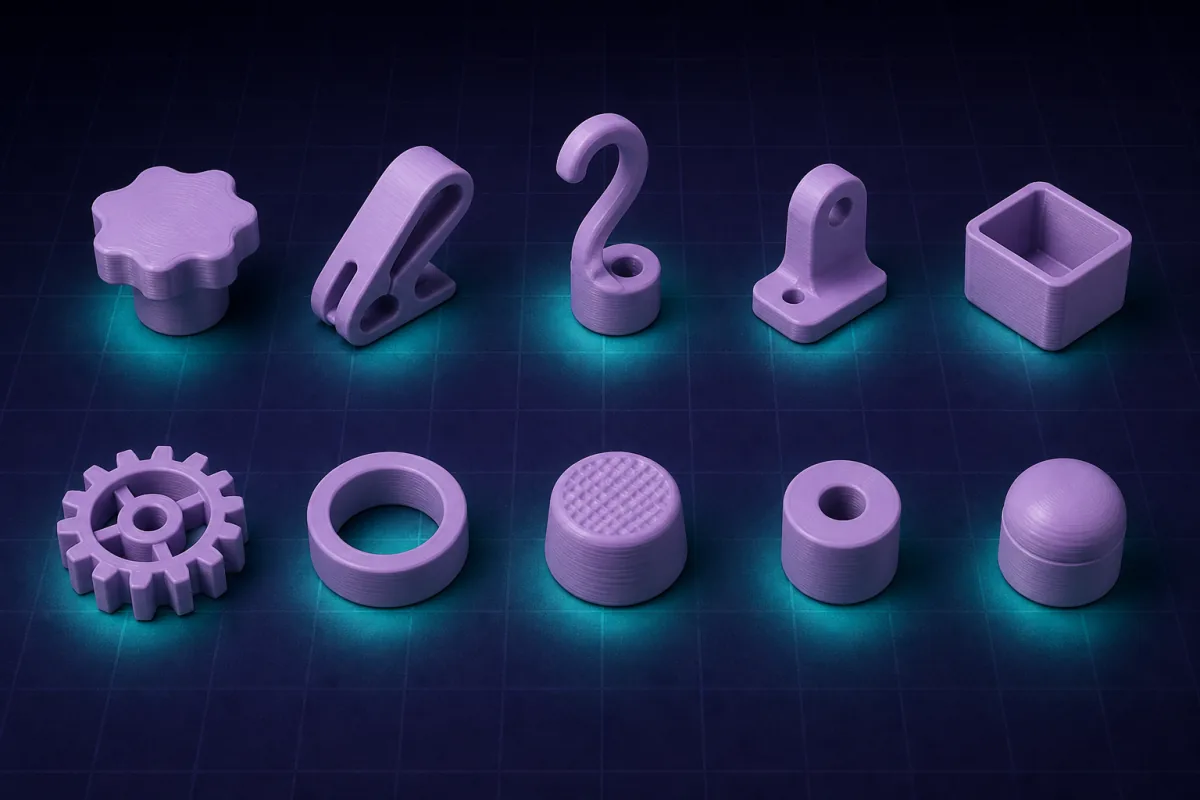
1. Lead with the mating dimension
The number that decides whether the part works is the one it has to fit: the shaft, the pipe, the PCB. Give it first and give it precisely. Everything else can be approximate.
2. Name the fit, not just the gap
"Press fit", "sliding", "snap", "free". The AI knows the clearance for each on an FDM printer. If you give a raw number instead, say whether it is the nominal or the finished size.
3. Say what it is for
"A hook" and "a hook for a 2 kg bag" produce different thicknesses and fillets. Purpose unlocks design rules.
4. One part per model
A model with a box, a lid and a bracket becomes hard to edit. Make separate models, or ask for "two parts side by side" only when they belong together.
5. Numbers in millimetres, decimals welcome
6.35 mm hex bits, 22.2 mm bearing pockets. The engine is exact; use it.
6. Photos need a scale
A photo shows shape, not size. Attach it, then write the two or three dimensions that matter.
7. Ask what was assumed
"What did you assume?" returns the defaults the AI chose. Correct the ones that matter before printing.
8. Edit with amounts
"2 mm wider" beats "wider". Quote the measured gap after a test print: "the lid is 0.3 mm too tight".
9. Ask for parameters you will tweak
"Make the height a parameter" costs nothing now and saves a rebuild later.
10. Trust the printability defaults, override when needed
Minimum walls, chamfers at the base, parts resting flat: these happen automatically. Say "single wall for vase mode" or "no chamfer" when you have a reason.
Bonus: keep the conversation going
The chat is the design history. If print three failed for the same reason as print one, the AI can see it. Re-downloading after a small fix is free until the design substantially changes. Asking the AI for the fix is one request (2 credits); typing the number in the viewer is free, so iterate freely.