Parametric design for makers: why every dimension should be a variable
Parametric models turn a redesign into a number change. What that means, why it matters for 3D printing, and how SpeakCAD gives it to you without learning CAD.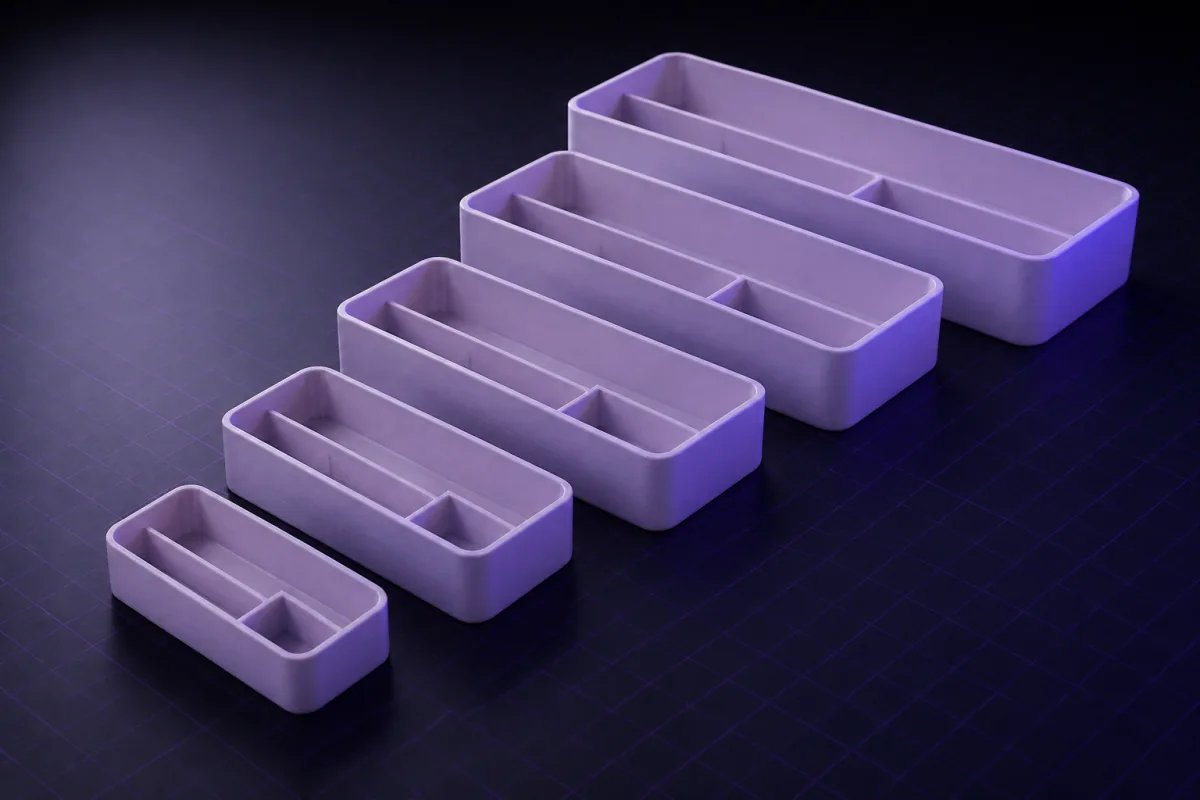
Fixed geometry vs parametric geometry
A downloaded STL is fixed: to change the width you scale it and everything else scales too, including the holes that had to stay 4 mm. A parametric model says "width = 80; hole = 4;" and rebuilds itself. Change the width, the holes stay 4 mm and stay 5 mm from the edge because that is how they were defined.
Why makers benefit most
Makers print for specific objects: this phone, that shelf, my pegboard. A parametric model designed for one size adapts to the next with a number. It also survives the reality of printers: your machine prints holes 0.3 mm small, so you bump the clearance parameter once and every hole follows.
What "parametric" looks like in SpeakCAD
Every model is an OpenSCAD program where the AI puts the important dimensions at the top:
javascript
You never need to read it, because editing is a sentence: "angle 65 degrees" changes one line. The same named values show in the dimensions panel, so you can also just type a number.
Stable parameters across edits
The AI is instructed to keep parameter names between edits, so the design history stays coherent and edits are surgical. That is also what lets SpeakCAD compare versions fairly for the free re-download rule.
Parametric habits worth adopting
- Ask for the dimensions you might change as parameters.
- Describe relationships ("the lip is always 2 mm taller than the phone thickness") rather than results.
- Keep one model per part so parameters do not tangle.