Design at the printer: the phone-first workflow for casual makers
The printer is in the garage, the broken thing is in the kitchen, the computer is off. A workflow where the phone measures, describes and sends the file.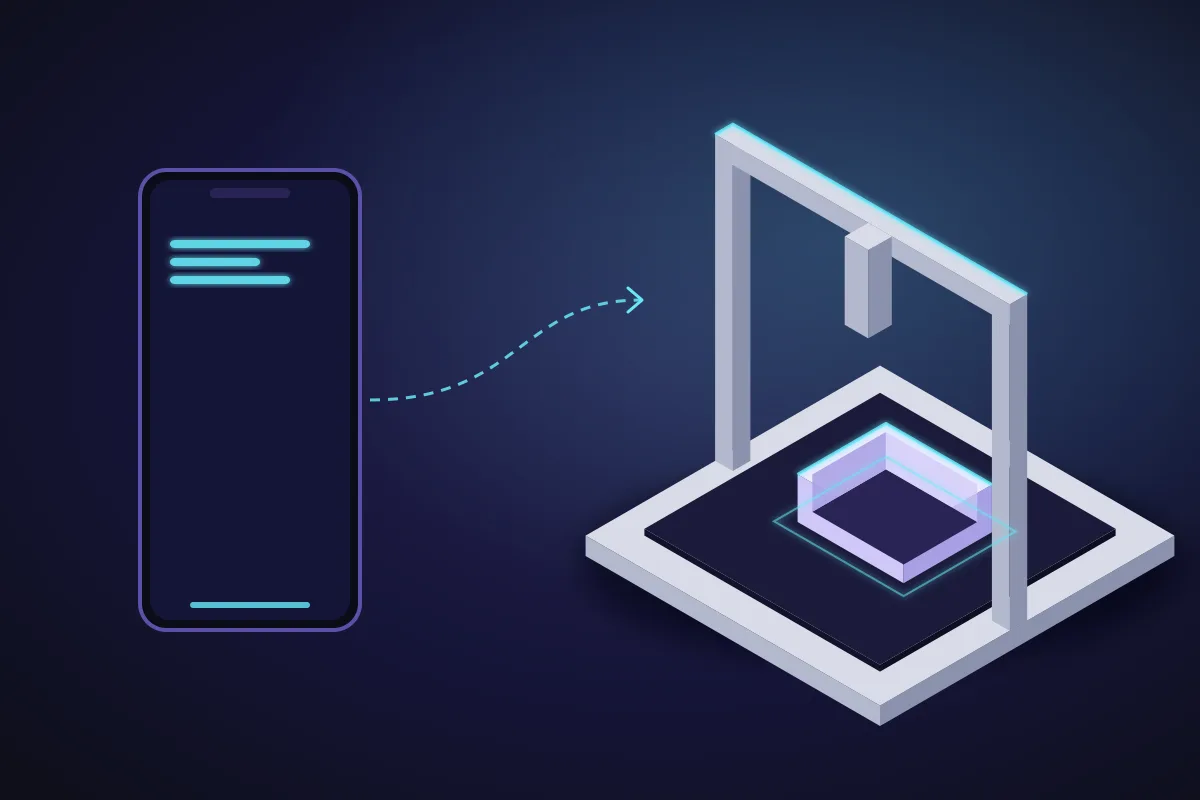
The geography problem
Custom parts do not get made because of a room. The thing that needs a part is in the kitchen or the car. The printer is in a garage or a spare room. The computer with the CAD program is somewhere else again, off, and needs a login. By the time all three are in the same place, the evening is over.
A phone is in your pocket in all three rooms. If the phone can measure, design and send, the geography problem disappears. Here is the workflow, with the parts that are genuinely phone-only and the parts where a desktop is still nicer.
In front of the thing: measure and describe
Tape measure or callipers, and the phone. Measure the dimensions that matter (the mating ones first: the shaft, the shelf thickness, the hole spacing) and type them into SpeakCAD in the browser as you go. Do not wait until you are at a desk: the numbers are freshest now and you can re-measure if the render looks off.
If the part is a copy of something you are holding, photograph it next to a ruler instead: top view, side view, one sentence, and the AI models it. How that works.
Still standing there: check and adjust
The render appears on the phone, usually within a minute or two. Hold the phone against the real object and compare. The vacuum wand is tapered, so the clip needs to be 34 mm at the top and 30 at the bottom; type that. The wall it mounts to has a skirting board, so the holder needs to sit 20 mm proud; type that too. Each edit lands in seconds and the ghost shows what moved.
This is the step that a desktop workflow loses. At a desk you design from memory and notes, print, discover the skirting board, and go around again. In front of the thing, the second render is right.
Download to the phone
Tap download; the 3MF or STL lands in Files (iPhone) or Downloads (Android). The download is included in your plan (from $7.99 a month with Maker); the first version spent 4 credits, its first 3 small changes free, then 2 for each small chat edit (1 for a quick edit).
Get it to the printer
Three routes, in order of how little they need:
- Printer or slicer that takes files from the phone. If your printer's app or cloud accepts a 3MF, share the file to it from the download and slice with a saved profile. Which apps do this changes with every release, so test yours once.
- Shared folder. Save the file to iCloud Drive, Google Drive or a network share that the slicer computer can see. When you sit at the computer later, the file is there.
- AirDrop or Nearby Share to the computer when you walk past it.
The guide to each route has the details, including what to do when Safari renames the file.
Where the desktop is still nicer
Reading a large model in detail, or comparing three variants side by side, is easier on a big screen. So is arranging many parts on a bed in the slicer. None of it is necessary for a single functional part, and the same project opens on the desktop with all its history, so you can start on the phone and finish at the desk when it helps.
The loop after the print
The holder is a fraction tight on the wand. Back at the wall, phone in hand: "0.5 mm more clearance on the clip". Re-download free, reprint, done. The fix took thirty seconds because you were standing where the problem was.
What this changes
Casual makers stop making custom parts not because the parts are hard but because the process needs a desk session. When the process fits in the gap between noticing the problem and forgetting it, the printer stops being a download button.
Prompts to start from
Open one in the builder, change the numbers to yours, and the model renders in your browser, usually within a minute or two. Keep adjusting in the chat before you print.A wall holder for a hand-held vacuum wand that tapers from 34 mm to 30 mm over 60 mm, two 4.5 mm screw holes 60 mm apart, 3 mm walls, open front with a 25 mm gap, standing 20 mm proud of the wall to clear a skirting board.
A hook that clips over the edge of a 28 mm workbench top and holds a 22 mm cordless drill handle, 4 mm thick, 1.5 mm fillets.
Questions
Yes. Measuring, describing, editing, checking dimensions and downloading all work in the phone's browser. Getting the file to the printer depends on your slicer: some apps take a 3MF from the phone, otherwise use a shared folder or AirDrop to the slicer computer.
Because you catch the things you would not have noted: a taper, a skirting board, a cable in the way. The second render is right instead of the second print.
No. It is the same editor and the same 3D engine running in the mobile browser. The project opens on a desktop later with all its history if you want a bigger screen.