Remix your own prints: turning one good design into a family of sizes
One organizer that works becomes the 80, 120 and 160 mm versions, one knob fits three shafts, one case fits four boards. No redrawing, one sentence per size.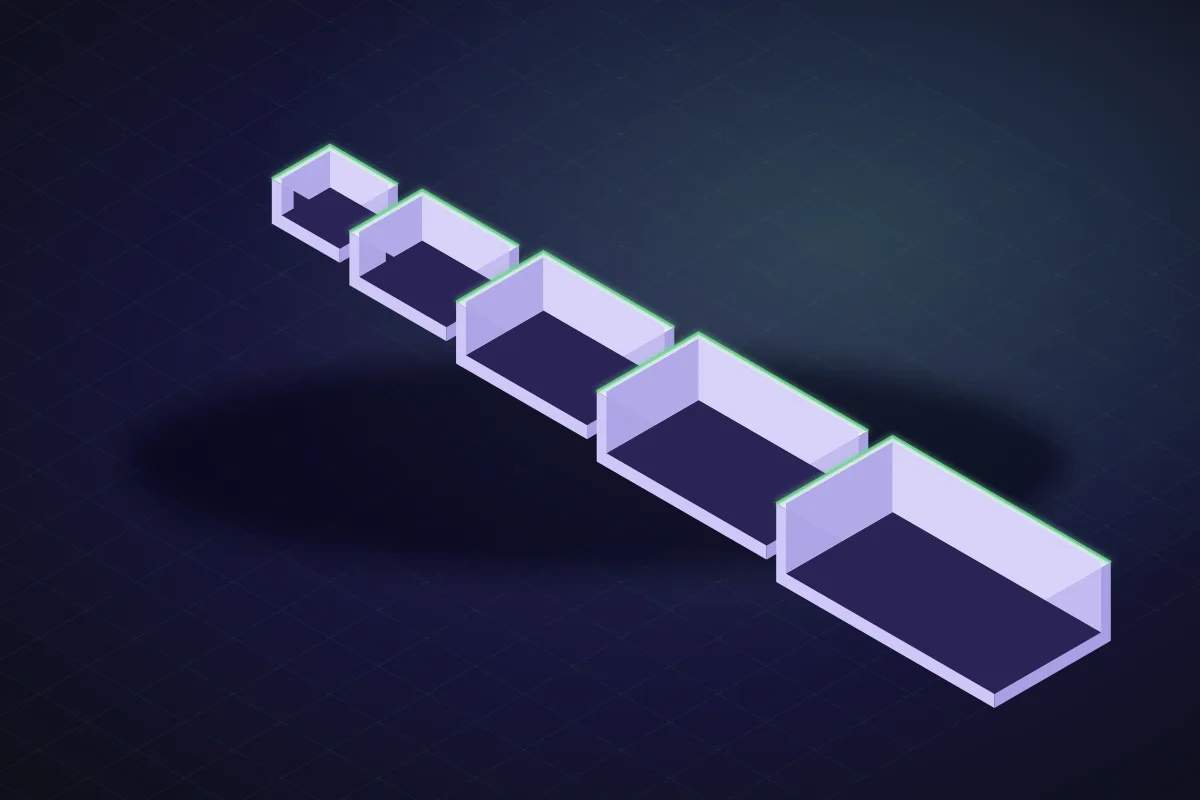
The one that worked
Most makers have a design like this: a bin, a hook, a knob or a bracket that took a few prints to get right and now gets printed again whenever a drawer or a shelf needs it. Then the drawer is a different depth, and the design has to be redone, and the small decisions (lip height, wall thickness, the chamfer that stops the elephant's foot) get made all over again.
A parametric design solves this once. The dimensions that vary are variables; the decisions that do not vary are baked in. SpeakCAD models are parametric from the first render, so a family of sizes is a series of one-line requests against the same design.
Step 1: get one member right
Design and print the first size the normal way: describe it, print it, fix what is wrong, print again. This is where you settle the decisions that will be shared by the whole family.
After two prints you know the scoop wants to be 25 mm and the walls print better at 1.8. Say so, re-download, and this is your master.
Step 2: name what varies
Open the dimensions panel: every important number in the model is listed with its name. For the bin that is length, width, height, wall, floor, scoop width, lip. Decide which ones the family changes. Usually one or two: length and width for bins, shaft diameter for knobs, board size for cases.
Step 3: ask for the family
Each variant is a new version of the same project. The scoop, walls and lip are unchanged because you did not ask for them to change. If a bigger bin needs a proportionally bigger scoop, say that once: "scoop width is 30 percent of length".
For a knob:
For a case:
Step 4: save the master as a starting point
Each version stays in your project history, and the design stays parametric, so any dimension can be changed later. Keep the master; the next time a shelf needs a bin, open the project and ask for the new size. The decisions travel with it.
Downloads and credits
Every plan includes the downloads, so each size is just a file to save. Without a plan, every downloaded size costs 4 credits, because each is a separate file, and a fit fix on a size you have already paid for re-downloads free. Asking the AI for a variant is one request (3 credits, 1 when only a size changes); changing numbers in the viewer is free, so you can size the whole family and only download the ones you will print this week.
Where families go wrong
- Changing a shared decision on one member. If the 160 mm bin needs a thicker floor, say "floor 2.5 mm on all sizes" so the family stays consistent, or accept that the big one is special and note it.
- Scaling instead of resizing. A 160 mm bin is not a 80 mm bin at 200 percent; its walls and lip would be double thickness. Ask for the size, not the ratio. The maths of why.
- Forgetting the bed. A 240 mm variant will not fit a 220 mm bed. Ask for it split with an alignment pin, or stop at 200.
The payoff
A design you got right once becomes a tool. The organizer fits every drawer in the house, the hook comes in three depths, the knob fits every appliance in the kitchen, and none of it needed a second evening of work.
Prompts to start from
Open one in the builder, change the numbers to yours, and the model renders in your browser, usually within a minute or two. Keep adjusting in the chat before you print.A stackable parts bin, 80 x 60 x 40 mm outside, 1.8 mm walls, 2 mm floor, a 25 mm wide finger scoop on the front, a 2 mm stacking lip. Then give me the same bin at 120 x 60 and 160 x 60, everything else identical.
A hook for a 18 mm thick shelf edge, 40 mm drop, 8 mm rod, 1.5 mm radius fillets everywhere. Then the same hook for 25 mm and 32 mm shelves.
A knob 32 mm diameter, 18 mm tall, 12 grip ridges. Make one version for a 6 mm D-shaft with a 0.5 mm flat and one for a 6.35 mm round shaft with an M3 set screw.
Questions
No. SpeakCAD models are parametric, so ask for the same design at a different size and only the dimensions you name change. Walls, lips, fillets and fits stay as you settled them.
No, and it should not be. Scaling doubles wall thickness and lip size along with the length. Asking for the size keeps those at their designed values.
Asking the AI for a variant is one request (3 credits, 1 when only a size changes); typing a new size in the viewer is free. Downloads are included in every plan (Maker gives 50 credits a month for $7.99, Pro 200 for $14.99; Unlimited has 300 AI requests a month included and unlimited downloads); without one, each size you download costs 4 credits and a fit fix on it re-downloads free.