Learning CAD takes 40 hours. Describing a part takes minutes. When is each the right call?
Time to first useful print for a beginner: weeks of tutorials in traditional CAD versus minutes with AI CAD. What you give up by skipping CAD, and what you do not.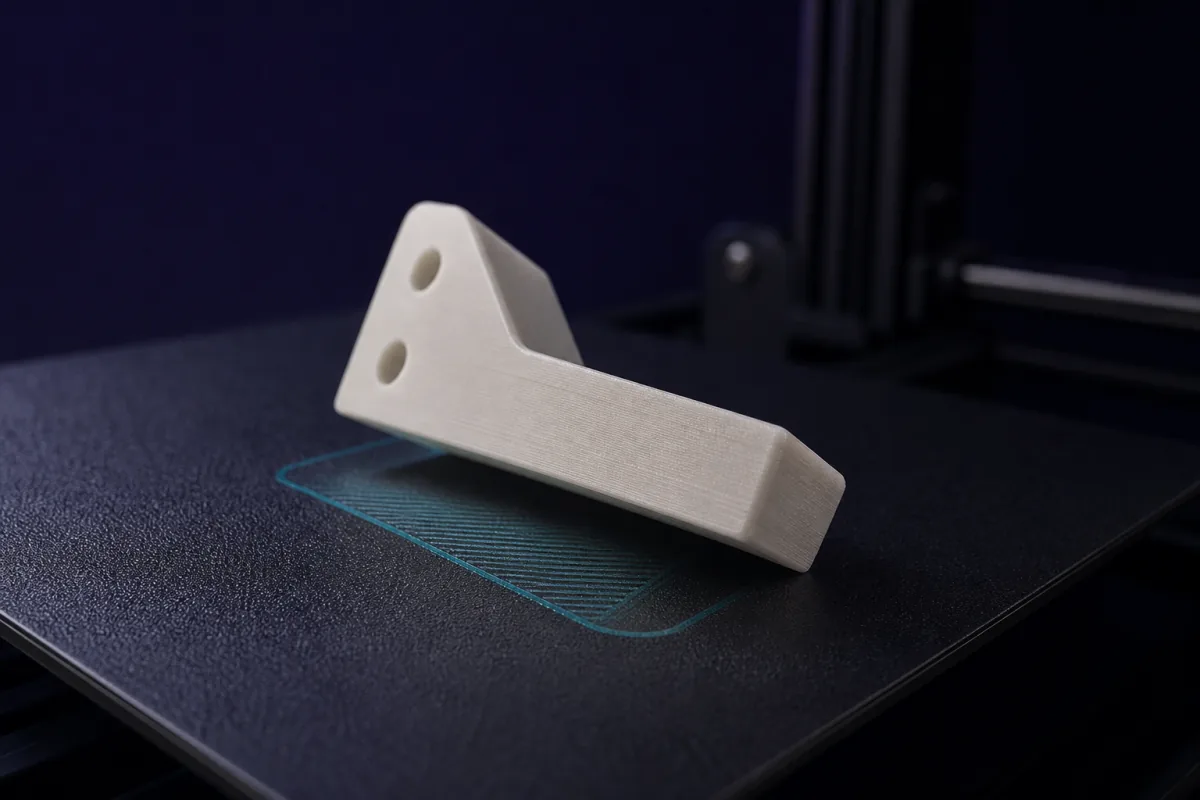
Time to first useful print
By "useful" we mean a part with a dimension that has to be right: a bracket with real screw spacing, a lid that fits a real box.
| Path | Time to first useful print | What you learn on the way |
|---|---|---|
| Fusion 360 or Onshape from tutorials | 20 to 40 hours over weeks | Sketching, constraints, features, fits, export |
| Tinkercad | 2 to 5 hours | Primitives, grouping, alignment; fits by trial |
| OpenSCAD by hand | 10 to 20 hours | Programming geometry; very precise |
| Describing the part to SpeakCAD | About 10 to 15 minutes | How to state a dimension |
The 40 hours are not wasted; they are an investment that pays off if you go on to design many complex things. Most people who buy a 3D printer want a dozen useful parts a year and never make that investment. They print other people's files and live with the ones that almost fit.
What you give up by not learning CAD
- Full manual control of every fillet and surface
- Assemblies, motion studies, drawings
- The ability to work without an AI in the loop
- A skill that transfers to professional tools
What you do not give up
- Exact dimensions: the AI computes them
- Parametric models: every dimension is a named variable
- Printability: wall thickness, fits and orientation are applied by default
- Editability: the design stays parametric in your project, so any dimension can be changed later
That last point matters. Every SpeakCAD model is a program with named dimensions, and the dimensions panel lists them. People who want to learn CAD can change one value on their own part and watch what it does, which is a better tutorial than a generic one.
The honest case for both
If you find you are making twenty parts a month and pushing against what a description can express, learn a CAD tool. You will learn it faster, because you already know what a fillet, a clearance and a standoff are; the AI taught you the vocabulary by using it. Until then, describing beats learning by a factor of a hundred or more in time.
A beginner's first hour
- Open the builder, type a part you need: "a hook for a 25 mm strap with two screw holes".
- Read what the AI assumed. Change one thing.
- Download, slice with defaults, print.
- Measure the print against the thing it fits. Type the correction.
- Print again. It fits.
That is the whole skill, and it takes an hour including the print. The forty-hour path arrives at the same hook in week three.
Prompts to start from
Open one in the builder, change the numbers to yours, and the model renders in your browser, usually within a minute or two. Keep adjusting in the chat before you print.A hook for a 25 mm wide strap, 40 mm deep, 12 mm wide, 4 mm thick, with a flat back 50 x 30 mm and two 4.5 mm screw holes 30 mm apart.
A lid for a box with an inside opening of 120 x 80 mm: 2 mm thick with a 6 mm tall lip that fits inside the opening with 0.3 mm clearance and a finger tab on one edge.
Questions
Not anymore. Describing a part with its dimensions to an AI CAD tool gives you a printable, parametric model in minutes. Learning CAD is still worth it if you go on to make complex assemblies.
About 20 to 40 hours of tutorials and practice to reliably make a fitted part; more to become fast. A describe-and-render tool gets a beginner to the same part in minutes.
Partly. Every SpeakCAD model is an OpenSCAD program with named dimensions, and the dimensions panel lists them. Changing one value on a part you understand and watching it rebuild is a good way to learn the concepts before opening a desktop CAD tool.