1
Organizers & storage
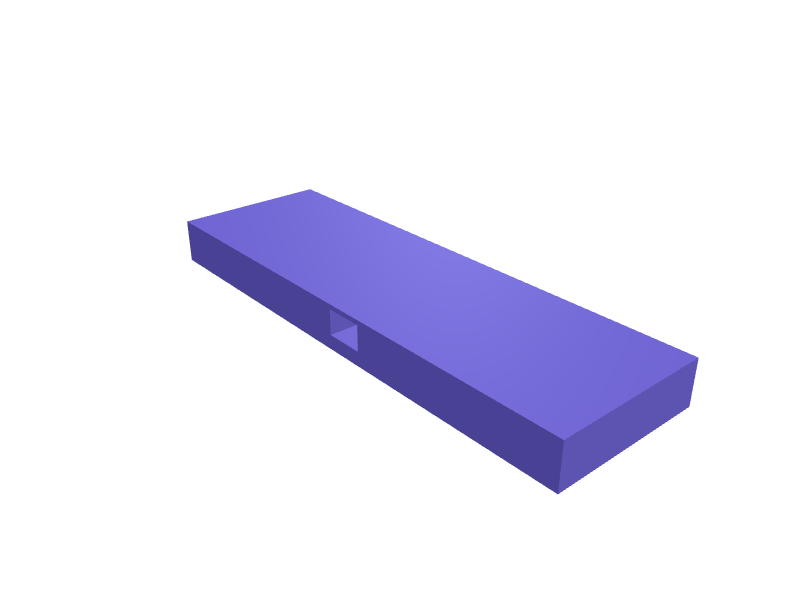
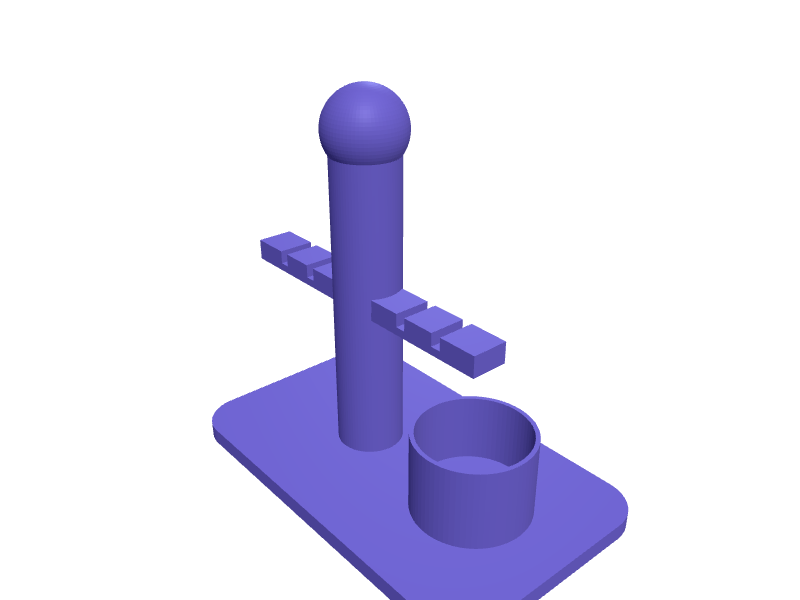
XLR cable wall hanger with five saddles
A studio wall hanger for coiled XLR and instrument cables. Five saddles, each 60 mm wide and 70 mm deep with a 25 mm radius curve so coils do not kink, sit 80 mm apart on a 420 × 50 mm rail, and a 22 mm notch at the tip of each saddle holds the XLR connector. The rail takes three 5 mm screws. Print in two halves in PETG that key together. Describe your measurements and SpeakCAD builds it with AI (credits), then download STL, 3MF or sliced G-code.No ready-made model yet: building it uses credits (4 credits for the part on a plan, its first 3 small changes free; Maker: 50 credits a month for $7.99, cancel anytime).Updated
No ready-made model for this part yet
Sign in and SpeakCAD builds it from the prompt below (4 credits for the part on a plan, its first 3 small changes free; Maker: 50 credits a month for $7.99, cancel anytime). Want to try the editor first? The live demo is free, no account.2
Adjust
Change its numbers in the viewer for free, or ask the AI for a change in the chat (2 credits for a small change, 1 for a quick edit, 3 for a redesign; the first 3 small changes are free on a plan).3Print
Download a watertight STL or 3MF, included in every plan (4 credits without one), or G-code sliced for your printer at the same price.
Example prompt
Design an XLR cable wall hanger, five 60 mm wide saddles 70 mm deep with 25 mm radius, 80 mm apart on a 420×50 mm rail, 22 mm connector notches.
Fit notes
A 10 m coil of thick 7 mm speaker cable is bulkier than a mic lead; ask the chat for deeper saddles.
Questions people ask about an XLR cable wall hanger with five saddles
A studio wall hanger for coiled XLR and instrument cables. Five saddles, each 60 mm wide and 70 mm deep with a 25 mm radius curve so coils do not kink, sit 80 mm apart on a 420 × 50 mm rail, and a 22 mm notch at the tip of each saddle holds the XLR connector. The rail takes three 5 mm screws. Print in two halves in PETG that key together.
There is no ready-made model for this part yet. Click Build it with AI and sign in: the example prompt on this page is filled in, and SpeakCAD builds the part from it in your browser (4 credits for the part on a plan, its first 3 small changes free). Change any number in the viewer for free, then download a watertight STL or 3MF, included in every plan (4 credits without one), or G-code sliced for your printer at the same price. Start with Maker: 50 credits a month for $7.99, cancel anytime.
SpeakCAD builds it to your measurements from the example prompt on this page: the part uses 4 credits on a plan, its first 3 small changes free (3 without a plan), and a small change after them 2, then the STL or 3MF download is included in every plan (4 credits without one), or G-code sliced for your printer at the same price. Start with Maker: 50 credits a month for $7.99, cancel anytime. To try the editor before paying, the live demo is free, no account.
A shared STL is modelled for someone else's measurements. SpeakCAD builds this part to the millimetres you give it (AI requests use credits), so the file you download is sized for the part you actually own.
Yes. SpeakCAD slices the part on its servers with OrcaSlicer and your printer's official profile (380+ printers, including Bambu Lab, Prusa, Creality and Elegoo), and you download the G-code (a sliced .gcode.3mf for Bambu Lab printers). G-code sliced for your printer costs the same as the STL: included in every plan, free for a part you shaped by hand, 4 credits without a plan for a part with AI work in it. Pick your printer on the printers page to see its profile.
No. SpeakCAD runs in the browser on your phone or computer: the chat, the 3D engine and the live viewer load in the tab. The only file you download is the finished STL, 3MF or sliced G-code.
Print it your way
Make one to your sizes
More organizers & storage
AA and AAA battery storage box with lidReady-made, opens free. A two-level case that stores fresh cells in rows and keeps the used ones separate.Apple Watch band organizer drawer insert with lug railsReady-made, opens free. A drawer insert with a row of rails that copy the Apple Watch case slot, so Sport, Solo Loop and Braided bands for 42, 44, 45, 46 and 49 mm watches slide on…Gridfinity bin for Wera Kraftform screwdriver setReady-made, opens free. A 3 by 1 Gridfinity bin, 125.5 by 41.5 mm on the standard 42 mm grid, that holds six Wera Kraftform Plus screwdrivers upright by the blade so the handles fan…Wüsthof knife block insert with slotted grid for any knivesReady-made, opens free. A replacement insert for a Wüsthof, Zwilling or Victorinox wooden knife block whose slots no longer match the knives you own.Prusa MK4S ObXidian nozzle-swap caddyReady-made, opens free. A bench caddy that holds six MK4S / Nextruder nozzles (Cht, ObXidian, brass) in 10 mm hex pockets 12 mm deep plus a 8 mm well for the nozzle wrench.ESD bin label holder 60 mmReady-made, opens free. A 60 × 20 mm clip-on label holder for conductive bins with a 1.2 mm card slot and a 4 mm lip that hangs on a 2 mm bin rim.