1
Enclosures & cases
Raspberry Pi CM5 IO Board case
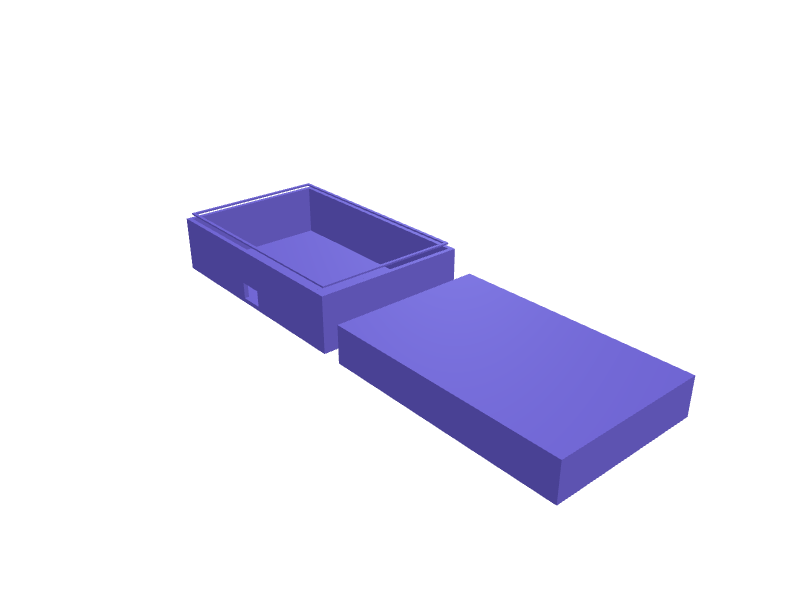
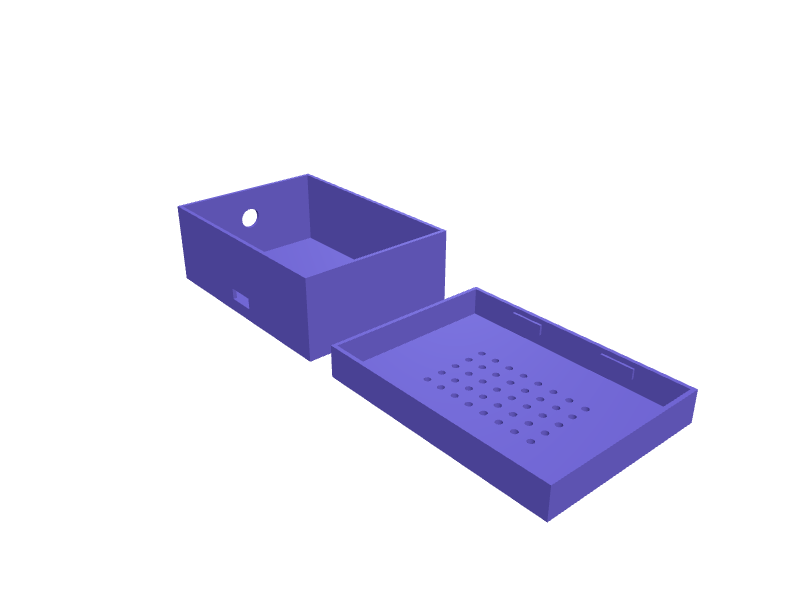
A case for the Raspberry Pi Compute Module 5 IO Board (160 × 90 mm) with a CM5 and cooler fitted. The cavity is 162 × 92 × 32 mm with openings for the two HDMI, two USB-A, Ethernet, USB-C, DC barrel and microSD, a slot above the M.2 socket and a 40 mm fan grille. Walls are 2 mm with M2.5 standoffs on the board's holes. Print the base in two halves or on a 180 mm bed in PETG. Describe your measurements and SpeakCAD builds it with AI (credits), then download STL, 3MF or sliced G-code.No ready-made model yet: building it uses credits (4 credits for the part on a plan, its first 3 small changes free; Maker: 50 credits a month for $7.99, cancel anytime).Updated
No ready-made model for this part yet
Sign in and SpeakCAD builds it from the prompt below (4 credits for the part on a plan, its first 3 small changes free; Maker: 50 credits a month for $7.99, cancel anytime). Want to try the editor first? The live demo is free, no account.2
Adjust
Change its numbers in the viewer for free, or ask the AI for a change in the chat (2 credits for a small change, 1 for a quick edit, 3 for a redesign; the first 3 small changes are free on a plan).3Print
Download a watertight STL or 3MF, included in every plan (4 credits without one), or G-code sliced for your printer at the same price.
Example prompt
Model a CM5 IO Board case, 162×92×32 mm cavity, port openings on the long edge, microSD slot, 40 mm fan grille, M2.5 standoffs, 2 mm walls.
Fit notes
The CM4 IO Board has the same outline but a different port layout, so check which board you have.
Questions people ask about a Raspberry Pi CM5 IO Board case
A case for the Raspberry Pi Compute Module 5 IO Board (160 × 90 mm) with a CM5 and cooler fitted. The cavity is 162 × 92 × 32 mm with openings for the two HDMI, two USB-A, Ethernet, USB-C, DC barrel and microSD, a slot above the M.2 socket and a 40 mm fan grille. Walls are 2 mm with M2.5 standoffs on the board's holes. Print the base in two halves or on a 180 mm bed in PETG.
There is no ready-made model for this part yet. Click Build it with AI and sign in: the example prompt on this page is filled in, and SpeakCAD builds the part from it in your browser (4 credits for the part on a plan, its first 3 small changes free). Change any number in the viewer for free, then download a watertight STL or 3MF, included in every plan (4 credits without one), or G-code sliced for your printer at the same price. Start with Maker: 50 credits a month for $7.99, cancel anytime.
SpeakCAD builds it to your measurements from the example prompt on this page: the part uses 4 credits on a plan, its first 3 small changes free (3 without a plan), and a small change after them 2, then the STL or 3MF download is included in every plan (4 credits without one), or G-code sliced for your printer at the same price. Start with Maker: 50 credits a month for $7.99, cancel anytime. To try the editor before paying, the live demo is free, no account.
A shared STL is modelled for someone else's measurements. SpeakCAD builds this part to the millimetres you give it (AI requests use credits), so the file you download is sized for the part you actually own.
Yes. SpeakCAD slices the part on its servers with OrcaSlicer and your printer's official profile (380+ printers, including Bambu Lab, Prusa, Creality and Elegoo), and you download the G-code (a sliced .gcode.3mf for Bambu Lab printers). G-code sliced for your printer costs the same as the STL: included in every plan, free for a part you shaped by hand, 4 credits without a plan for a part with AI work in it. Pick your printer on the printers page to see its profile.
No. SpeakCAD runs in the browser on your phone or computer: the chat, the 3D engine and the live viewer load in the tab. The only file you download is the finished STL, 3MF or sliced G-code.
Print it your way
Make one to your sizes
More enclosures & cases
Home Assistant Yellow DIN-rail clipReady-made, opens free. A clip that hangs a Home Assistant Yellow on a 35 mm DIN rail with 0.3 mm snap.Screw-lid enclosure for an 80 x 50 mm PCBReady-made, opens free. A general purpose electronics box for a custom 80 x 50 mm circuit board, with four corner posts, a screw-down lid and blank walls you can specify openings in…Handheld control box for four push buttonsReady-made, opens free. A palm-sized housing for four 12 mm momentary push buttons, useful as a shortcut pad or a machine pendant.AirPods Pro 2 case belt clip with carabiner holeReady-made, opens free. A snap-on sleeve for the AirPods Pro 2 charging case (60.6 x 45.2 x 21.7 mm) with a spring belt clip on the back and a 6 mm carabiner hole on top, so the ear…ESP32-C3 SuperMini case with BME280 sensor ventsReady-made, opens free. A tiny room sensor enclosure for an ESP32-C3 SuperMini board (22.5 x 18 mm) paired with a BME280 breakout (about 15 x 12 mm).SONOFF ZBDongle-E protective case with USB extension slotReady-made, opens free. A wraparound sleeve for the SONOFF ZBDongle-E Zigbee coordinator, which measures about 65 x 23 x 12 mm including its USB-A plug and carries an SMA antenna co…