1
Hobby & gaming
Sony FX30 cage NATO-rail stop
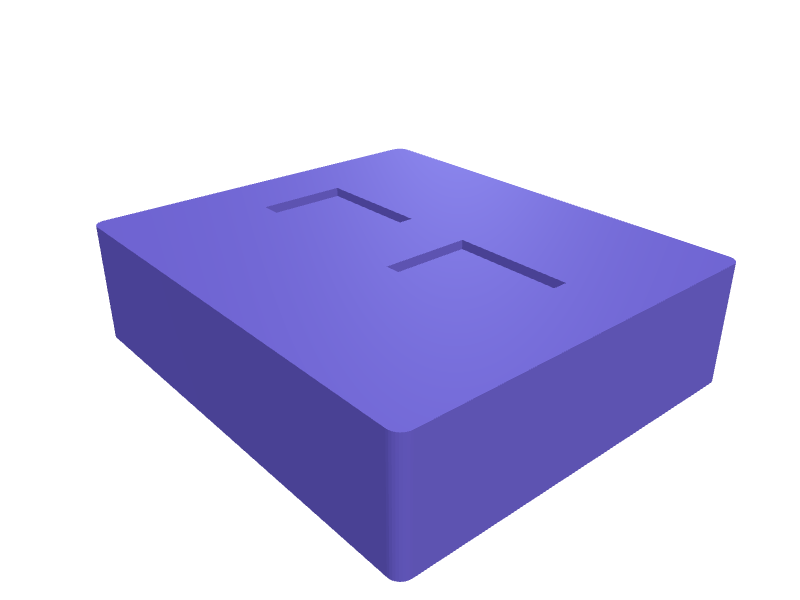
A stop that clips onto an FX30 cage NATO rail (about 50 mm) so a handle does not slide off. The body is 22 × 16 × 12 mm with a 4 mm NATO slot and an M3 pinch. Print two in PETG with 2 mm walls. Describe your measurements and SpeakCAD builds it with AI (credits), then download STL, 3MF or sliced G-code.No ready-made model yet: building it uses credits (4 credits for the part on a plan, its first 3 small changes free; Maker: 50 credits a month for $7.99, cancel anytime).Updated
No ready-made model for this part yet
Sign in and SpeakCAD builds it from the prompt below (4 credits for the part on a plan, its first 3 small changes free; Maker: 50 credits a month for $7.99, cancel anytime). Want to try the editor first? The live demo is free, no account.2
Adjust
Change its numbers in the viewer for free, or ask the AI for a change in the chat (2 credits for a small change, 1 for a quick edit, 3 for a redesign; the first 3 small changes are free on a plan).3Print
Download a watertight STL or 3MF, included in every plan (4 credits without one), or G-code sliced for your printer at the same price.
Example prompt
Create an FX30 NATO-rail stop 22×16×12 mm, 4 mm NATO slot, M3 pinch, PETG, pair.
Fit notes
The ZV-E10 II Arca plate is a different camera. In SpeakCAD you set rail width, preview the stop in the browser, then download the STL.
Questions people ask about a Sony FX30 cage NATO-rail stop
A stop that clips onto an FX30 cage NATO rail (about 50 mm) so a handle does not slide off. The body is 22 × 16 × 12 mm with a 4 mm NATO slot and an M3 pinch. Print two in PETG with 2 mm walls.
There is no ready-made model for this part yet. Click Build it with AI and sign in: the example prompt on this page is filled in, and SpeakCAD builds the part from it in your browser (4 credits for the part on a plan, its first 3 small changes free). Change any number in the viewer for free, then download a watertight STL or 3MF, included in every plan (4 credits without one), or G-code sliced for your printer at the same price. Start with Maker: 50 credits a month for $7.99, cancel anytime.
SpeakCAD builds it to your measurements from the example prompt on this page: the part uses 4 credits on a plan, its first 3 small changes free (3 without a plan), and a small change after them 2, then the STL or 3MF download is included in every plan (4 credits without one), or G-code sliced for your printer at the same price. Start with Maker: 50 credits a month for $7.99, cancel anytime. To try the editor before paying, the live demo is free, no account.
A shared STL is modelled for someone else's measurements. SpeakCAD builds this part to the millimetres you give it (AI requests use credits), so the file you download is sized for the part you actually own.
Yes. SpeakCAD slices the part on its servers with OrcaSlicer and your printer's official profile (380+ printers, including Bambu Lab, Prusa, Creality and Elegoo), and you download the G-code (a sliced .gcode.3mf for Bambu Lab printers). G-code sliced for your printer costs the same as the STL: included in every plan, free for a part you shaped by hand, 4 credits without a plan for a part with AI work in it. Pick your printer on the printers page to see its profile.
No. SpeakCAD runs in the browser on your phone or computer: the chat, the 3D engine and the live viewer load in the tab. The only file you download is the finished STL, 3MF or sliced G-code.
Print it your way
More hobby & gaming
RC car shock tower braceReady-made, opens free. A shock tower brace spans the two upper shock mounts and stops the towers flexing or snapping during hard landings.Steam Deck OLED dock stand with USB-C cutoutReady-made, opens free. A desk stand that holds a Steam Deck OLED (298 x 117 x 49 mm) at a 15 degree lean while a USB-C hub or the official dock's cable stays plugged into the top p…MTG Commander deck box for 100 sleeved cardsReady-made, opens free. A hinged deck box sized for a full 100-card Magic: The Gathering Commander deck in double sleeves.Yoto Player Mini wall dockReady-made, opens free. A wall dock that holds a Yoto Mini and four cards in 2 mm slots, 80 × 40 × 60 mm.Nintendo Switch 2 game-card display rail 24Ready-made, opens free. A 280 mm rail that displays 24 Switch / Switch 2 game cards in 22 × 4 mm slots at 15 degrees.Apple Vision Pro travel battery pocketReady-made, opens free. A pocket that straps the Vision Pro battery pack (about 70 × 40 × 20 mm) to the official travel case so the cable does not yank the headset in a bag.