1
Enclosures & cases
Emergency stop box for a 22 mm switch
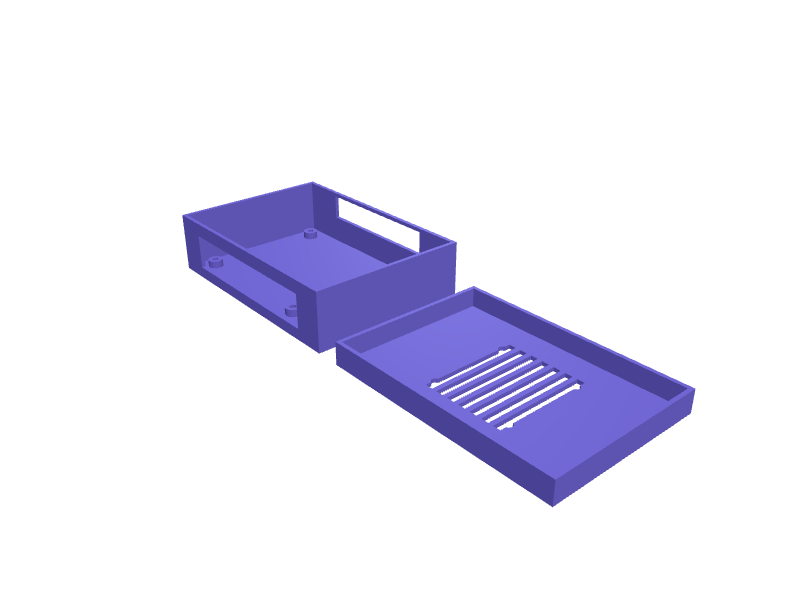
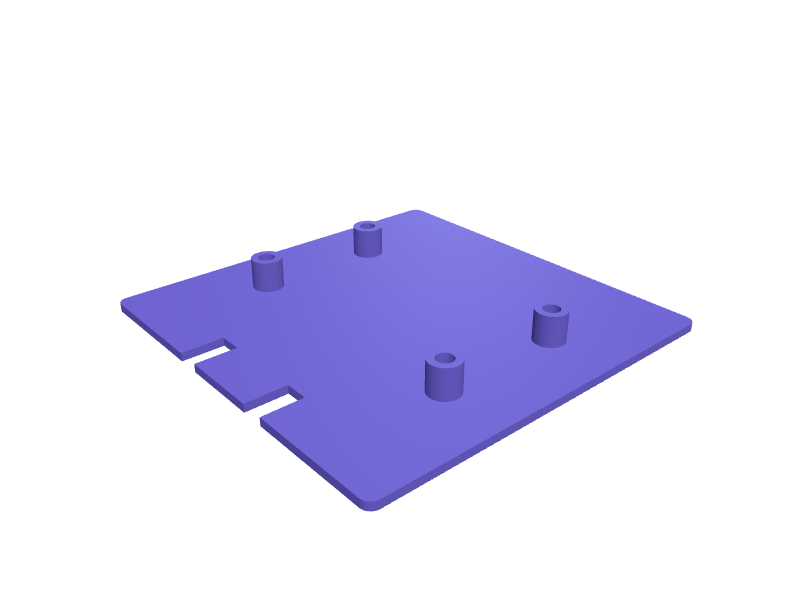
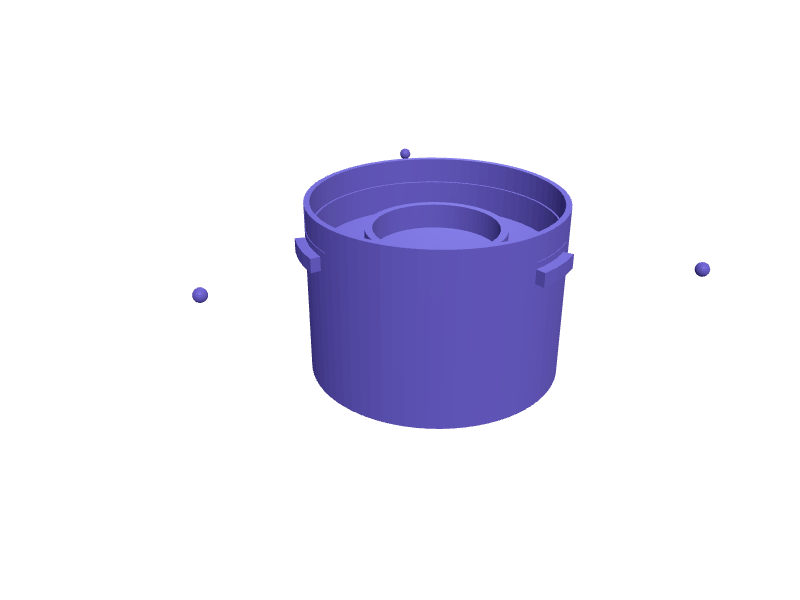
An enclosure for a 22 mm emergency stop switch, the mushroom button that cuts power to a direct drive wheel base, sized to bolt on a 40 series aluminium profile within reach of the driver. The lid has the standard 22.3 mm panel hole, the body leaves about 60 mm behind it for the contact block, and a 12.7 mm hole takes a PG7 cable gland. Two M8 bolts through the floor hold it and the lid closes with four M3 screws into heat-set inserts. Walls are 2 mm, the floor and lid 3 mm. Print the body open side up and the lid flat, without supports. Describe your measurements and SpeakCAD builds it with AI (credits), then download STL, 3MF or sliced G-code.No ready-made model yet: building it uses credits (4 credits for the part on a plan, its first 3 small changes free; Maker: 50 credits a month for $7.99, cancel anytime).Updated
No ready-made model for this part yet
Sign in and SpeakCAD builds it from the prompt below (4 credits for the part on a plan, its first 3 small changes free; Maker: 50 credits a month for $7.99, cancel anytime). Want to try the editor first? The live demo is free, no account.2
Adjust
Change its numbers in the viewer for free, or ask the AI for a change in the chat (2 credits for a small change, 1 for a quick edit, 3 for a redesign; the first 3 small changes are free on a plan).3Print
Download a watertight STL or 3MF, included in every plan (4 credits without one), or G-code sliced for your printer at the same price.
Example prompt
Design an emergency stop box for a 22 mm panel-mount mushroom switch, to bolt on a 40 series aluminium profile. Body 70 × 70 × 75 mm outside with 2 mm walls and a 3 mm floor; two 8.4 mm holes for M8 bolts in the floor, 40 mm apart, centred. A 12.7 mm hole for a PG7 cable gland in the middle of one side wall, 25 mm above the base. Four corner posts 8 mm square with 4 mm holes 6 mm deep for M3 heat-set inserts. Lid 70 × 70 × 3 mm with a 22.3 mm hole in the centre, four 3.4 mm screw holes over the posts and a 1.5 mm locating lip with 0.3 mm clearance. Print the body open side up and the lid flat beside it, no supports.
Fit notes
Contact blocks are not all the same depth, and a box that is 10 mm too shallow will not close. Some switches stack two blocks, and a thicker cable needs a PG9 gland with a 15.2 mm hole. In SpeakCAD you set the inside depth, the gland hole and the bolt spacing to the parts on your bench.
Questions people ask about an emergency stop box for a 22 mm switch
An enclosure for a 22 mm emergency stop switch, the mushroom button that cuts power to a direct drive wheel base, sized to bolt on a 40 series aluminium profile within reach of the driver. The lid has the standard 22.3 mm panel hole, the body leaves about 60 mm behind it for the contact block, and a 12.7 mm hole takes a PG7 cable gland. Two M8 bolts through the floor hold it and the lid closes with four M3 screws into heat-set inserts. Walls are 2 mm, the floor and lid 3 mm. Print the body open side up and the lid flat, without supports.
There is no ready-made model for this part yet. Click Build it with AI and sign in: the example prompt on this page is filled in, and SpeakCAD builds the part from it in your browser (4 credits for the part on a plan, its first 3 small changes free). Change any number in the viewer for free, then download a watertight STL or 3MF, included in every plan (4 credits without one), or G-code sliced for your printer at the same price. Start with Maker: 50 credits a month for $7.99, cancel anytime.
SpeakCAD builds it to your measurements from the example prompt on this page: the part uses 4 credits on a plan, its first 3 small changes free (3 without a plan), and a small change after them 2, then the STL or 3MF download is included in every plan (4 credits without one), or G-code sliced for your printer at the same price. Start with Maker: 50 credits a month for $7.99, cancel anytime. To try the editor before paying, the live demo is free, no account.
A shared STL is modelled for someone else's measurements. SpeakCAD builds this part to the millimetres you give it (AI requests use credits), so the file you download is sized for the part you actually own.
Yes. SpeakCAD slices the part on its servers with OrcaSlicer and your printer's official profile (380+ printers, including Bambu Lab, Prusa, Creality and Elegoo), and you download the G-code (a sliced .gcode.3mf for Bambu Lab printers). G-code sliced for your printer costs the same as the STL: included in every plan, free for a part you shaped by hand, 4 credits without a plan for a part with AI work in it. Pick your printer on the printers page to see its profile.
No. SpeakCAD runs in the browser on your phone or computer: the chat, the 3D engine and the live viewer load in the tab. The only file you download is the finished STL, 3MF or sliced G-code.
Print it your way
Make one to your sizes
More enclosures & cases
Snap-lid enclosure for an Arduino UnoReady-made, opens free. A protective box for an Arduino Uno with openings for the USB-B port and barrel jack, and a lid that clicks on without screws.Case for an LM2596 buck converter moduleReady-made, opens free. A tidy shell for the common 43 x 21 mm LM2596 step-down module, covering the exposed inductor and trimmer while leaving the input and output terminals reacha…AirTag luggage tag holder with screw-closed caseReady-made, opens free. A luggage tag that hides an Apple AirTag (31.9 mm diameter, 8 mm thick) inside a screw-closed case so it cannot be prised out in transit, with a loop for a c…Raspberry Pi Zero 2 W slim snap-fit caseReady-made, opens free. A minimal shell for the Raspberry Pi Zero 2 W, which measures 65 x 30 mm with four M2.5 holes on a 58 x 23 mm pattern.Flipper Zero hard shell case with GPIO coverReady-made, opens free. A bumper-style protective shell for the Flipper Zero, whose body is 100 x 40 x 25 mm.Apple Watch Series 11 travel charger caseReady-made, opens free. A two-part clamshell that holds an Apple Watch Series 11 (about 46 mm case) on its magnetic charger plus a 1 m USB-C cable coiled in a 70 mm spiral.