1
Brackets & mounts
Philips Hue Bloom under-shelf clip
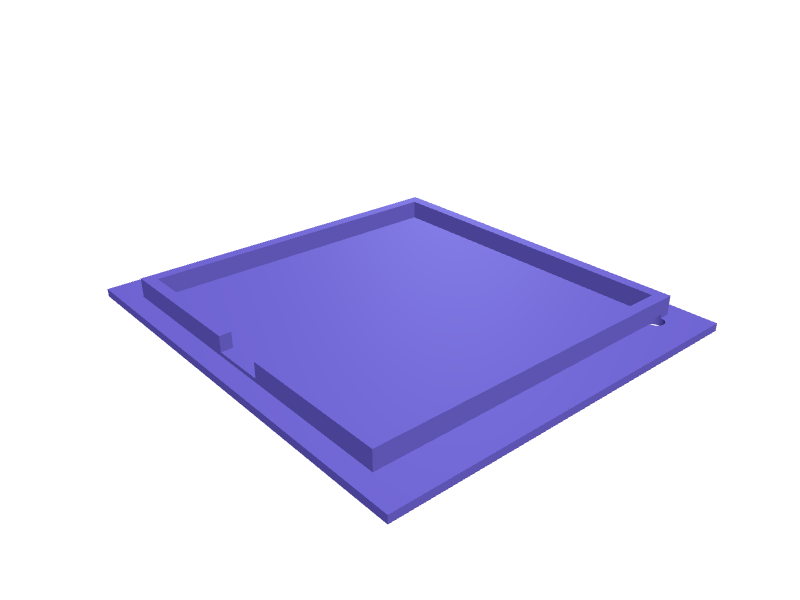
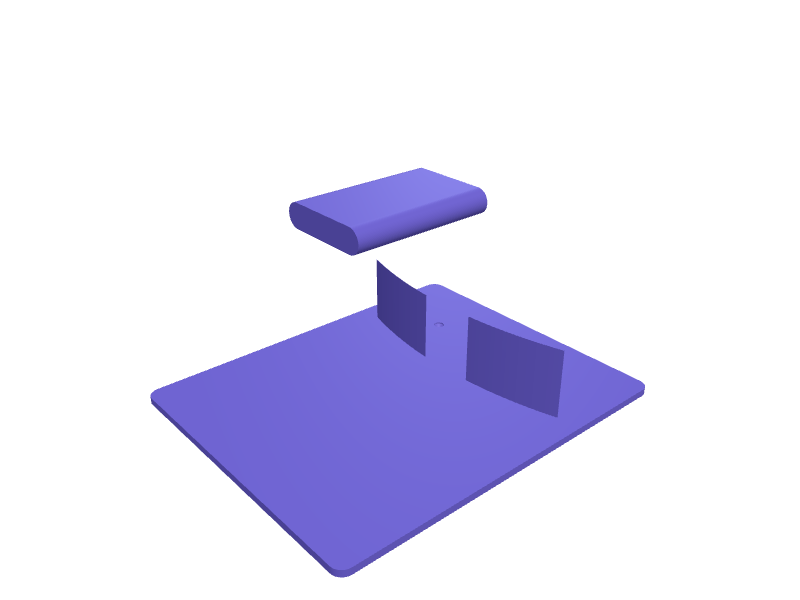
A clip that hides a Hue Bloom (about 120 mm diameter, 90 mm tall) under a 12–24 mm shelf so uplight hits the wall, not the table. The well is 122 mm with 0.4 mm clearance and two 18 mm jaws. Print in PETG with 2 mm walls. Describe your measurements and SpeakCAD builds it with AI (credits), then download STL, 3MF or sliced G-code.No ready-made model yet: building it uses credits (4 credits for the part on a plan, its first 3 small changes free; Maker: 50 credits a month for $7.99, cancel anytime).Updated
No ready-made model for this part yet
Sign in and SpeakCAD builds it from the prompt below (4 credits for the part on a plan, its first 3 small changes free; Maker: 50 credits a month for $7.99, cancel anytime). Want to try the editor first? The live demo is free, no account.2
Adjust
Change its numbers in the viewer for free, or ask the AI for a change in the chat (2 credits for a small change, 1 for a quick edit, 3 for a redesign; the first 3 small changes are free on a plan).3Print
Download a watertight STL or 3MF, included in every plan (4 credits without one), or G-code sliced for your printer at the same price.
Example prompt
Create a Hue Bloom under-shelf clip, 122 mm well, jaws for 12–24 mm shelves, 2 mm PETG.
Fit notes
The Hue Go 2 shelf is a different lamp. Tell SpeakCAD shelf thickness, preview the clip in the browser, then download the STL.
Questions people ask about a Philips Hue Bloom under-shelf clip
A clip that hides a Hue Bloom (about 120 mm diameter, 90 mm tall) under a 12–24 mm shelf so uplight hits the wall, not the table. The well is 122 mm with 0.4 mm clearance and two 18 mm jaws. Print in PETG with 2 mm walls.
There is no ready-made model for this part yet. Click Build it with AI and sign in: the example prompt on this page is filled in, and SpeakCAD builds the part from it in your browser (4 credits for the part on a plan, its first 3 small changes free). Change any number in the viewer for free, then download a watertight STL or 3MF, included in every plan (4 credits without one), or G-code sliced for your printer at the same price. Start with Maker: 50 credits a month for $7.99, cancel anytime.
SpeakCAD builds it to your measurements from the example prompt on this page: the part uses 4 credits on a plan, its first 3 small changes free (3 without a plan), and a small change after them 2, then the STL or 3MF download is included in every plan (4 credits without one), or G-code sliced for your printer at the same price. Start with Maker: 50 credits a month for $7.99, cancel anytime. To try the editor before paying, the live demo is free, no account.
A shared STL is modelled for someone else's measurements. SpeakCAD builds this part to the millimetres you give it (AI requests use credits), so the file you download is sized for the part you actually own.
Yes. SpeakCAD slices the part on its servers with OrcaSlicer and your printer's official profile (380+ printers, including Bambu Lab, Prusa, Creality and Elegoo), and you download the G-code (a sliced .gcode.3mf for Bambu Lab printers). G-code sliced for your printer costs the same as the STL: included in every plan, free for a part you shaped by hand, 4 credits without a plan for a part with AI work in it. Pick your printer on the printers page to see its profile.
No. SpeakCAD runs in the browser on your phone or computer: the chat, the 3D engine and the live viewer load in the tab. The only file you download is the finished STL, 3MF or sliced G-code.
Print it your way
More brackets & mounts
Curtain rod bracket for a 25 mm poleReady-made, opens free. A replacement or extra bracket for a 25 mm curtain pole when the set came with too few or one broke.Samsung Galaxy Tab S9 wall mount bracket with charging slotReady-made, opens free. A wall bracket that turns a Samsung Galaxy Tab S9 (254.3 x 165.8 x 5.9 mm) into a smart home panel or family calendar.Kettlebell wall rack hook for garage gymReady-made, opens free. A hook that hangs a light kettlebell (up to about 12 kg) by its handle against a garage wall, freeing floor space beside the squat rack.Makita 18V LXT battery holder wall mount railReady-made, opens free. A wall-mounted rail that holds Makita 18V LXT batteries (BL1830, BL1850, BL1860B) by their slide rails, exactly as a tool does, so the pack clicks in and the…Valve Index headset and controller wall mountReady-made, opens free. A combined wall station for the Valve Index headset and its two Knuckles controllers.Dyson V15 Detect wand wall holsterReady-made, opens free. A wall holster that parks a V15 Detect wand and two tools next to the official dock, which only holds one.