1
Brackets & mounts
Milwaukee SHOCKWAVE bit-case wall clip
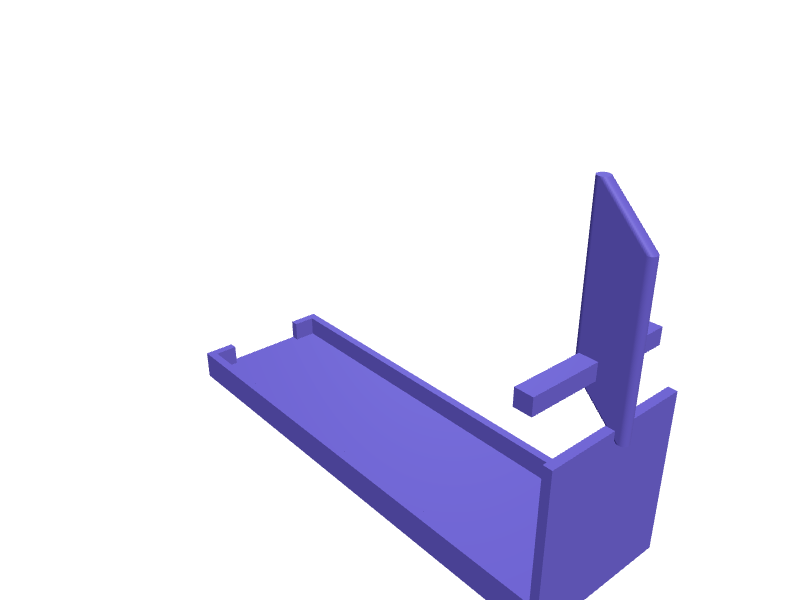
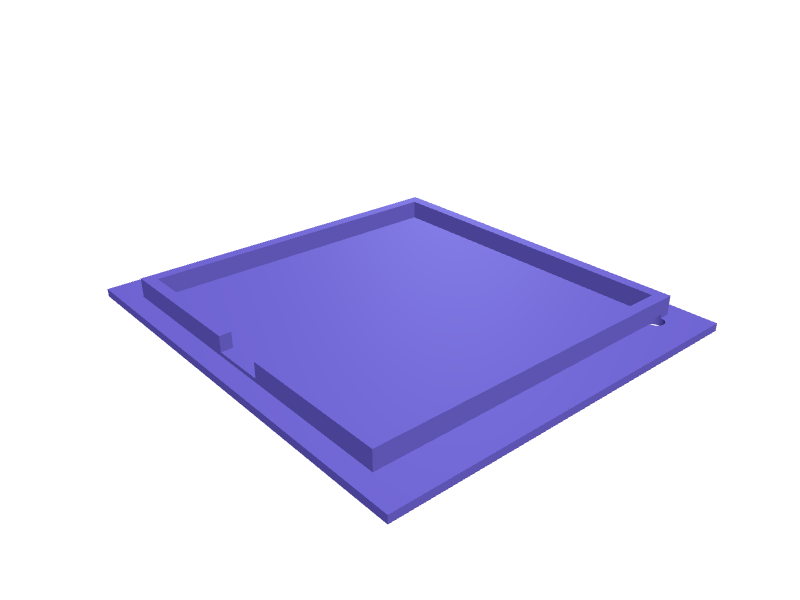
A clip that hangs a SHOCKWAVE bit case (about 160 × 110 × 30 mm) on a stud so the case is not in a drawer. The jaws span 32 mm and two 4.5 mm holes sit on 50 mm centres. Print in PETG with 2 mm walls. Describe your measurements and SpeakCAD builds it with AI (credits), then download STL, 3MF or sliced G-code.No ready-made model yet: building it uses credits (4 credits for the part on a plan, its first 3 small changes free; Maker: 50 credits a month for $7.99, cancel anytime).Updated
No ready-made model for this part yet
Sign in and SpeakCAD builds it from the prompt below (4 credits for the part on a plan, its first 3 small changes free; Maker: 50 credits a month for $7.99, cancel anytime). Want to try the editor first? The live demo is free, no account.2
Adjust
Change its numbers in the viewer for free, or ask the AI for a change in the chat (2 credits for a small change, 1 for a quick edit, 3 for a redesign; the first 3 small changes are free on a plan).3Print
Download a watertight STL or 3MF, included in every plan (4 credits without one), or G-code sliced for your printer at the same price.
Example prompt
Model a SHOCKWAVE bit-case wall clip, 32 mm jaws, two 4.5 mm holes on 50 mm centres, 2 mm PETG.
Fit notes
The Packout bit rails are for loose bits. Describe case size in SpeakCAD, preview the clip in the browser, then download the STL.
Questions people ask about a Milwaukee SHOCKWAVE bit-case wall clip
A clip that hangs a SHOCKWAVE bit case (about 160 × 110 × 30 mm) on a stud so the case is not in a drawer. The jaws span 32 mm and two 4.5 mm holes sit on 50 mm centres. Print in PETG with 2 mm walls.
There is no ready-made model for this part yet. Click Build it with AI and sign in: the example prompt on this page is filled in, and SpeakCAD builds the part from it in your browser (4 credits for the part on a plan, its first 3 small changes free). Change any number in the viewer for free, then download a watertight STL or 3MF, included in every plan (4 credits without one), or G-code sliced for your printer at the same price. Start with Maker: 50 credits a month for $7.99, cancel anytime.
SpeakCAD builds it to your measurements from the example prompt on this page: the part uses 4 credits on a plan, its first 3 small changes free (3 without a plan), and a small change after them 2, then the STL or 3MF download is included in every plan (4 credits without one), or G-code sliced for your printer at the same price. Start with Maker: 50 credits a month for $7.99, cancel anytime. To try the editor before paying, the live demo is free, no account.
A shared STL is modelled for someone else's measurements. SpeakCAD builds this part to the millimetres you give it (AI requests use credits), so the file you download is sized for the part you actually own.
Yes. SpeakCAD slices the part on its servers with OrcaSlicer and your printer's official profile (380+ printers, including Bambu Lab, Prusa, Creality and Elegoo), and you download the G-code (a sliced .gcode.3mf for Bambu Lab printers). G-code sliced for your printer costs the same as the STL: included in every plan, free for a part you shaped by hand, 4 credits without a plan for a part with AI work in it. Pick your printer on the printers page to see its profile.
No. SpeakCAD runs in the browser on your phone or computer: the chat, the 3D engine and the live viewer load in the tab. The only file you download is the finished STL, 3MF or sliced G-code.
Print it your way
More brackets & mounts
HomePod mini 2 outlet shelfReady-made, opens free. A shelf that hangs a HomePod mini 2 from a US or EU outlet so it does not sit on the kitchen wet zone, 100 mm well and a 20 mm cable drop.Corner bracket for 2020 aluminium extrusionReady-made, opens free. An L-shaped joining bracket for 20 x 20 mm aluminium extrusion.Wahoo ELEMNT Bolt out-front mount for 35 mm barsReady-made, opens free. Oversized 35 mm handlebars are common on modern gravel and mountain bikes, yet most Wahoo mounts ship for 31.8 mm only.Ring Video Doorbell 30 degree wedge mountReady-made, opens free. An angled spacer that turns a Ring Video Doorbell 2nd gen towards the path when the door sits in a recess.IKEA Billy bookcase anti-tip wall bracketReady-made, opens free. A low-profile bracket that ties the top of an IKEA Billy bookcase to the wall and replaces the flimsy strap or a lost original fitting.DJI Osmo Pocket 3 desk cradle with tripod threadReady-made, opens free. A weighted desk cradle for a DJI Osmo Pocket 3 (about 140 × 42 × 34 mm) with a 1/4-20 brass-insert boss underneath and a 16 mm well that the handle drops into.