1
Tools & jigs
Festool MFT 20 mm dog-rail stop
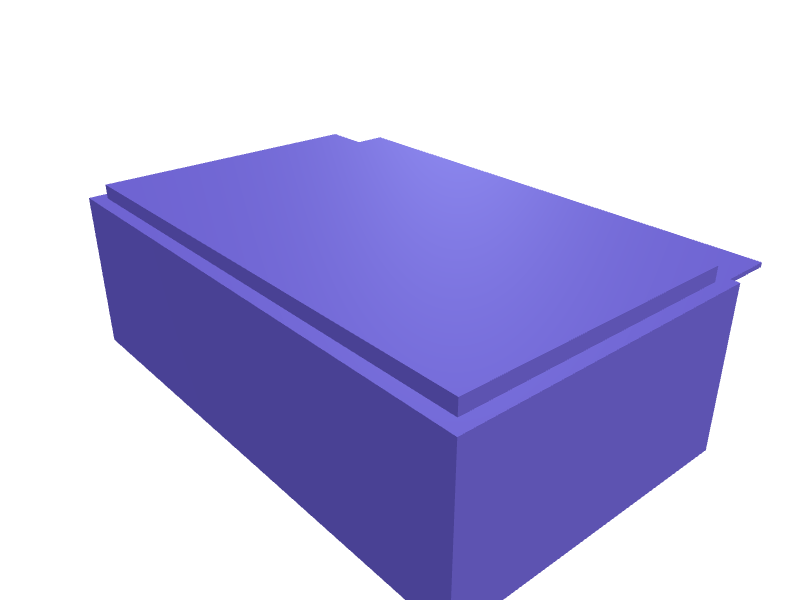
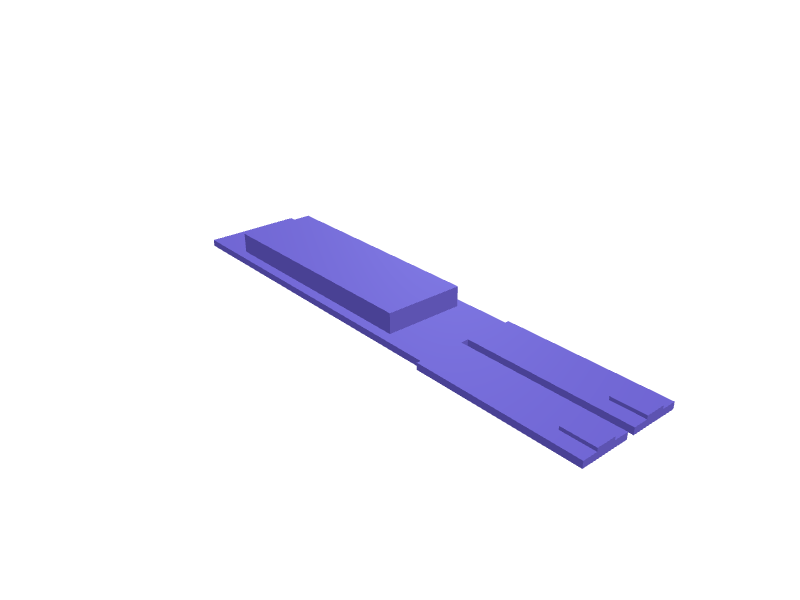
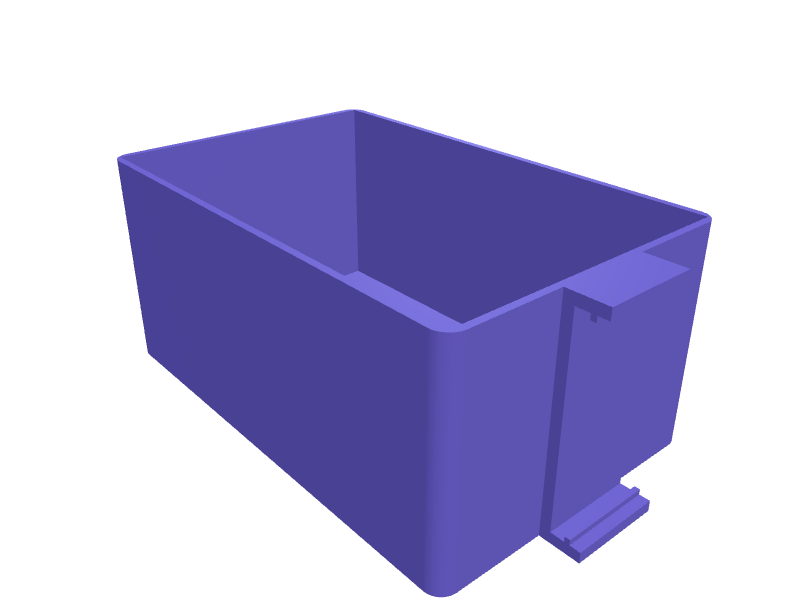
A stop that drops into two 20 mm MFT holes and gives a 120 mm fence for crosscuts so a board does not walk. The body is 140 × 30 × 18 mm with two 19.8 mm dogs. Print in PETG with 2.4 mm walls. Describe your measurements and SpeakCAD builds it with AI (credits), then download STL, 3MF or sliced G-code.No ready-made model yet: building it uses credits (4 credits for the part on a plan, its first 3 small changes free; Maker: 50 credits a month for $7.99, cancel anytime).Updated
No ready-made model for this part yet
Sign in and SpeakCAD builds it from the prompt below (4 credits for the part on a plan, its first 3 small changes free; Maker: 50 credits a month for $7.99, cancel anytime). Want to try the editor first? The live demo is free, no account.2
Adjust
Change its numbers in the viewer for free, or ask the AI for a change in the chat (2 credits for a small change, 1 for a quick edit, 3 for a redesign; the first 3 small changes are free on a plan).3Print
Download a watertight STL or 3MF, included in every plan (4 credits without one), or G-code sliced for your printer at the same price.
Example prompt
Model an MFT dog-rail stop 140×30×18 mm with two 19.8 mm dogs, 2.4 mm PETG.
Fit notes
The 20 mm bench dog is a single peg. In SpeakCAD you set fence length, preview the stop in the browser, then download the STL.
Questions people ask about a Festool MFT 20 mm dog-rail stop
A stop that drops into two 20 mm MFT holes and gives a 120 mm fence for crosscuts so a board does not walk. The body is 140 × 30 × 18 mm with two 19.8 mm dogs. Print in PETG with 2.4 mm walls.
There is no ready-made model for this part yet. Click Build it with AI and sign in: the example prompt on this page is filled in, and SpeakCAD builds the part from it in your browser (4 credits for the part on a plan, its first 3 small changes free). Change any number in the viewer for free, then download a watertight STL or 3MF, included in every plan (4 credits without one), or G-code sliced for your printer at the same price. Start with Maker: 50 credits a month for $7.99, cancel anytime.
SpeakCAD builds it to your measurements from the example prompt on this page: the part uses 4 credits on a plan, its first 3 small changes free (3 without a plan), and a small change after them 2, then the STL or 3MF download is included in every plan (4 credits without one), or G-code sliced for your printer at the same price. Start with Maker: 50 credits a month for $7.99, cancel anytime. To try the editor before paying, the live demo is free, no account.
A shared STL is modelled for someone else's measurements. SpeakCAD builds this part to the millimetres you give it (AI requests use credits), so the file you download is sized for the part you actually own.
Yes. SpeakCAD slices the part on its servers with OrcaSlicer and your printer's official profile (380+ printers, including Bambu Lab, Prusa, Creality and Elegoo), and you download the G-code (a sliced .gcode.3mf for Bambu Lab printers). G-code sliced for your printer costs the same as the STL: included in every plan, free for a part you shaped by hand, 4 credits without a plan for a part with AI work in it. Pick your printer on the printers page to see its profile.
No. SpeakCAD runs in the browser on your phone or computer: the chat, the 3D engine and the live viewer load in the tab. The only file you download is the finished STL, 3MF or sliced G-code.
Print it your way
More tools & jigs
Shimano SPD cleat alignment jig for cycling shoesReady-made, opens free. A jig that holds a Shimano SM-SH51 or SH56 SPD cleat at a repeatable fore-aft position and angle while you tighten the two M5 bolts (14 mm apart), so a new p…Elegoo Saturn resin vat drain stand and drip trayReady-made, opens free. A tilted stand that holds the resin vat of an Elegoo Saturn 3, Saturn 2 or Saturn 8K at 60 degrees over a tray so leftover resin drains back into the bottle…AnkerMake M5C filament runout funnelReady-made, opens free. A funnel that guides a new 1.75 mm end into the M5C PTFE inlet after a runout so you do not dismantle the head.Helping-hands PCB vise 80 mmReady-made, opens free. A small vise with 80 mm jaws and a 6 mm ball joint that holds a PCB at any angle.SRAM Level bleed blockReady-made, opens free. A block that holds SRAM Level pistons in during a bleed, 24 × 12 × 8 mm.Ergonomic sanding block for hook-and-loop discsReady-made, opens free. This hand sanding block accepts the same 125 mm hook-and-loop discs you use on a random orbit sander, so leftover discs get a second life on edges and profiles.