
1
Brackets & mounts
Dyson V15 Detect combination-tool clip
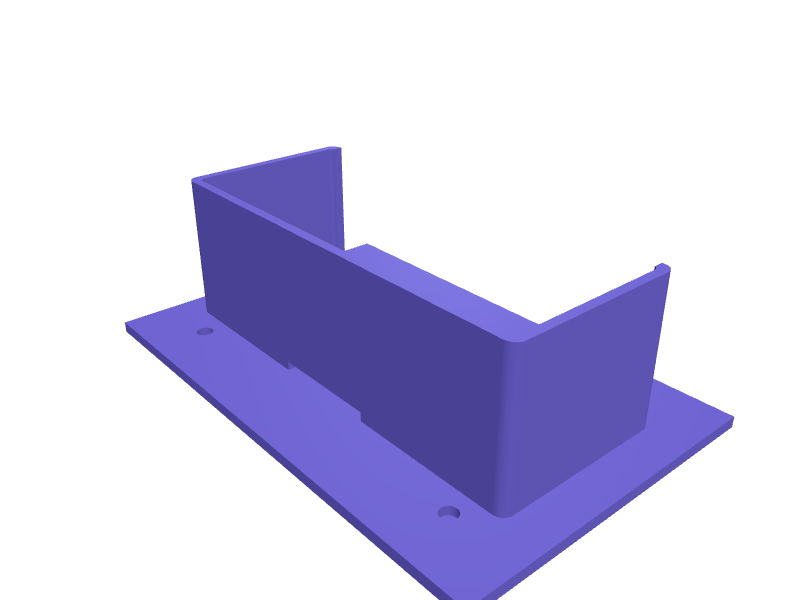
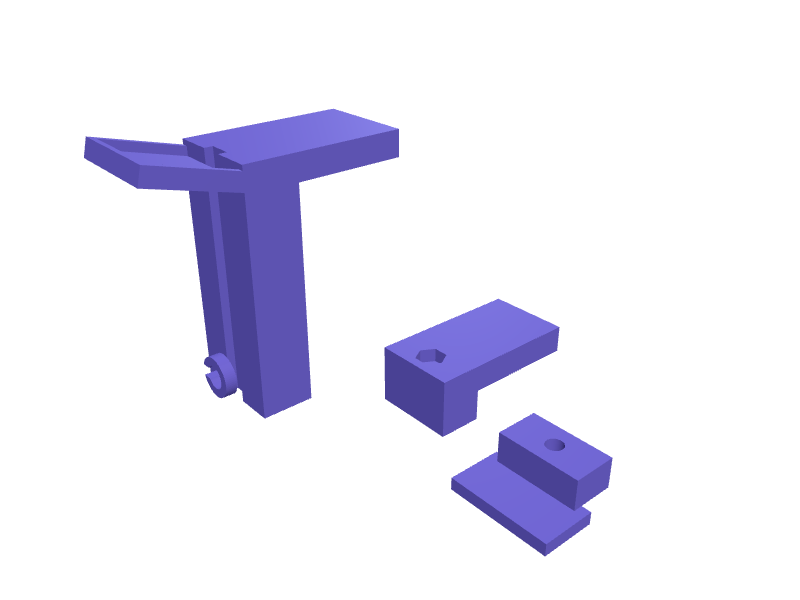
A clip that parks the V15 Detect combination tool on the wand next to the official crevice clip so both travel together. The body is 42 × 30 × 18 mm with a 34 mm tool saddle and a 38 mm wand snap. Print in PETG with 1.6 mm walls. Describe your measurements and SpeakCAD builds it with AI (credits), then download STL, 3MF or sliced G-code.No ready-made model yet: building it uses credits (4 credits for the part on a plan, its first 3 small changes free; Maker: 50 credits a month for $7.99, cancel anytime).Updated
No ready-made model for this part yet
Sign in and SpeakCAD builds it from the prompt below (4 credits for the part on a plan, its first 3 small changes free; Maker: 50 credits a month for $7.99, cancel anytime). Want to try the editor first? The live demo is free, no account.2
Adjust
Change its numbers in the viewer for free, or ask the AI for a change in the chat (2 credits for a small change, 1 for a quick edit, 3 for a redesign; the first 3 small changes are free on a plan).3Print
Download a watertight STL or 3MF, included in every plan (4 credits without one), or G-code sliced for your printer at the same price.
Example prompt
Create a V15 combination-tool clip 42×30×18 mm, 34 mm tool saddle, 38 mm wand snap, 1.6 mm PETG.
Fit notes
The official dock holds one tool. In SpeakCAD you add the hair-screw tool, preview the clip in the browser, then download the STL.
Questions people ask about a Dyson V15 Detect combination-tool clip
A clip that parks the V15 Detect combination tool on the wand next to the official crevice clip so both travel together. The body is 42 × 30 × 18 mm with a 34 mm tool saddle and a 38 mm wand snap. Print in PETG with 1.6 mm walls.
There is no ready-made model for this part yet. Click Build it with AI and sign in: the example prompt on this page is filled in, and SpeakCAD builds the part from it in your browser (4 credits for the part on a plan, its first 3 small changes free). Change any number in the viewer for free, then download a watertight STL or 3MF, included in every plan (4 credits without one), or G-code sliced for your printer at the same price. Start with Maker: 50 credits a month for $7.99, cancel anytime.
SpeakCAD builds it to your measurements from the example prompt on this page: the part uses 4 credits on a plan, its first 3 small changes free (3 without a plan), and a small change after them 2, then the STL or 3MF download is included in every plan (4 credits without one), or G-code sliced for your printer at the same price. Start with Maker: 50 credits a month for $7.99, cancel anytime. To try the editor before paying, the live demo is free, no account.
A shared STL is modelled for someone else's measurements. SpeakCAD builds this part to the millimetres you give it (AI requests use credits), so the file you download is sized for the part you actually own.
Yes. SpeakCAD slices the part on its servers with OrcaSlicer and your printer's official profile (380+ printers, including Bambu Lab, Prusa, Creality and Elegoo), and you download the G-code (a sliced .gcode.3mf for Bambu Lab printers). G-code sliced for your printer costs the same as the STL: included in every plan, free for a part you shaped by hand, 4 credits without a plan for a part with AI work in it. Pick your printer on the printers page to see its profile.
No. SpeakCAD runs in the browser on your phone or computer: the chat, the 3D engine and the live viewer load in the tab. The only file you download is the finished STL, 3MF or sliced G-code.
Print it your way
More brackets & mounts
Google Nest Mini wall hanger with hidden cableReady-made, opens free. A hanger for the Google Nest Mini that uses the screw slot moulded into the back of the speaker.Kärcher K4 pressure washer nozzle holder wall bracketReady-made, opens free. A wall bracket that parks the Vario Power lance, Dirt Blaster nozzle and foam cannon of a Kärcher K4 or K5 pressure washer so they stop rolling around the ga…Sony WH-1000XM5 headphone wall hook with cable slotReady-made, opens free. A slim wall hook designed around the narrow headband of the Sony WH-1000XM5, which is only about 25 mm wide at the top and slides off a chunky gaming-headset…Home Assistant Green wall mountReady-made, opens free. A wall mount that holds a Home Assistant Green with a 14 mm Ethernet cutout and two 4.5 mm holes.Bracket to fit a 2.5 inch SSD in a 3.5 inch bayReady-made, opens free. A rail-style bracket that positions a 2.5 inch SSD inside a 3.5 inch drive bay so the case's standard screws or tool-less clips engage.iPhone 15 stroller handlebar phone mount clampReady-made, opens free. A two-piece clamp that bolts around a stroller or buggy handlebar between 25 and 32 mm in diameter and carries an iPhone 15 (147.6 x 71.6 x 7.8 mm) where you…