
1
Brackets & mounts
Voron 2.4 Raspberry Pi Camera Module 3 mount
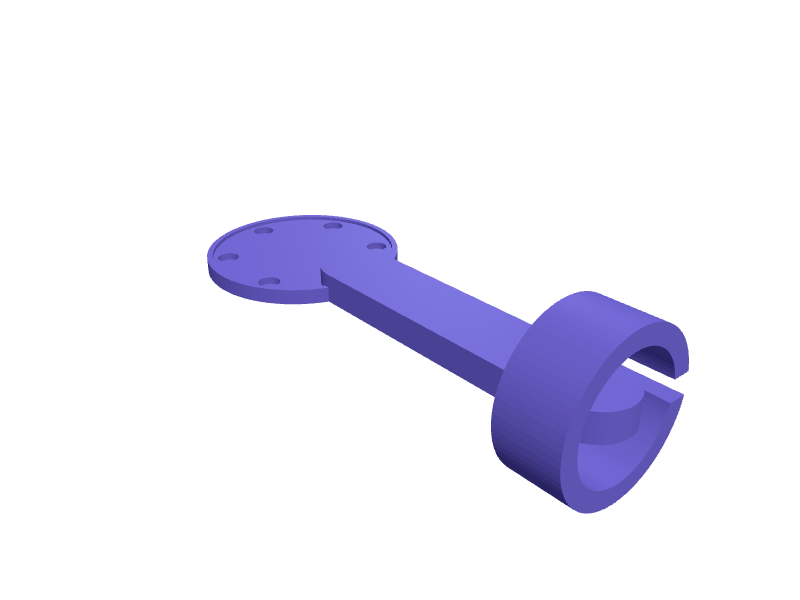
A camera mount for a Raspberry Pi Camera Module 3 (25 × 24 mm board) that bolts to the 2020 frame of a Voron 2.4 for Klipper and Mainsail timelapses. The camera sits in a case with M2 bosses at 21 × 12.5 mm, a 9 mm lens hole and a 16 mm ribbon slot, on a 60 mm arm with a ball joint and an M5 T-nut hole. Print in ASA or ABS. Describe your measurements and SpeakCAD builds it with AI (credits), then download STL, 3MF or sliced G-code.No ready-made model yet: building it uses credits (4 credits for the part on a plan, its first 3 small changes free; Maker: 50 credits a month for $7.99, cancel anytime).Updated
No ready-made model for this part yet
Sign in and SpeakCAD builds it from the prompt below (4 credits for the part on a plan, its first 3 small changes free; Maker: 50 credits a month for $7.99, cancel anytime). Want to try the editor first? The live demo is free, no account.2
Adjust
Change its numbers in the viewer for free, or ask the AI for a change in the chat (2 credits for a small change, 1 for a quick edit, 3 for a redesign; the first 3 small changes are free on a plan).3Print
Download a watertight STL or 3MF, included in every plan (4 credits without one), or G-code sliced for your printer at the same price.
Example prompt
Model a Pi Camera Module 3 mount for a 2020 extrusion, case with M2 bosses at 21×12.5 mm, 9 mm lens hole, 16 mm ribbon slot, 60 mm ball-joint arm, M5 hole.
Fit notes
The Camera Module 3 Wide uses the same board but has a wider field of view.
Questions people ask about a Voron 2.4 Raspberry Pi Camera Module 3 mount
A camera mount for a Raspberry Pi Camera Module 3 (25 × 24 mm board) that bolts to the 2020 frame of a Voron 2.4 for Klipper and Mainsail timelapses. The camera sits in a case with M2 bosses at 21 × 12.5 mm, a 9 mm lens hole and a 16 mm ribbon slot, on a 60 mm arm with a ball joint and an M5 T-nut hole. Print in ASA or ABS.
There is no ready-made model for this part yet. Click Build it with AI and sign in: the example prompt on this page is filled in, and SpeakCAD builds the part from it in your browser (4 credits for the part on a plan, its first 3 small changes free). Change any number in the viewer for free, then download a watertight STL or 3MF, included in every plan (4 credits without one), or G-code sliced for your printer at the same price. Start with Maker: 50 credits a month for $7.99, cancel anytime.
SpeakCAD builds it to your measurements from the example prompt on this page: the part uses 4 credits on a plan, its first 3 small changes free (3 without a plan), and a small change after them 2, then the STL or 3MF download is included in every plan (4 credits without one), or G-code sliced for your printer at the same price. Start with Maker: 50 credits a month for $7.99, cancel anytime. To try the editor before paying, the live demo is free, no account.
A shared STL is modelled for someone else's measurements. SpeakCAD builds this part to the millimetres you give it (AI requests use credits), so the file you download is sized for the part you actually own.
Yes. SpeakCAD slices the part on its servers with OrcaSlicer and your printer's official profile (380+ printers, including Bambu Lab, Prusa, Creality and Elegoo), and you download the G-code (a sliced .gcode.3mf for Bambu Lab printers). G-code sliced for your printer costs the same as the STL: included in every plan, free for a part you shaped by hand, 4 credits without a plan for a part with AI work in it. Pick your printer on the printers page to see its profile.
No. SpeakCAD runs in the browser on your phone or computer: the chat, the 3D engine and the live viewer load in the tab. The only file you download is the finished STL, 3MF or sliced G-code.
Print it your way
Make one to your sizes
More brackets & mounts
iPad mini car headrest mount for back seatReady-made, opens free. A rear-seat holder for the iPad mini (195.4 x 134.8 x 6.3 mm) that clamps to the two headrest posts so children can watch films in landscape.Philips Hue dimmer switch magnetic wall plateReady-made, opens free. A replacement wall plate for the Philips Hue dimmer switch, a remote about 115 x 35 mm that normally clicks onto a stock plate.Tesla NACS mobile connector wall holster and cable hookReady-made, opens free. A holster for the Tesla NACS plug on the Mobile Connector or Wall Connector, with a separate hook for the 6 m cable and a shelf for the control box.Pixel 10 Pro XL out-front bike mountReady-made, opens free. An out-front handlebar mount for a Pixel 10 Pro XL (about 163 × 77 × 8.6 mm) with a 22.2 / 31.8 mm clamp and a 70 mm deep cradle that clears the Camera Bar.UniFi G6 Instant corner mountReady-made, opens free. A corner mount that aims a G6 Instant at 45 degrees across a porch, 80 × 40 × 40 mm with the official 4-hole pattern.Under-shelf bracket for a cable trayReady-made, opens free. A J-shaped bracket that screws to the underside of a shelf or table and cradles a bundle of cables or a slim power strip out of sight.