1
Kitchen & home
Vitamix Ascent A3500 cup drying tree
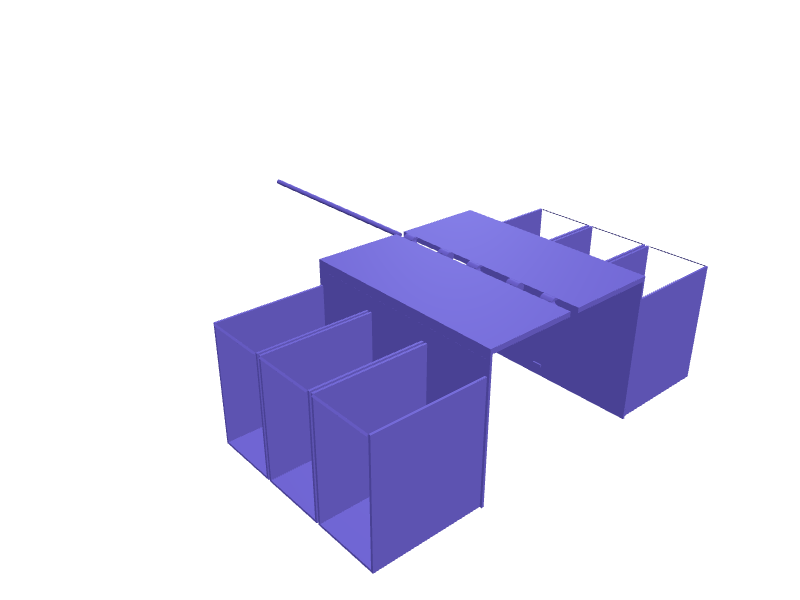
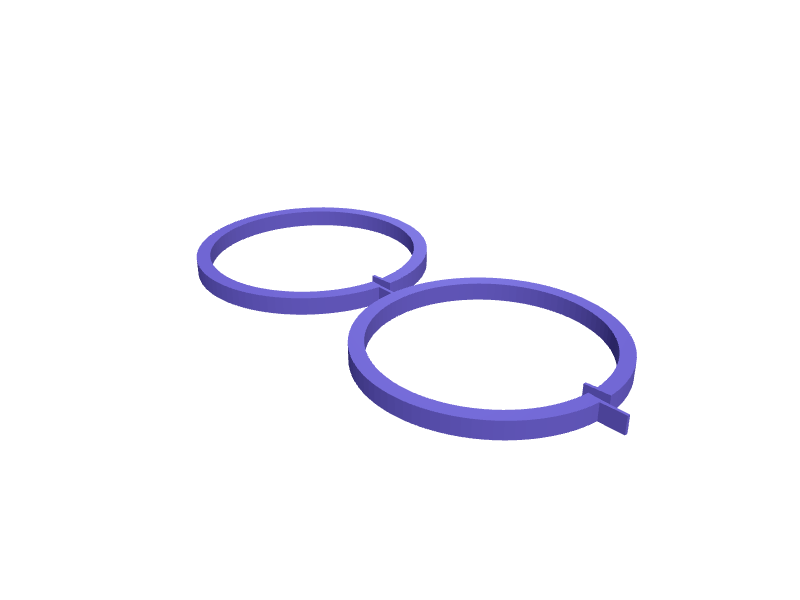
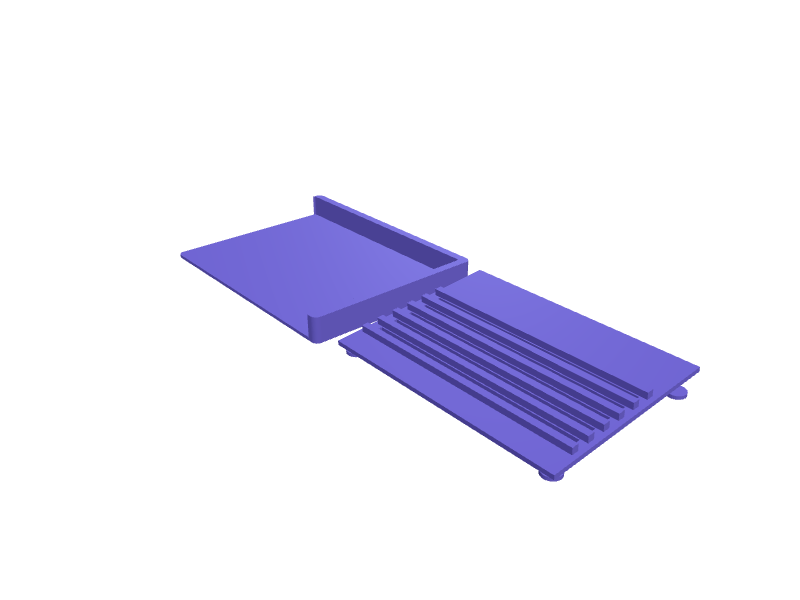
A tree that dries two Ascent blending cups (about 600 ml, 80 mm ID) plus the blade bases so they are not in the dishwasher rack on their blades. Two 50 mm pegs sit on a 140 × 70 mm base. Print in PETG with 2 mm walls. Describe your measurements and SpeakCAD builds it with AI (credits), then download STL, 3MF or sliced G-code.No ready-made model yet: building it uses credits (4 credits for the part on a plan, its first 3 small changes free; Maker: 50 credits a month for $7.99, cancel anytime).Updated
No ready-made model for this part yet
Sign in and SpeakCAD builds it from the prompt below (4 credits for the part on a plan, its first 3 small changes free; Maker: 50 credits a month for $7.99, cancel anytime). Want to try the editor first? The live demo is free, no account.2
Adjust
Change its numbers in the viewer for free, or ask the AI for a change in the chat (2 credits for a small change, 1 for a quick edit, 3 for a redesign; the first 3 small changes are free on a plan).3Print
Download a watertight STL or 3MF, included in every plan (4 credits without one), or G-code sliced for your printer at the same price.
Example prompt
Model an Ascent A3500 cup drying tree 140×70×80 mm, two 50 mm pegs, 2 mm PETG.
Fit notes
The Ascent tamper holster is for the full jar. In SpeakCAD you add a third cup, preview the tree in the browser, then download the STL.
Questions people ask about a Vitamix Ascent A3500 cup drying tree
A tree that dries two Ascent blending cups (about 600 ml, 80 mm ID) plus the blade bases so they are not in the dishwasher rack on their blades. Two 50 mm pegs sit on a 140 × 70 mm base. Print in PETG with 2 mm walls.
There is no ready-made model for this part yet. Click Build it with AI and sign in: the example prompt on this page is filled in, and SpeakCAD builds the part from it in your browser (4 credits for the part on a plan, its first 3 small changes free). Change any number in the viewer for free, then download a watertight STL or 3MF, included in every plan (4 credits without one), or G-code sliced for your printer at the same price. Start with Maker: 50 credits a month for $7.99, cancel anytime.
SpeakCAD builds it to your measurements from the example prompt on this page: the part uses 4 credits on a plan, its first 3 small changes free (3 without a plan), and a small change after them 2, then the STL or 3MF download is included in every plan (4 credits without one), or G-code sliced for your printer at the same price. Start with Maker: 50 credits a month for $7.99, cancel anytime. To try the editor before paying, the live demo is free, no account.
A shared STL is modelled for someone else's measurements. SpeakCAD builds this part to the millimetres you give it (AI requests use credits), so the file you download is sized for the part you actually own.
Yes. SpeakCAD slices the part on its servers with OrcaSlicer and your printer's official profile (380+ printers, including Bambu Lab, Prusa, Creality and Elegoo), and you download the G-code (a sliced .gcode.3mf for Bambu Lab printers). G-code sliced for your printer costs the same as the STL: included in every plan, free for a part you shaped by hand, 4 credits without a plan for a part with AI work in it. Pick your printer on the printers page to see its profile.
No. SpeakCAD runs in the browser on your phone or computer: the chat, the 3D engine and the live viewer load in the tab. The only file you download is the finished STL, 3MF or sliced G-code.
Print it your way
More kitchen & home
Nespresso Original capsule dispenser wall mounted gravity feedReady-made, opens free. A vertical gravity dispenser for Nespresso Original capsules that screws or sticks to the wall or the side of a cabinet next to the machine.KitchenAid stand mixer bowl cover lid with pour chuteReady-made, opens free. A splash lid for the 4.8 litre bowl of a KitchenAid Artisan tilt-head mixer that clips onto the rim and lets you add flour through a chute while the beater r…Breville Barista Pro 54 mm dosing funnelReady-made, opens free. A 54 mm dosing funnel that sits on a Barista Pro portafilter with a 55 mm ID and a 12 mm wall so a WDT tool does not flick grounds.SodaStream Terra bottle drying treeReady-made, opens free. A tree that holds three Terra / Duo bottles upside down on 22 mm pegs 80 mm tall with a 140 mm drip tray.Dyson HP07 filter drying rackReady-made, opens free. A rack that stands a washed HP07 HEPA+carbon filter (about 220 mm tall, 180 mm wide) on edge so it dries before you drop it back in the tower.Weighted countertop paper towel holderReady-made, opens free. A freestanding holder that dispenses a paper towel roll with one hand thanks to a tension arm resting on the roll.