1
Replacement parts
Cover caps for M8 socket head screws
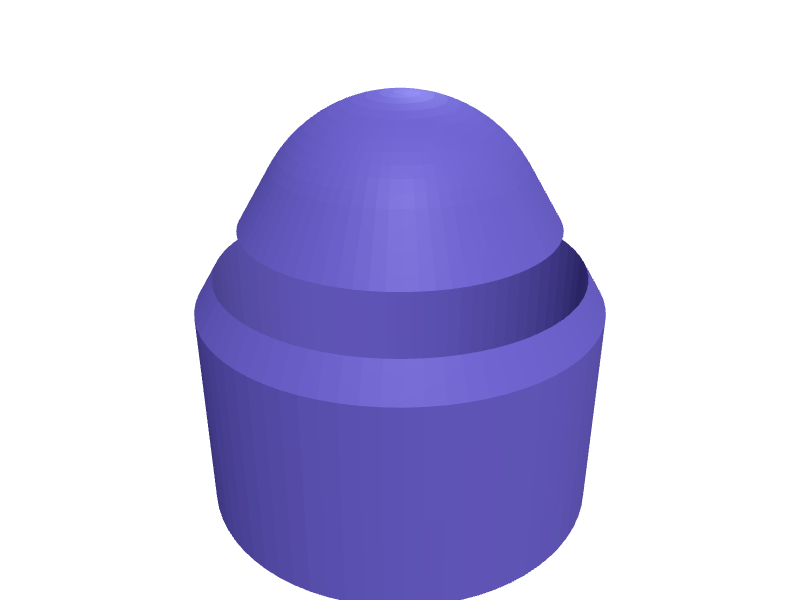
Cover caps that push into the hex socket of M8 socket head screws, to finish an aluminium profile sim rig and stop the bolt heads catching on clothes and cables. Each cap is a 14 mm disc over the 13 mm head with a split hexagonal plug that tapers from 6.1 to 5.8 mm across flats and grips the 6 mm socket. The discs are 1.6 mm thick. The set of 12 prints disc down in a few minutes, without supports, in any filament. Describe your measurements and SpeakCAD builds it with AI (credits), then download STL, 3MF or sliced G-code.No ready-made model yet: building it uses credits (4 credits for the part on a plan, its first 3 small changes free; Maker: 50 credits a month for $7.99, cancel anytime).Updated
No ready-made model for this part yet
Sign in and SpeakCAD builds it from the prompt below (4 credits for the part on a plan, its first 3 small changes free; Maker: 50 credits a month for $7.99, cancel anytime). Want to try the editor first? The live demo is free, no account.2
Adjust
Change its numbers in the viewer for free, or ask the AI for a change in the chat (2 credits for a small change, 1 for a quick edit, 3 for a redesign; the first 3 small changes are free on a plan).3Print
Download a watertight STL or 3MF, included in every plan (4 credits without one), or G-code sliced for your printer at the same price.
Example prompt
Make a set of 12 push-in cover caps for M8 socket head cap screws (13 mm head, 6 mm hex socket) on an aluminium profile rig. Each cap: a disc 14 mm in diameter and 1.6 mm thick with a 0.5 mm chamfer on the top edge, and under it a hexagonal plug 3.5 mm long that tapers from 6.1 mm across flats at the disc to 5.8 mm at the tip, split by a 0.8 mm slot across its full length so it squeezes into the socket. Lay the 12 caps in a 4 × 3 grid on a 20 mm pitch, disc down, plug up, no supports.
Fit notes
The plug has to match the socket, not the thread. M8 button head screws have a 5 mm socket and a 14 mm head, M6 socket heads a 5 mm socket and a 10 mm head, and printers differ by a tenth of a millimetre on a part this small. In SpeakCAD you set the socket size, the disc and how many caps go on the plate, and adjust the taper if the first one is loose.
Questions people ask about cover caps for M8 socket head screws
Cover caps that push into the hex socket of M8 socket head screws, to finish an aluminium profile sim rig and stop the bolt heads catching on clothes and cables. Each cap is a 14 mm disc over the 13 mm head with a split hexagonal plug that tapers from 6.1 to 5.8 mm across flats and grips the 6 mm socket. The discs are 1.6 mm thick. The set of 12 prints disc down in a few minutes, without supports, in any filament.
There is no ready-made model for this part yet. Click Build it with AI and sign in: the example prompt on this page is filled in, and SpeakCAD builds the part from it in your browser (4 credits for the part on a plan, its first 3 small changes free). Change any number in the viewer for free, then download a watertight STL or 3MF, included in every plan (4 credits without one), or G-code sliced for your printer at the same price. Start with Maker: 50 credits a month for $7.99, cancel anytime.
SpeakCAD builds it to your measurements from the example prompt on this page: the part uses 4 credits on a plan, its first 3 small changes free (3 without a plan), and a small change after them 2, then the STL or 3MF download is included in every plan (4 credits without one), or G-code sliced for your printer at the same price. Start with Maker: 50 credits a month for $7.99, cancel anytime. To try the editor before paying, the live demo is free, no account.
A shared STL is modelled for someone else's measurements. SpeakCAD builds this part to the millimetres you give it (AI requests use credits), so the file you download is sized for the part you actually own.
Yes. SpeakCAD slices the part on its servers with OrcaSlicer and your printer's official profile (380+ printers, including Bambu Lab, Prusa, Creality and Elegoo), and you download the G-code (a sliced .gcode.3mf for Bambu Lab printers). G-code sliced for your printer costs the same as the STL: included in every plan, free for a part you shaped by hand, 4 credits without a plan for a part with AI work in it. Pick your printer on the printers page to see its profile.
No. SpeakCAD runs in the browser on your phone or computer: the chat, the 3D engine and the live viewer load in the tab. The only file you download is the finished STL, 3MF or sliced G-code.
Print it your way
Make one to your sizes
More replacement parts
Window handle with 7 mm square spindleReady-made, opens free. Tilt-and-turn and casement windows use an espagnolette handle on a 7 mm square spindle; when the original breaks the window is stuck.Ortlieb QL2.1 pannier hook insert replacementReady-made, opens free. Ortlieb Back-Roller and Sport-Roller panniers use QL2.1 hooks with small plastic inserts that adapt the hook to rack tubing of 8, 10, 12 or 16 mm; the insert…Bambu Lab X1C purge wiper replacement bladeReady-made, opens free. A replacement for the small nozzle wiper blade at the rear of the Bambu Lab X1 Carbon and P1S, which wears a groove after a few hundred hours and stops clean…Track-saw splinter-guard replacement stripReady-made, opens free. A 1400 mm splinter-guard strip in 200 mm sections that clip onto a Festool / Makita style track's 4 mm T-slot.IKEA ALEX drawer-stop clip pairReady-made, opens free. A pair of clips that stop an ALEX drawer from rolling all the way out on a slightly uneven floor.Dishwasher rack wheel replacementReady-made, opens free. When a lower rack wheel cracks the whole basket drags and jams, yet the original spare often costs more than a set of four printed ones.