1
Tools & jigs
DeWalt TOUGHSYSTEM 2.0 bit rails
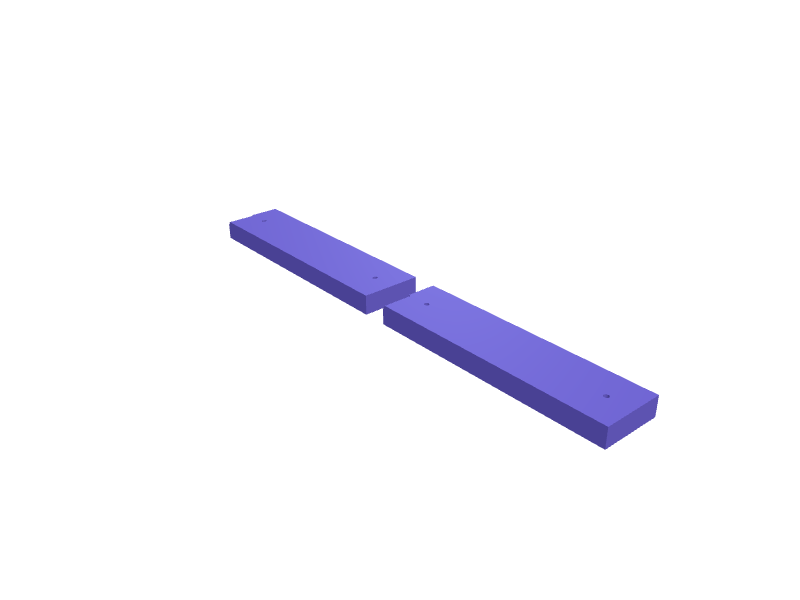
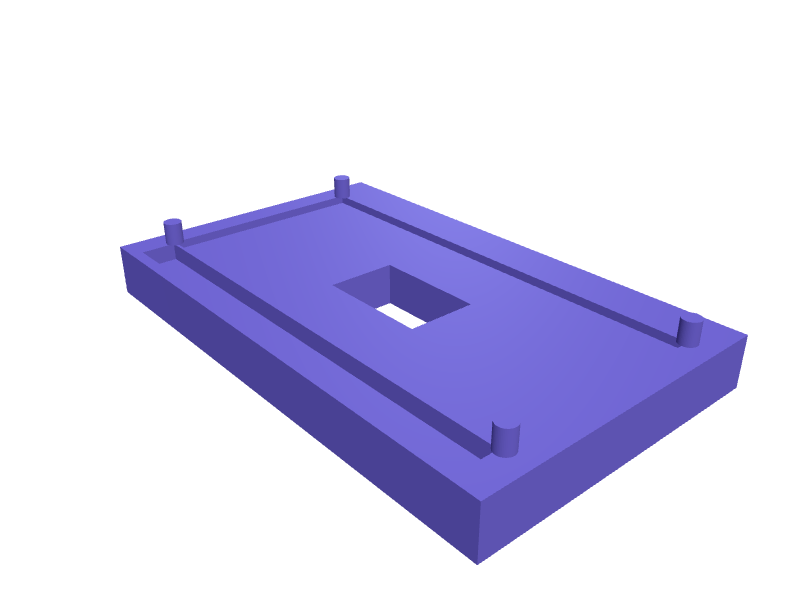
Rails that drop into a TOUGHSYSTEM 2.0 DS150 and hold 40 bits on 7 mm slots so they replace the foam. The plate is 280 × 160 × 16 mm. Print flat in PETG with 1.6 mm walls. Describe your measurements and SpeakCAD builds it with AI (credits), then download STL, 3MF or sliced G-code.No ready-made model yet: building it uses credits (4 credits for the part on a plan, its first 3 small changes free; Maker: 50 credits a month for $7.99, cancel anytime).Updated
No ready-made model for this part yet
Sign in and SpeakCAD builds it from the prompt below (4 credits for the part on a plan, its first 3 small changes free; Maker: 50 credits a month for $7.99, cancel anytime). Want to try the editor first? The live demo is free, no account.2
Adjust
Change its numbers in the viewer for free, or ask the AI for a change in the chat (2 credits for a small change, 1 for a quick edit, 3 for a redesign; the first 3 small changes are free on a plan).3Print
Download a watertight STL or 3MF, included in every plan (4 credits without one), or G-code sliced for your printer at the same price.
Example prompt
Design TOUGHSYSTEM 2.0 bit rails 280×160×16 mm, 7 mm slots for 40 bits, 1.6 mm PETG.
Fit notes
The TOUGHSYSTEM drill-bit index is a different layout. Tell SpeakCAD bit count, preview the rails in the browser, then download the STL.
Questions people ask about DeWalt TOUGHSYSTEM 2.0 bit rails
Rails that drop into a TOUGHSYSTEM 2.0 DS150 and hold 40 bits on 7 mm slots so they replace the foam. The plate is 280 × 160 × 16 mm. Print flat in PETG with 1.6 mm walls.
There is no ready-made model for this part yet. Click Build it with AI and sign in: the example prompt on this page is filled in, and SpeakCAD builds the part from it in your browser (4 credits for the part on a plan, its first 3 small changes free). Change any number in the viewer for free, then download a watertight STL or 3MF, included in every plan (4 credits without one), or G-code sliced for your printer at the same price. Start with Maker: 50 credits a month for $7.99, cancel anytime.
SpeakCAD builds it to your measurements from the example prompt on this page: the part uses 4 credits on a plan, its first 3 small changes free (3 without a plan), and a small change after them 2, then the STL or 3MF download is included in every plan (4 credits without one), or G-code sliced for your printer at the same price. Start with Maker: 50 credits a month for $7.99, cancel anytime. To try the editor before paying, the live demo is free, no account.
A shared STL is modelled for someone else's measurements. SpeakCAD builds this part to the millimetres you give it (AI requests use credits), so the file you download is sized for the part you actually own.
Yes. SpeakCAD slices the part on its servers with OrcaSlicer and your printer's official profile (380+ printers, including Bambu Lab, Prusa, Creality and Elegoo), and you download the G-code (a sliced .gcode.3mf for Bambu Lab printers). G-code sliced for your printer costs the same as the STL: included in every plan, free for a part you shaped by hand, 4 credits without a plan for a part with AI work in it. Pick your printer on the printers page to see its profile.
No. SpeakCAD runs in the browser on your phone or computer: the chat, the 3D engine and the live viewer load in the tab. The only file you download is the finished STL, 3MF or sliced G-code.
Print it your way
More tools & jigs
Spray can trigger handleReady-made, opens free. Pressing an aerosol nozzle for long paint sessions cramps your finger and gives uneven coverage.Dremel 4000 plunge router base with depth stopReady-made, opens free. A small router base that threads onto the nose of a Dremel 4000, 3000 or 8220 so the tool can cut inlays, dados and hinge recesses with a 3.2 mm shank bit.Bambu Lab P1S poop-chute extension binReady-made, opens free. An extension that carries P1S purge poop 80 mm further forward into a 90 × 70 × 50 mm bin so it does not pile against the door.Router edge-guide clamp-on fenceReady-made, opens free. A clamp-on fence that turns any palm router into an edge guide with a 120 mm face and a 20–40 mm clamp for the base.F-style clamp pads 40 mmReady-made, opens free. Snap-on 40 mm pads for F-style clamps that spread the load on soft wood.TS101 iron stand with brass wellReady-made, opens free. A stand that holds a TS101 at 45 degrees with a 12 mm brass-wool well and a 14 mm USB-C slot for the cable.