1
Everyday fixes
Tesla Model S Plaid key-card slot
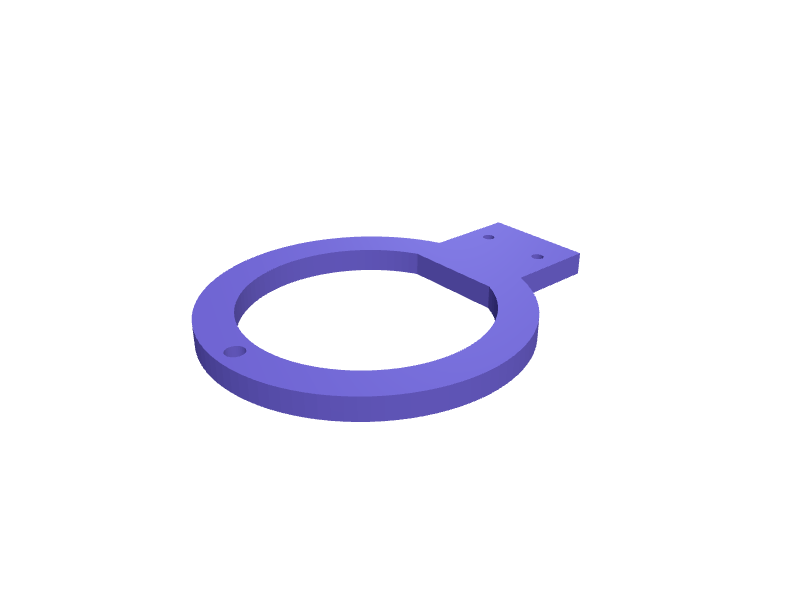
A slot that sits in the Model S Plaid console and parks two key cards plus a fob so they are not in a cup holder. The well is 90 × 60 × 12 mm with two 56 × 4 mm card slots. Print in PETG with 1.6 mm walls. Describe your measurements and SpeakCAD builds it with AI (credits), then download STL, 3MF or sliced G-code.No ready-made model yet: building it uses credits (4 credits for the part on a plan, its first 3 small changes free; Maker: 50 credits a month for $7.99, cancel anytime).Updated
No ready-made model for this part yet
Sign in and SpeakCAD builds it from the prompt below (4 credits for the part on a plan, its first 3 small changes free; Maker: 50 credits a month for $7.99, cancel anytime). Want to try the editor first? The live demo is free, no account.2
Adjust
Change its numbers in the viewer for free, or ask the AI for a change in the chat (2 credits for a small change, 1 for a quick edit, 3 for a redesign; the first 3 small changes are free on a plan).3Print
Download a watertight STL or 3MF, included in every plan (4 credits without one), or G-code sliced for your printer at the same price.
Example prompt
Create a Model S Plaid key-card slot 90×60×12 mm, two 56×4 mm card wells, 1.6 mm PETG.
Fit notes
Model 3 and Y trays are a different well. In SpeakCAD you add a third card, preview the slot in the browser, then download the STL.
Questions people ask about a Tesla Model S Plaid key-card slot
A slot that sits in the Model S Plaid console and parks two key cards plus a fob so they are not in a cup holder. The well is 90 × 60 × 12 mm with two 56 × 4 mm card slots. Print in PETG with 1.6 mm walls.
There is no ready-made model for this part yet. Click Build it with AI and sign in: the example prompt on this page is filled in, and SpeakCAD builds the part from it in your browser (4 credits for the part on a plan, its first 3 small changes free). Change any number in the viewer for free, then download a watertight STL or 3MF, included in every plan (4 credits without one), or G-code sliced for your printer at the same price. Start with Maker: 50 credits a month for $7.99, cancel anytime.
SpeakCAD builds it to your measurements from the example prompt on this page: the part uses 4 credits on a plan, its first 3 small changes free (3 without a plan), and a small change after them 2, then the STL or 3MF download is included in every plan (4 credits without one), or G-code sliced for your printer at the same price. Start with Maker: 50 credits a month for $7.99, cancel anytime. To try the editor before paying, the live demo is free, no account.
A shared STL is modelled for someone else's measurements. SpeakCAD builds this part to the millimetres you give it (AI requests use credits), so the file you download is sized for the part you actually own.
Yes. SpeakCAD slices the part on its servers with OrcaSlicer and your printer's official profile (380+ printers, including Bambu Lab, Prusa, Creality and Elegoo), and you download the G-code (a sliced .gcode.3mf for Bambu Lab printers). G-code sliced for your printer costs the same as the STL: included in every plan, free for a part you shaped by hand, 4 credits without a plan for a part with AI work in it. Pick your printer on the printers page to see its profile.
No. SpeakCAD runs in the browser on your phone or computer: the chat, the 3D engine and the live viewer load in the tab. The only file you download is the finished STL, 3MF or sliced G-code.
Print it your way
More everyday fixes
Cup holder phone mount with gooseneck baseReady-made, opens free. A cup holder phone mount avoids sticky dash pads and suction cups by wedging into a cup holder with an expanding base.Slotted soap dish with drain channelReady-made, opens free. Bar soap turns to mush in a flat dish, while a slotted tray drains water and lets air reach the underside.MOLLE webbing clip for CamelBak hydration tubeReady-made, opens free. A clip that weaves through one row of 25 mm PALS webbing on a MOLLE pack, plate carrier or Osprey Talon shoulder strap and holds a 12 mm CamelBak, Source or…Ryanair 40x20x25 cm cabin bag sizer templateReady-made, opens free. A collapsible frame that reproduces the Ryanair small personal bag limit of 40 x 20 x 25 cm, so you can check a backpack or tote at home before it is measure…Rivian R1T tonneau prop clipReady-made, opens free. A clip that holds an R1T tonneau prop so it does not rattle in the bed, 20 mm snap.AirTag hidden pocket for a MacBook sleeveReady-made, opens free. A 40 × 36 × 10 mm TPU pocket that slips an AirTag into the seam of a 13 or 16-inch MacBook sleeve without a bulge.